Shenzhen Just Motion Control electromechanics co., ltd
0755-26509689
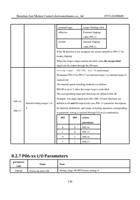
3. Notch filter
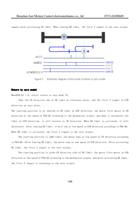
immediat
ely
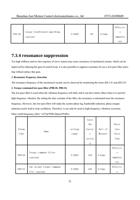
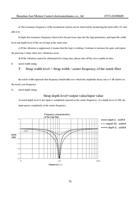
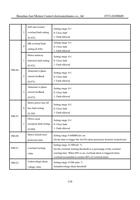
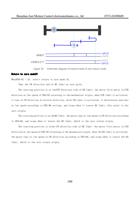
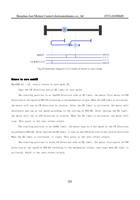
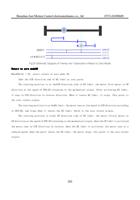
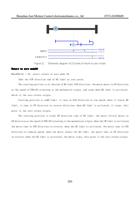
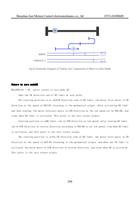
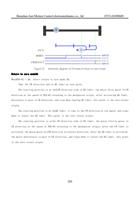
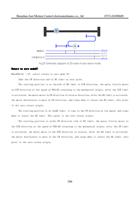
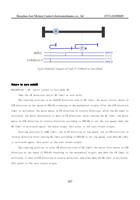
Notch filters are used when the system resonance frequency is fixed. The notch filter can suppress mechanical
resonance by reducing the gain at a specific frequency. After setting the notch filter correctly, the vibration can be
effectively suppressed, and the servo gain can be continuously increased. The servo is internally provided with a
plurality of wave traps, and the first and second wave traps can be automatically set internally or manually input
parameters. Other traps can only be set manually.
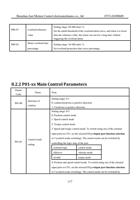
A. adaptive notch mode
When the self-tuning function is used, and P 08-25.0, P08-25.1 are set to1, the servo system will
automatically identify the current resonance frequency through the adaptive notch filter function module, and
automatically configure the notch filter parameters.
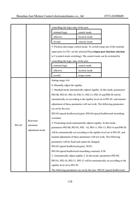
B. Manually perform frequency identification and set trap parameters
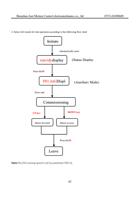
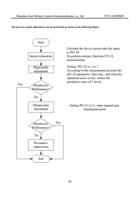
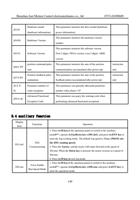
The auxiliary function of the driver can be used to identify the vibration frequency and set the parameters of
the trap. Note: This function is only to scan the maximum amplitude point of each frequency of the machine. This
function scans out frequencies even if the machine itself does not have a mechanical resonance point. Use steps:
a) Confirm whether the first trap and the second trap allow setting. This can be determined by looking at
parameter P08-24. if both that first trap and the second trap are enable. then the parameters of the first or second trap
need to be set to the third trap and the correspondingP 08-24. 0/1 is set to0. This means that the first/second trap can
be reset.
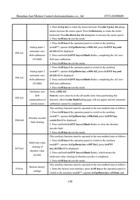
b) Turn off the servo enable so that the servo is in the off enable state. Then the auxiliary function F 21 is
executed
c) After the auxiliary function of F 21 is performed, the driver will give a certain excitation to the motor to
trigger the mechanical resonance. The identified vibration frequency is then displayed on the drive LED.
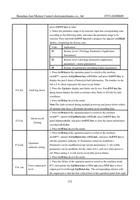
d) If the frequency identification is correct, press and hold the Enter key, the driver will automatically set the
current frequency parameter to the first/second trap, and set the corresponding P 08-24.0/1 to 1 to start the trap.
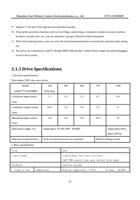
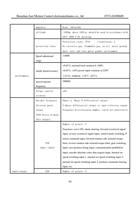
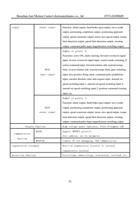
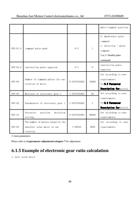
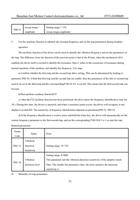
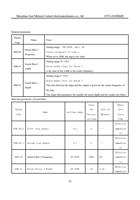
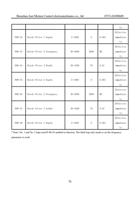
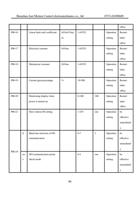
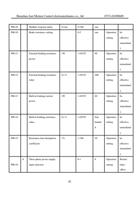
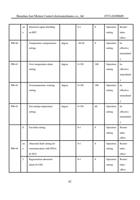
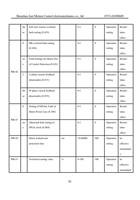
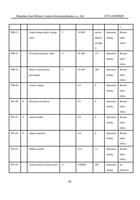
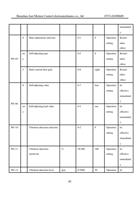
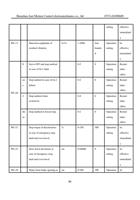
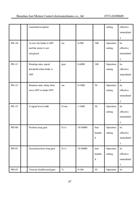
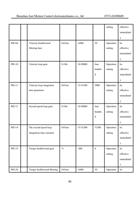
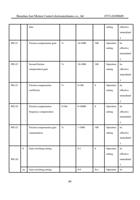
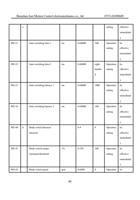
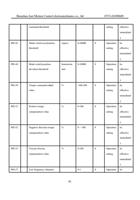
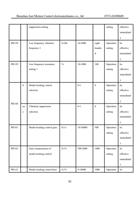
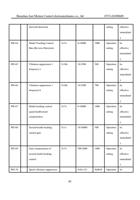
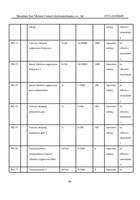
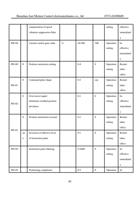
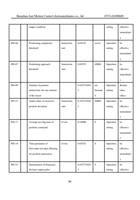
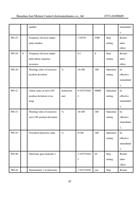
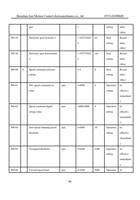
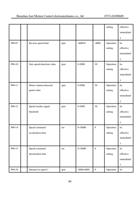
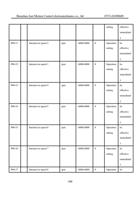
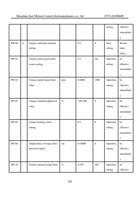
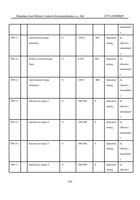
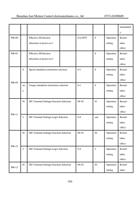
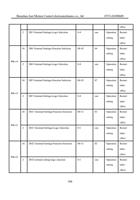
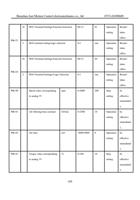
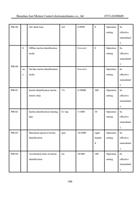
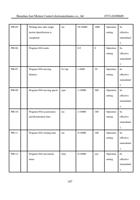
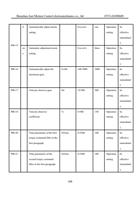
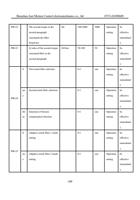
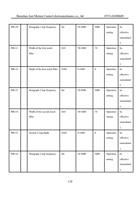
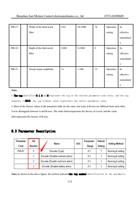
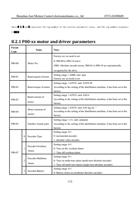
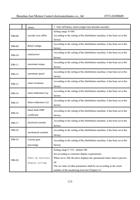
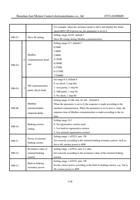
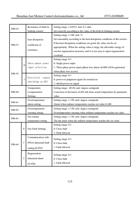
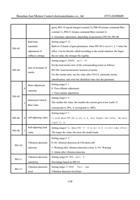
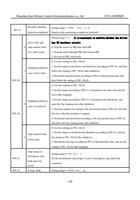
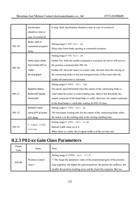
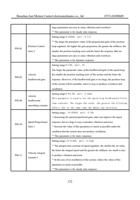
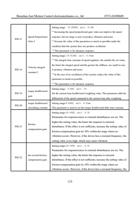
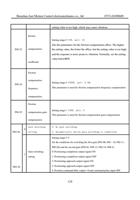
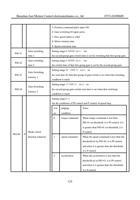
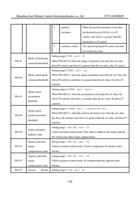
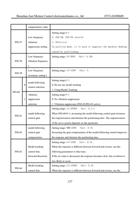
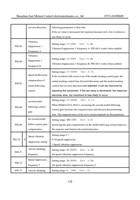
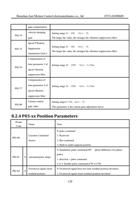
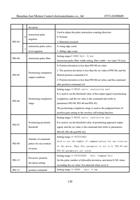
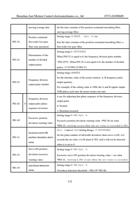
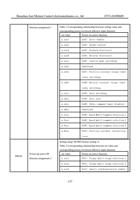
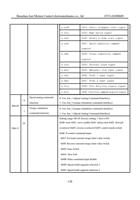
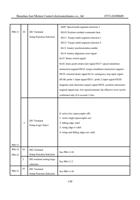
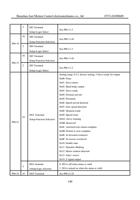
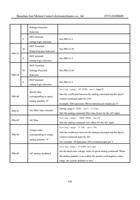
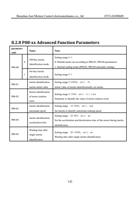
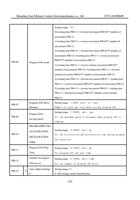
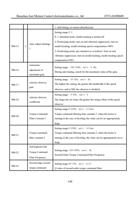
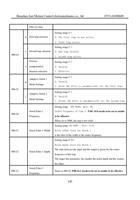
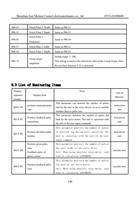
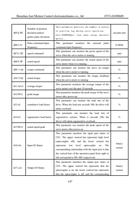
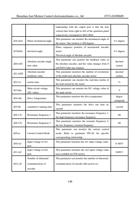
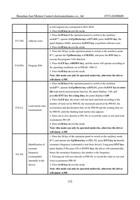
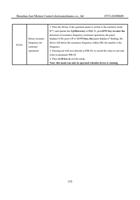
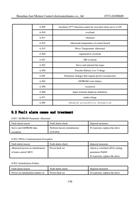
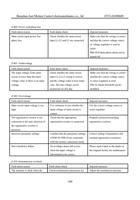
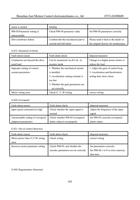
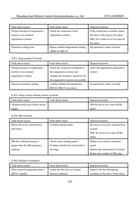
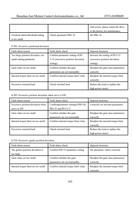
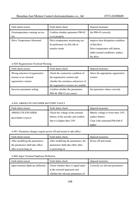
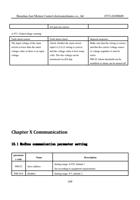
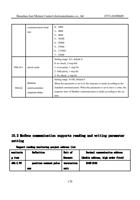
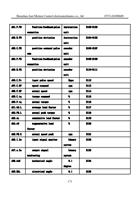
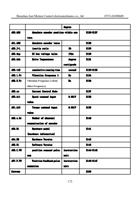
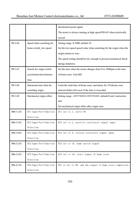
Related parameters
Param
Code
Name
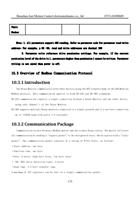
Note:
72