






[F1] Function upgrade: After pressing [F1], make the function upgrade, and the file
corresponding to the function upgrade is F2000V5.upg.
[F2] Interface upgrade: After pressing [F2], upgrade the interface. The
upgrade file name corresponding to the interface upgrade is WELCOME.bmp
(8-bit depth bitmap) or welcome.jpg, with a resolution of 1200*800. Put the
file in the U disk root directory. Interface refers to the welcome picture
when boot. Please contact us about how to make the welcome interface.
[F4] Factory Settings: After pressing [F4], the system will be restored, and the
restored system here will be completely restored to the state of factory, that is,
parameters, IO port configuration, coordinate direction definition, etc., will be
restored to the factory state. In general, please do not use this feature to restore
the system.
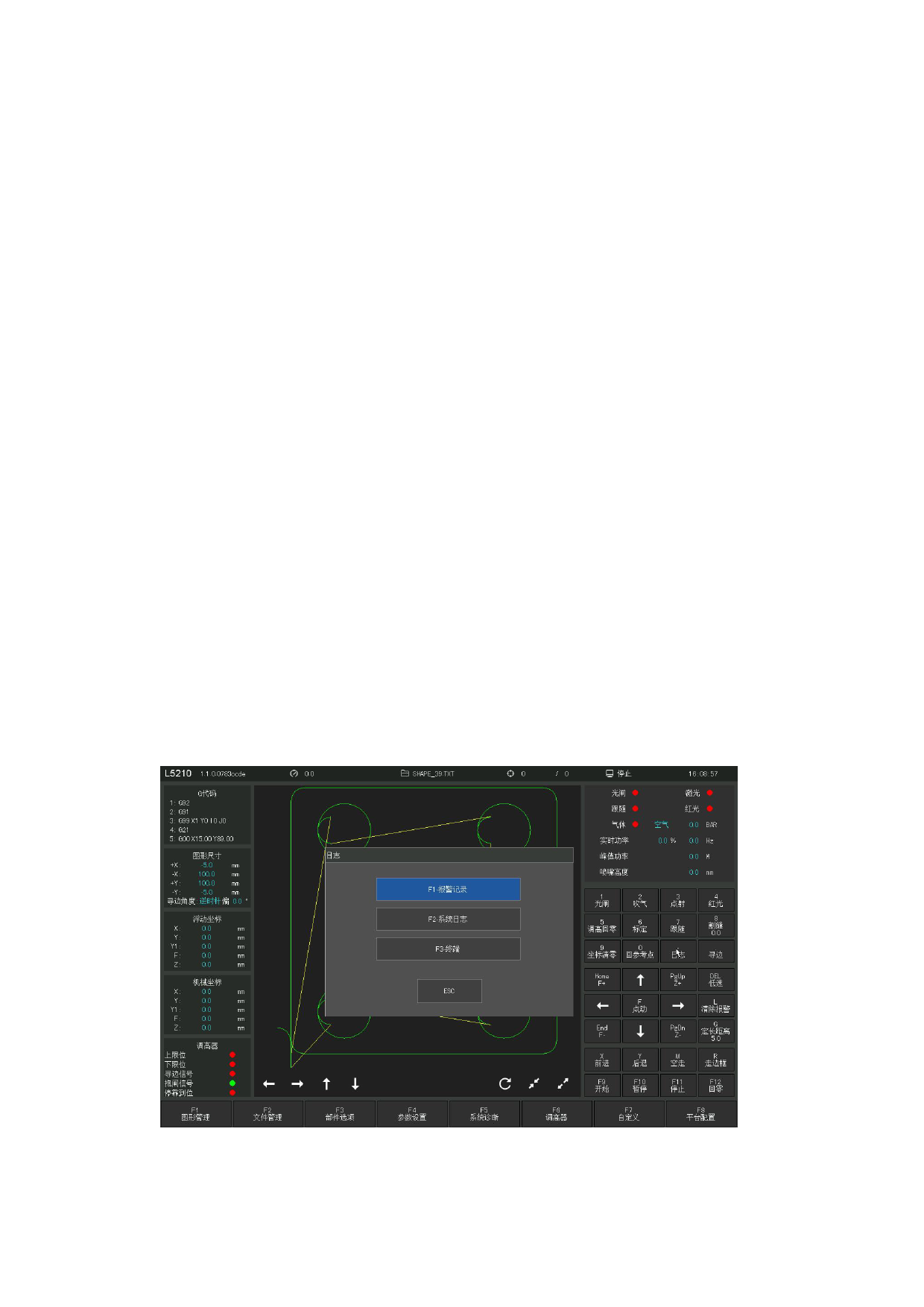
8. 9 Log
A log button is configured in the custom function area on the right side of the
interface. The log information is divided into system log, alarm record and terminal.
Users can enter the log interface through the log button, and enter the system
operation log to view the system running log. When the main interface is in the alarm
/ warning state. At this time, click the alarm log to quickly view the alarm details.
,
Alarm log
Figure 8.1 6 Alarm log entry
110







































































































































