






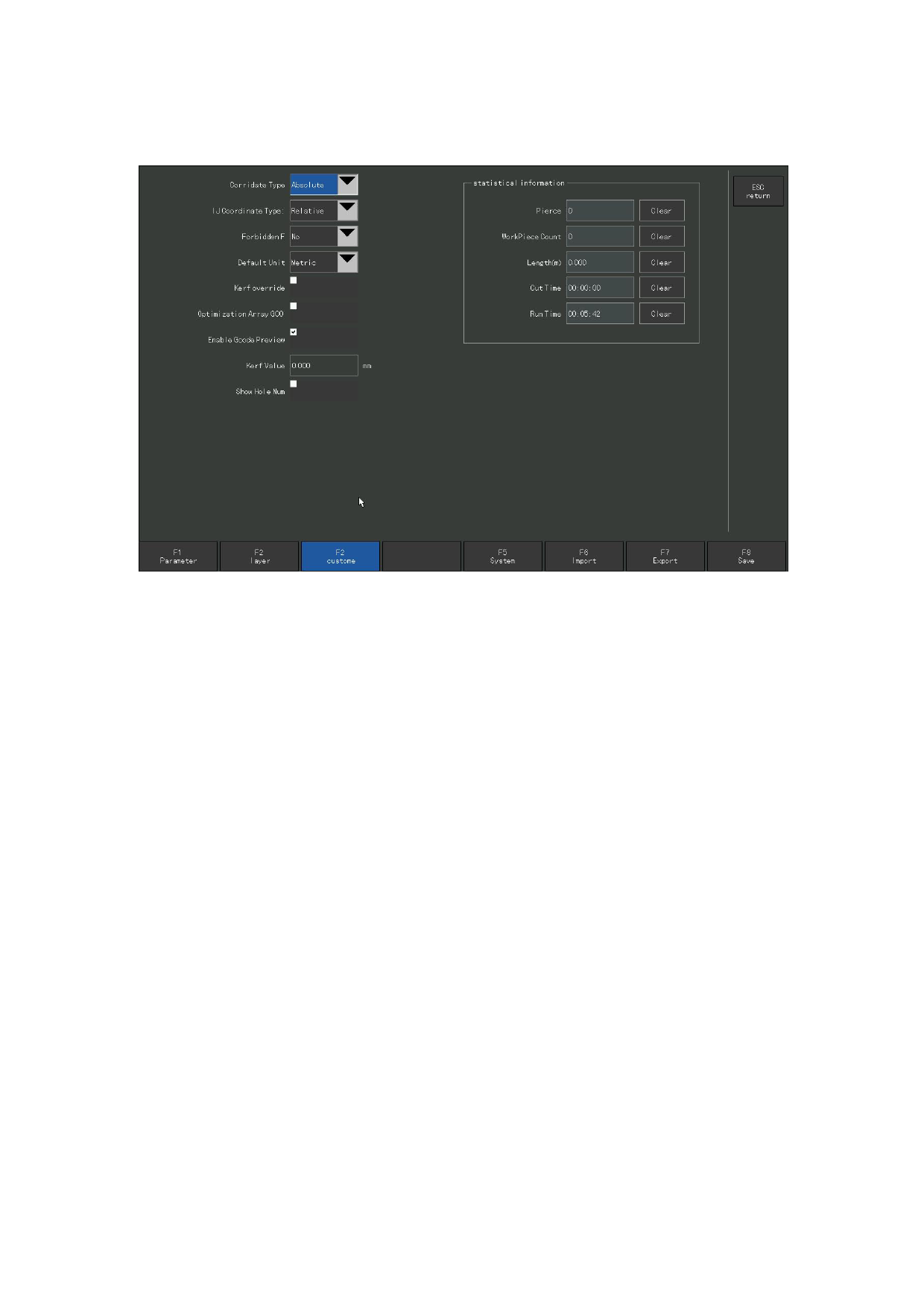
7. 4 User parameters
User parameters: Common user function parameters.
Figure 7. 6 User parameters
After pressing [F4] to enter the parameter setting interface, [F 3] is a common
parameter for users.
Default coordinates: optional relative coordinates, absolute coordinates. If
G90 (absolute coordinates) and G91 (relative coordinates) are specified in
the G code, the ones specified in the G code shall prevail; if no coordinates
are specified in the G code, the configuration item shall prevail, and the
default is relative coordinates.
Forbidden F: when enabled, the F-code is disabled. The F instruction after the G code
(i. e. the speed limit instruction) is ignored.
IJ coordinate type: if there is no G02 / G03 in the G code, will take setup.
If there is, then the G02 or G03 in the code will be the commend of the arc
type. In general, the IJ coordinates of the circular arc are relative
coordinates, and only the few G codes are absolute coordinates.
Enable cut compensation in EIA code: when enabled, kerf can be added. If not, cannot
add kerf.
Remote control type: optional remote control with No, usb, P2P connection. Refer
to the Remote Control input chapter.
Default unit: metric system, British system. The metric system is generally used.
110







































































































































