






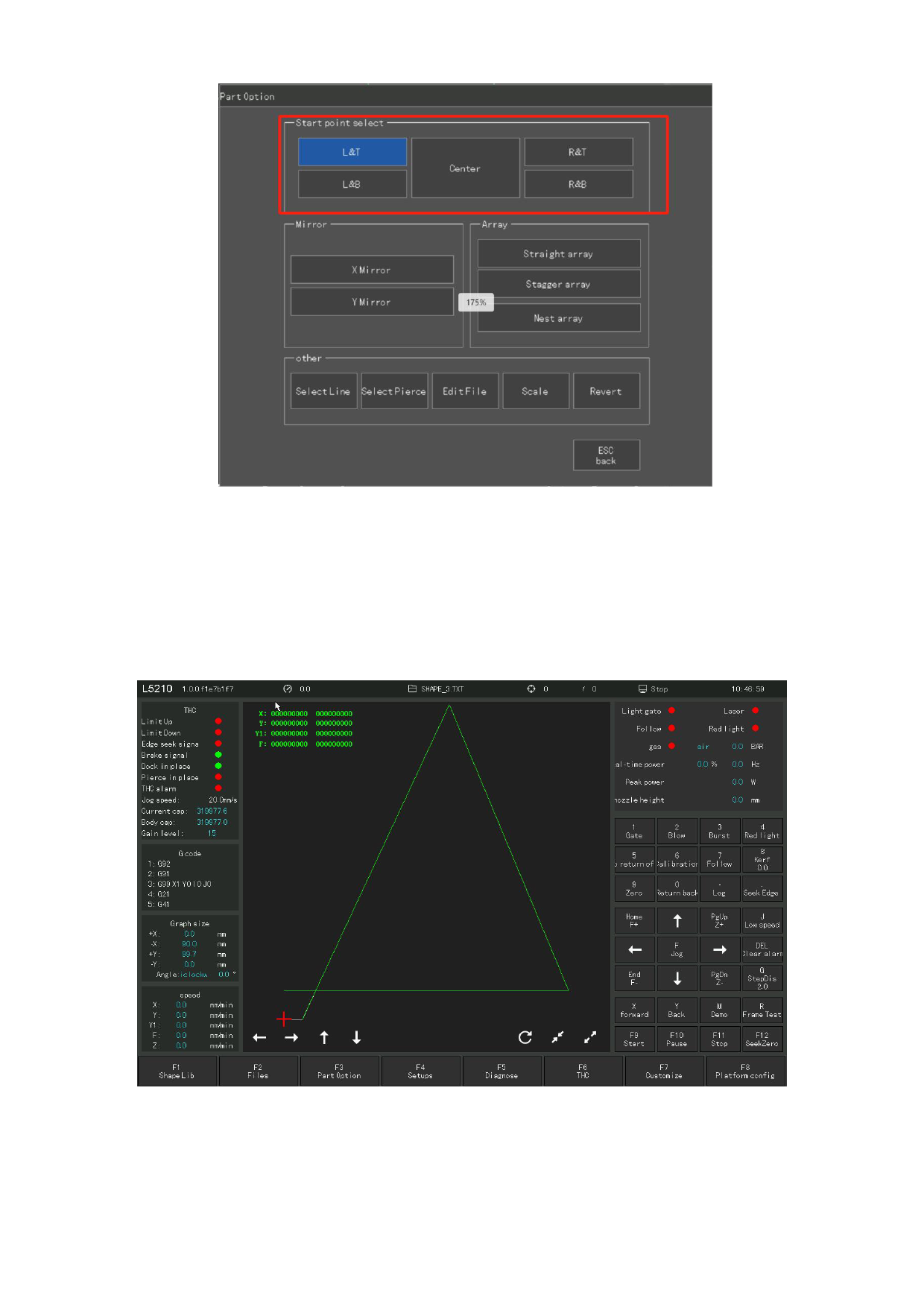
Figure 4.2 Starting Point Selection
After clicking the corresponding starting point to select the position,
the starting point of the cutting part automatically jumps to the corresponding
position. For example, when the starting point is the lower right, the starting
point of the part automatically jumps to the lower right corner. Shown in Figure
4.3 and Figure 4.4.
Figure 4.3 Where the starting point before pressing F4
110







































































































































