






output port configuration, modify the system coordinates, configuration of motor drive
parameters, site configuration, encryption and decryption operation, language
switching, function authorization and other operations.
8. 8.1 Parameter backup and restore
Parameter backup: the process of backup parameters is to press [F 5] (System
Diagnosis) - [F8] (System Definition) -select the parameter backup button under
the main interface of the system and click. The system prompts to enter the password,
enter the password "1396", press the [Enter] key, the system will back up the current
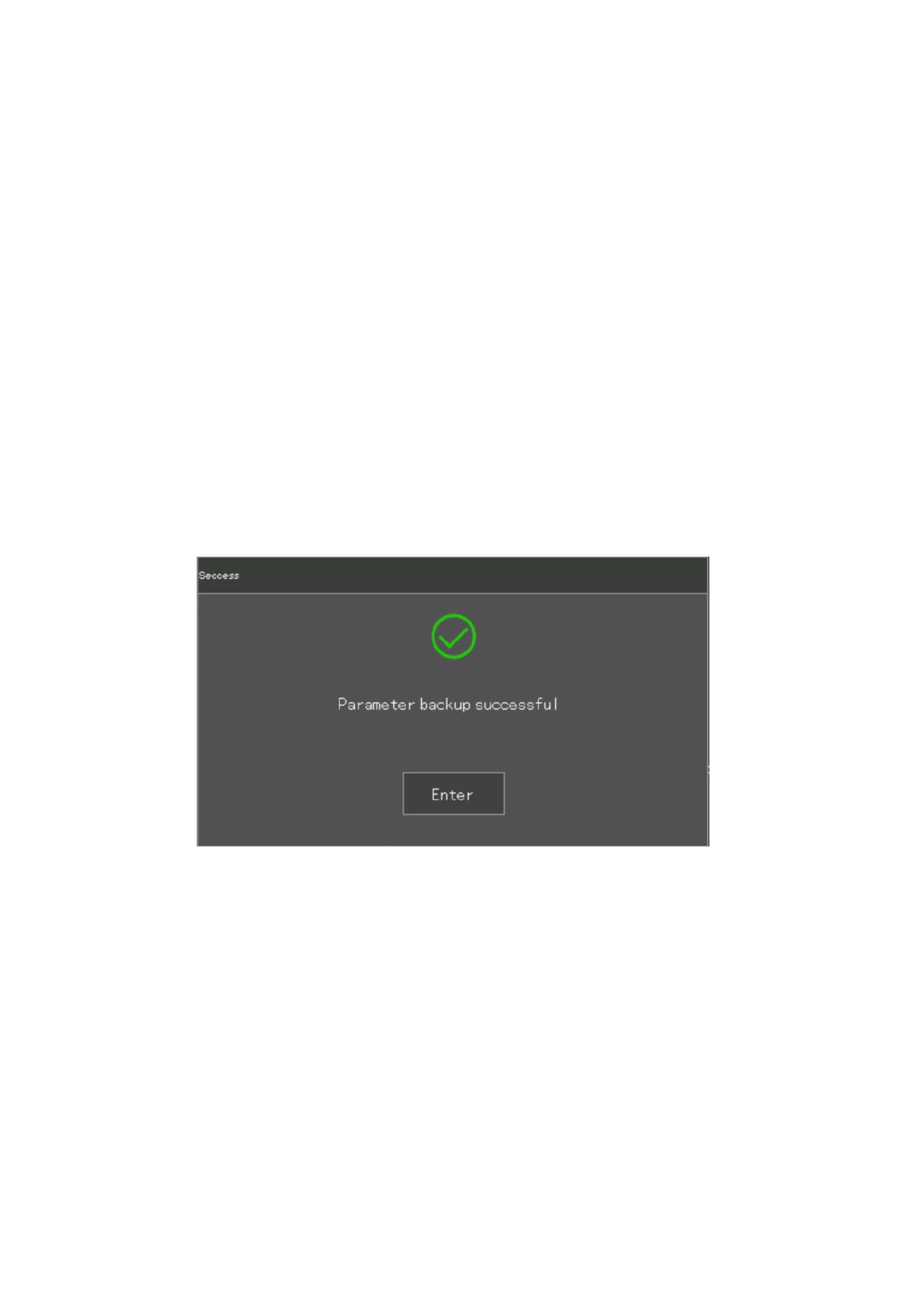
parameters to the default parameters and pop up a " restore parameters success!"
Tip box, as shown in Figure 8.12, press the [Enter] key.
In the future use, if the parameters change unexpectedly or modified by mistake, you
want to restore the parameters, you only need to "restore parameters". The parameters
are stored in the systems local file system.
Note: The equipment manufacturer must make the parameter backup after completing
the installation and debugging of the whole equipment.
Figure 8. 10 Successful parameter backup
8. 8.2 Language Switching
Press [F5 system diagnosis], [F8 system definition], press [F6 language]. You can
switch between multiple languages until you choose the language you need. After
pressing [ESC] to exit, the interface language switches to the selected language.
110







































































































































