






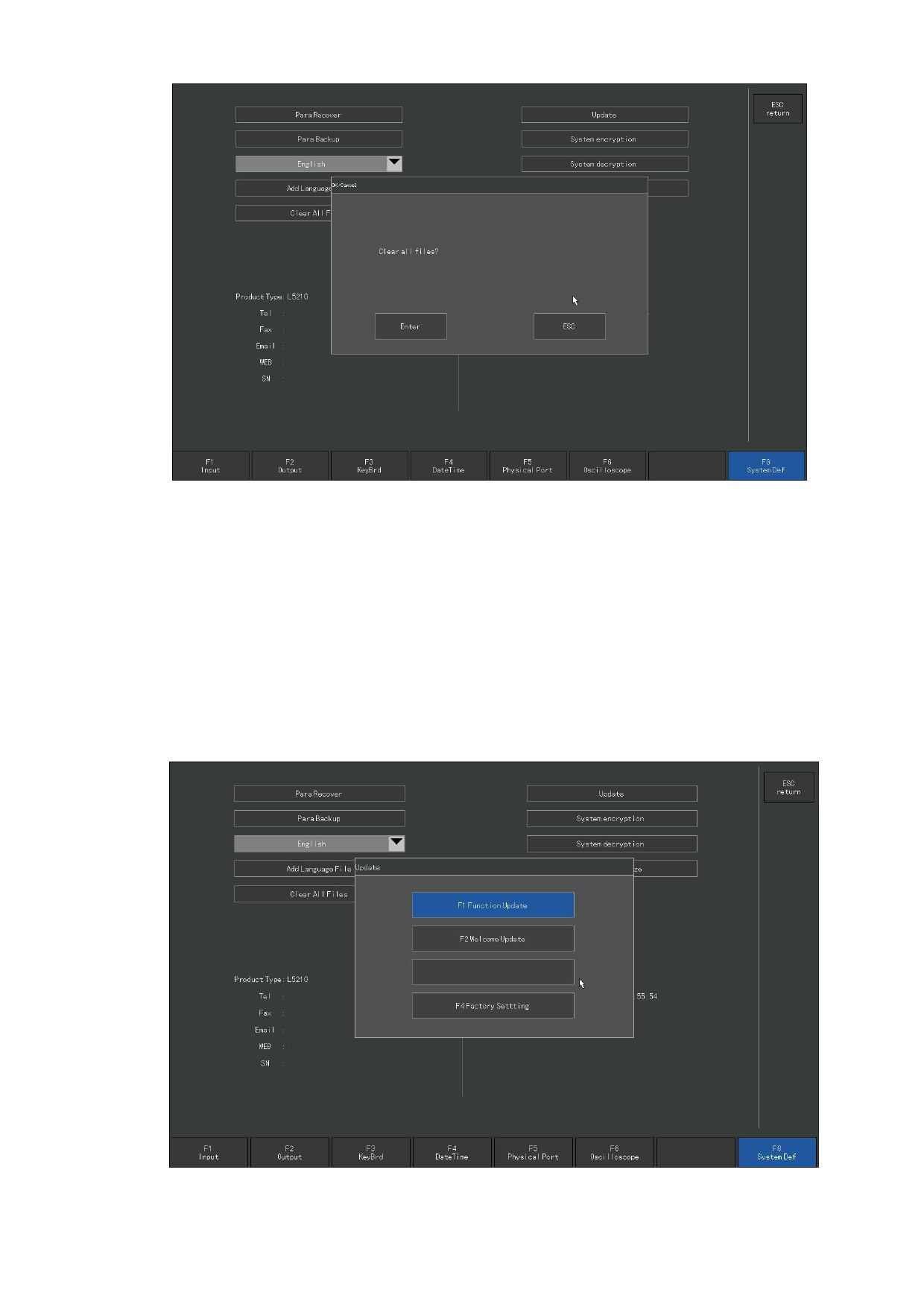
Figure 8.1 4 Empty the files
8. 8.7 System upgrade
In the main interface, press [F5 system diagnosis], [F8 system Definition], and
then press the system upgrade button to upgrade the program. At this point, ensure that
the U disk is inserted into the USB port of the system, otherwise the prompt box will
pop up to remind " No upgrade file found!”. If the U disk has been inserted, a dialog
box will pop up when pressing [System Upgrade]. Please click OK button or press [ENTER]
to confirm, and the upgrade prompt shown in Figure 8. 15 will appear.
Figure 8.1 5 System upgrade
110







































































































































