






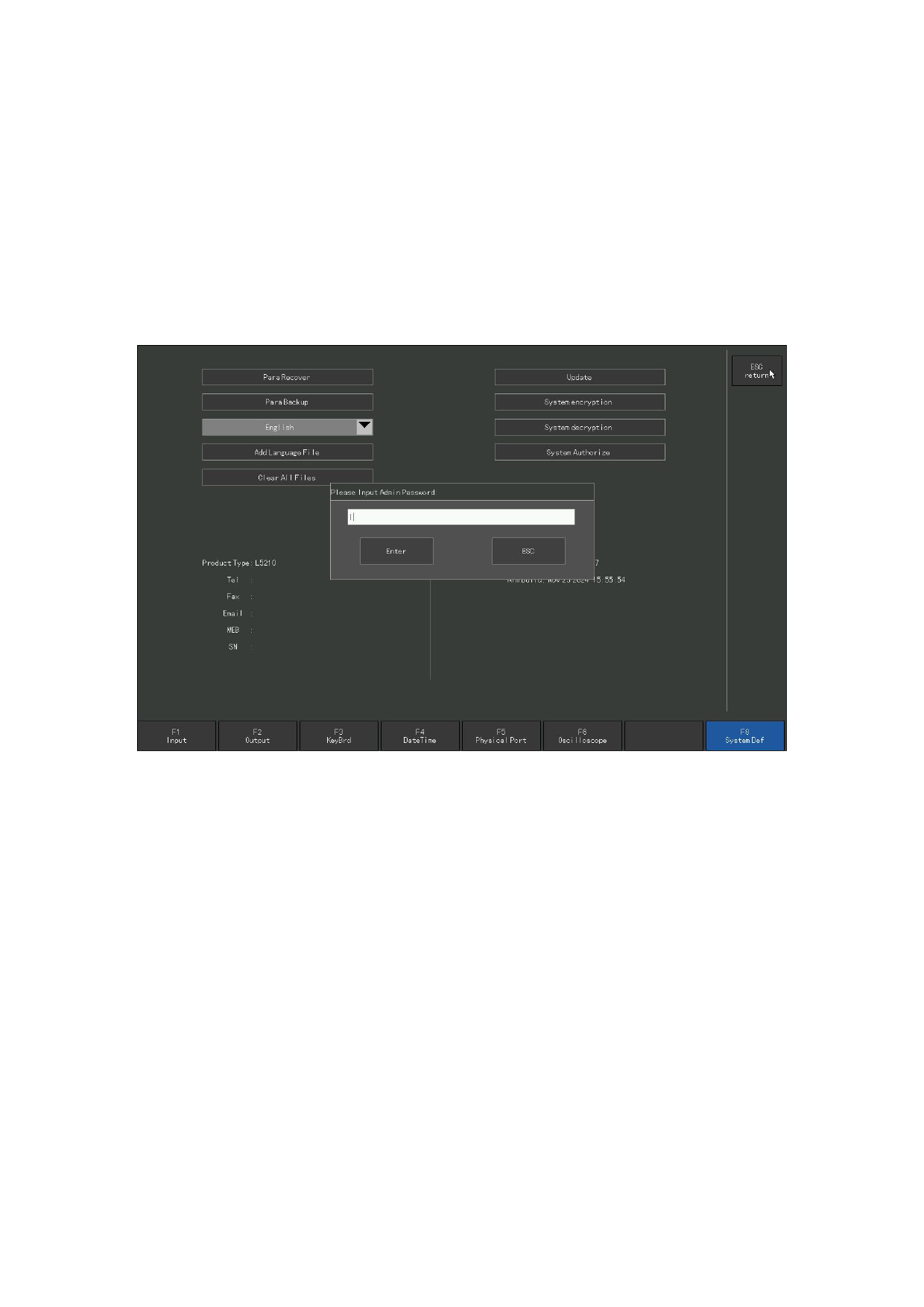
The system can support language files in most countries, and it can also customize
language files. Please contact us if you need it.
8. 8.4 Encryption
Press [F5 system diagnosis] and [F8 system definition] on the main interface, and
press the system encryption button. This system can be encrypted. Encryption divides
time encryption and frequency encryption.
If the system has time or times of encryption, then the encryption expires, the
system will not continue to use, must be decrypted before continuing to use.
Figure 8.1 3 for encryption
8. 8.5 Decrypt
Press [F5 system diagnosis] and [F8 system definition] on the main interface, and
press the system decryption button. The system can be decrypted.
8. 8.6 Empty the files
Press [F5 system diagnosis] and [F8 system definition] on the main interface, then
press [↓] to move the cursor to the "Empty the file" button, and press [ENTER]. After
emptying, all cut code files under the hard disk file are cleared.
110







































































































































