






Column nest: the spacing between two figures in the X direction when two figures
are inserted in a centrosymmetric way. This parameter can be of negative
values.
4. 4 Select lines
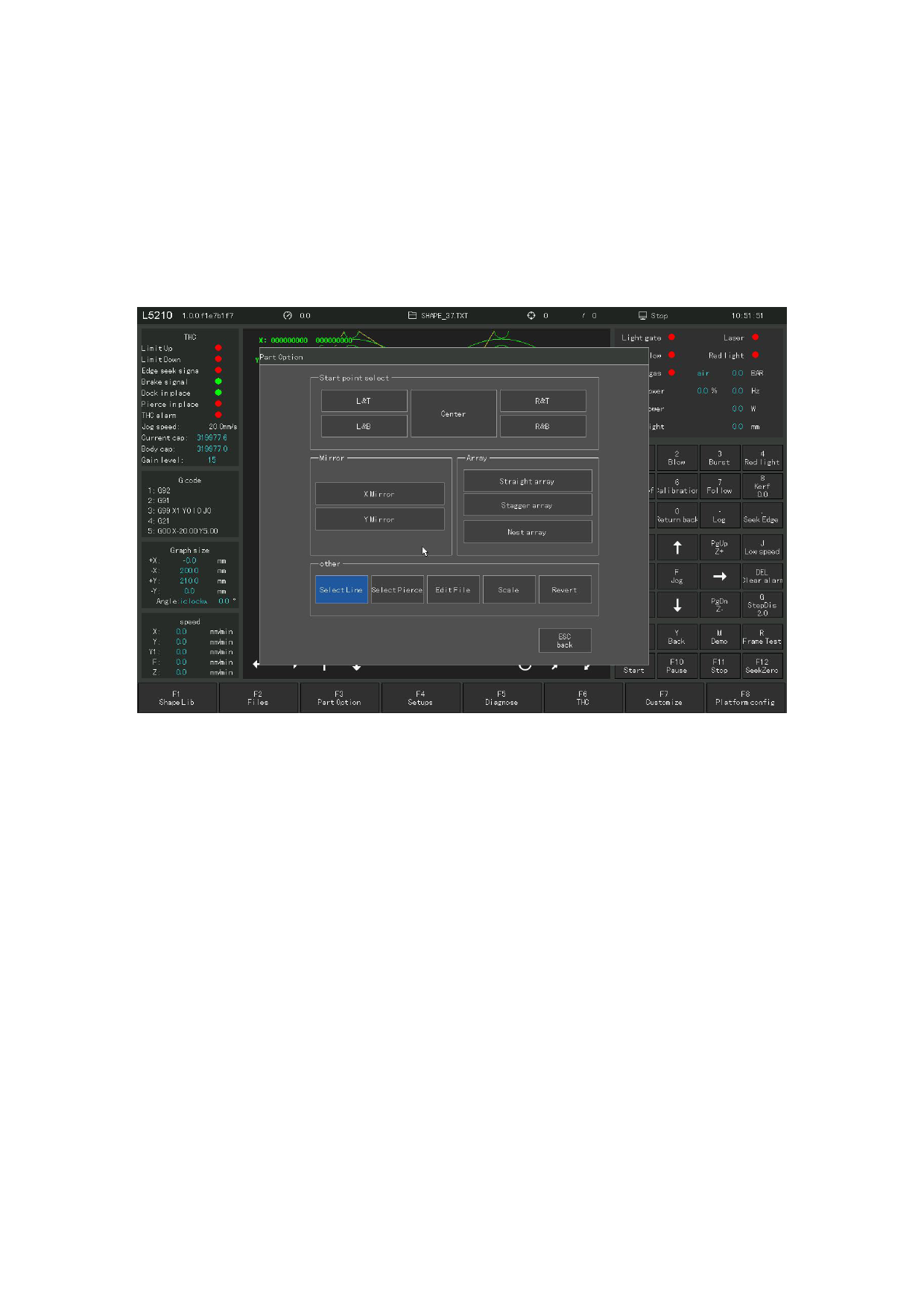
Under the assembly option interface, click the "Select line" button to select the
lines. System shown in Figure 4. 13.
Figure 4. 13 Line Selection and number selection
Click the "Select tline" button to select the line number for cutting. The
system prompts in Figure 4. 13, when you can directly enter the line number for
processing, or press ENTER to enter the line selection interface or select lines.
After the line selection is completed, press [F8] to confirm
110







































































































































