






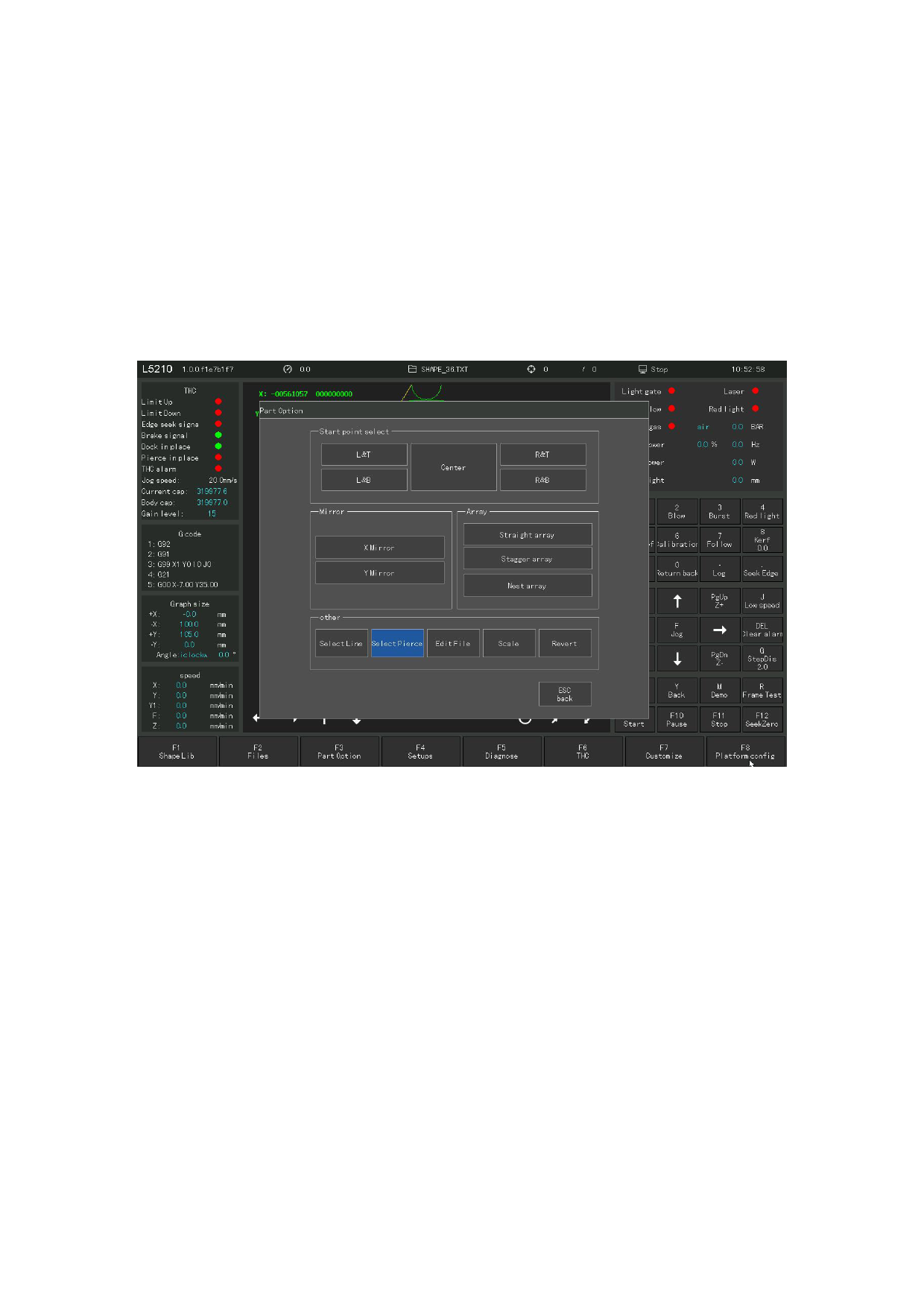
4. 5.1 Operation after selecting the hole number
After line selection or number selection, click Enter to return to the main
interface of the system.
1) Move from the current position to the new position after the selection or selection and
then process.
At this point, the system will go directly to the selected perforation point, as
shown in Figure 4. 16, and then pause for further operation.
Figure 4. 16 Direct air line to the selected perforation point
110







































































































































