






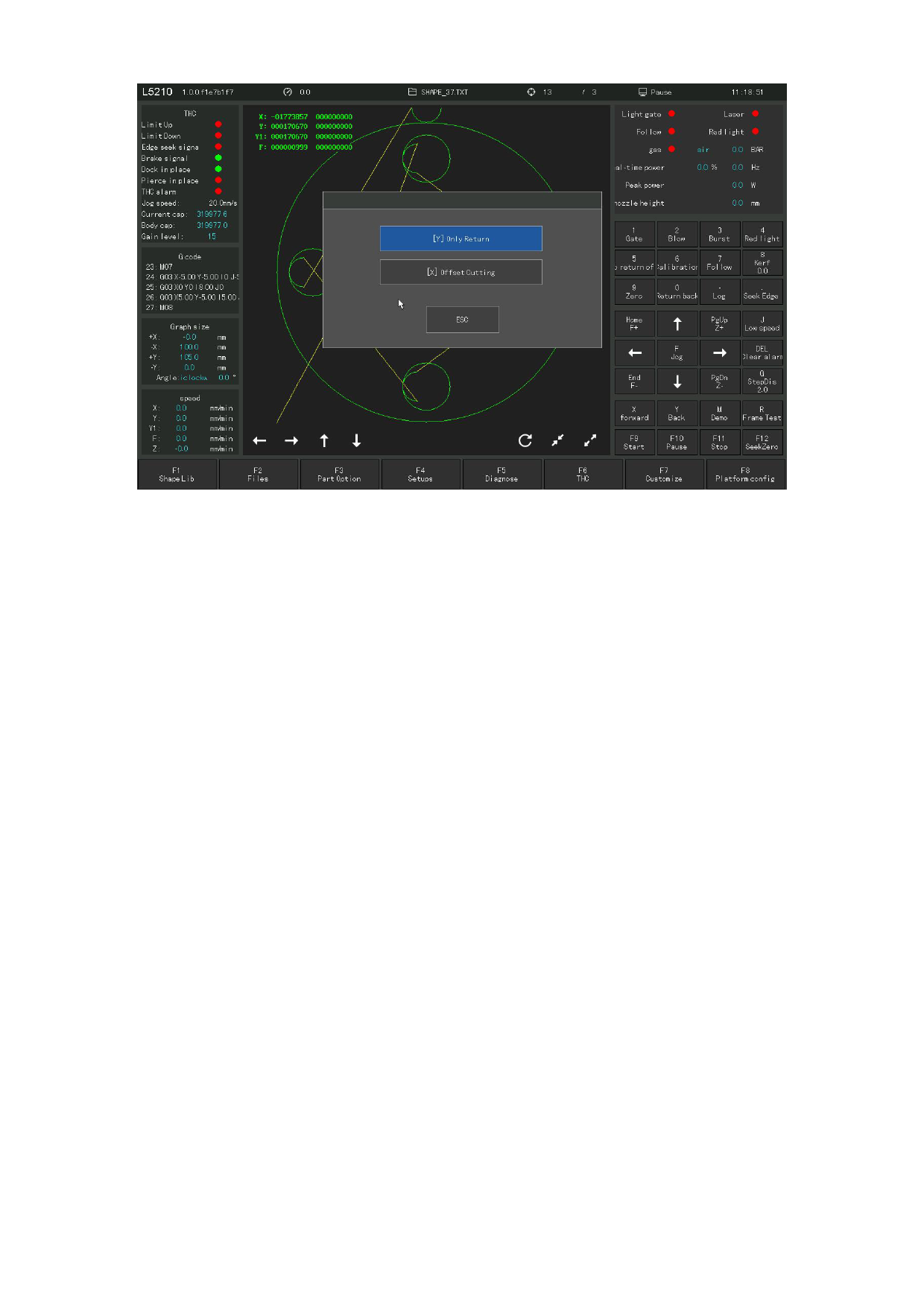
Figure 4. 17 Operation of line selection
2) Direct processing from the current position.
Press START at the cutting interface, and the system prompt is shown in Figure 4.
17. Press [Y], the system will also directly walk empty to the selected line number
or perforation point, and then pause for further operation. Press [X], the system
will go to the selected line / hole number, and press [STRAT] to start processing
in the current position. That is, the cutting begins at the offset position.
4.6 Scale
Under the component options interface, press [F4] (Scale) and the system prompts
in Figure 4.1 8.
After entering the proportional parameter, press [Enter], and the system will
automatically scale in or out of the input parameters.
Note: Scaling also scales the lead lines.
110







































































































































