






[Enter]:Confirmation
2.2 System startup and key operation under the main interface
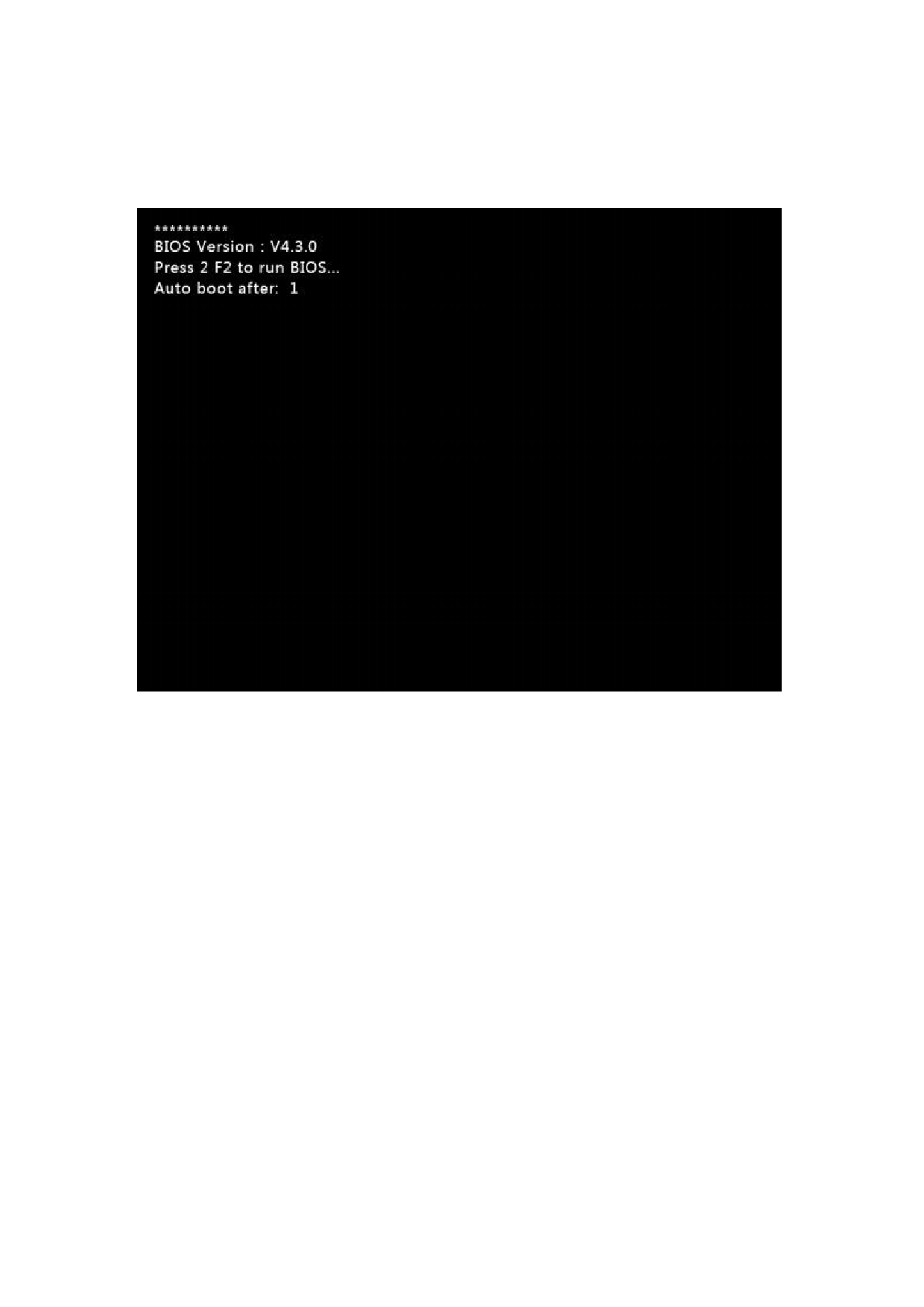
When power on, the system will first enter the BIOS startup interface:
Figure 2. 2 Welcome interface
In the countdown of the startup interface, if the F2 key is pressed, the system
enters the BIOS (BIOS operation please refer to "Chapter 12 BIOS use"). If any other
key is pressed, the countdown is skip to enter the cutting software. If the key is
not pressed, the system will automatically enter the cutting software after the
countdown reaches 0.
If there is a boot screen, the system will enter the welcome interface, as shown
in Figure 2.3. This boot screen can replace the user with their own picture. Press
any key now, and the system will automatically enter the main interface, as shown
in Figure 2.4.
110







































































































































