






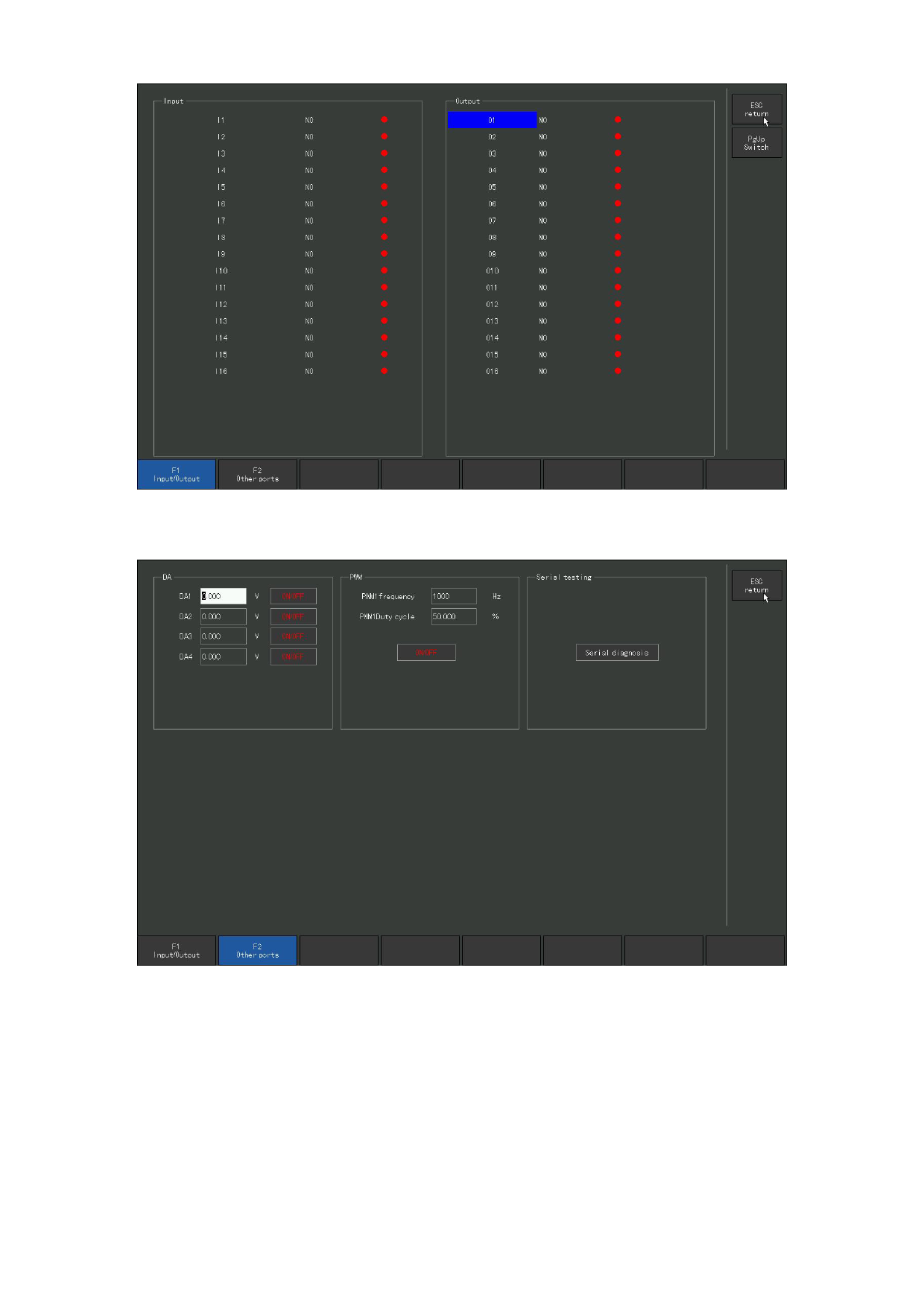
Figure 8. 6 Input / output ports
Figure 8. 7 Other ports
8. 7 Oscilloscope
Under [F5 system diagnosis] interface to enter [F 6 scope] interface.
Under the oscilloscope interface, the process of some data changing in a certain
time can be displayed through two-dimensional graphics, for example can monitor
IO status, AD / DA values. Generally, for the tester analysis program,
occasionally customers encounter problems, can also guide the customer to monitor
110







































































































































