






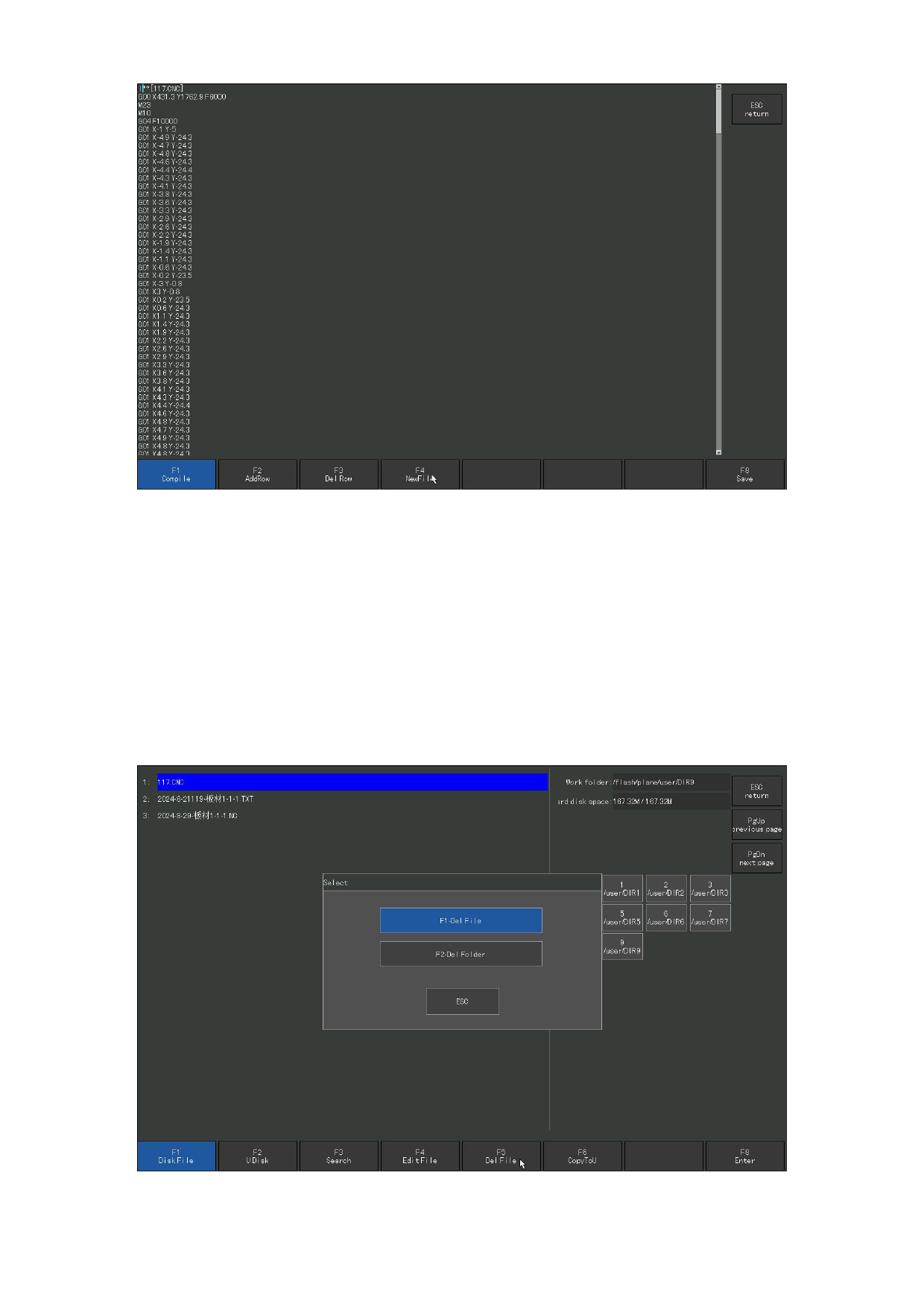
Figure 6. 5 Edit code
6.5 Delete the file
In the file management interface, press [F5] to delete a file, and the dialog
box will pop up as shown in Figure 6.5. Select to delete the file of the current
cursor, or all files in the currently selected folder, or empty all files.
[F1] Delete file: The G code file with the current cursor is deleted.
[F2] Delete folder: all G code files in the current folder are deleted.
[F3] Empty all files: delete all G code files.
Figure 6.6 Delete the files
110







































































































































