






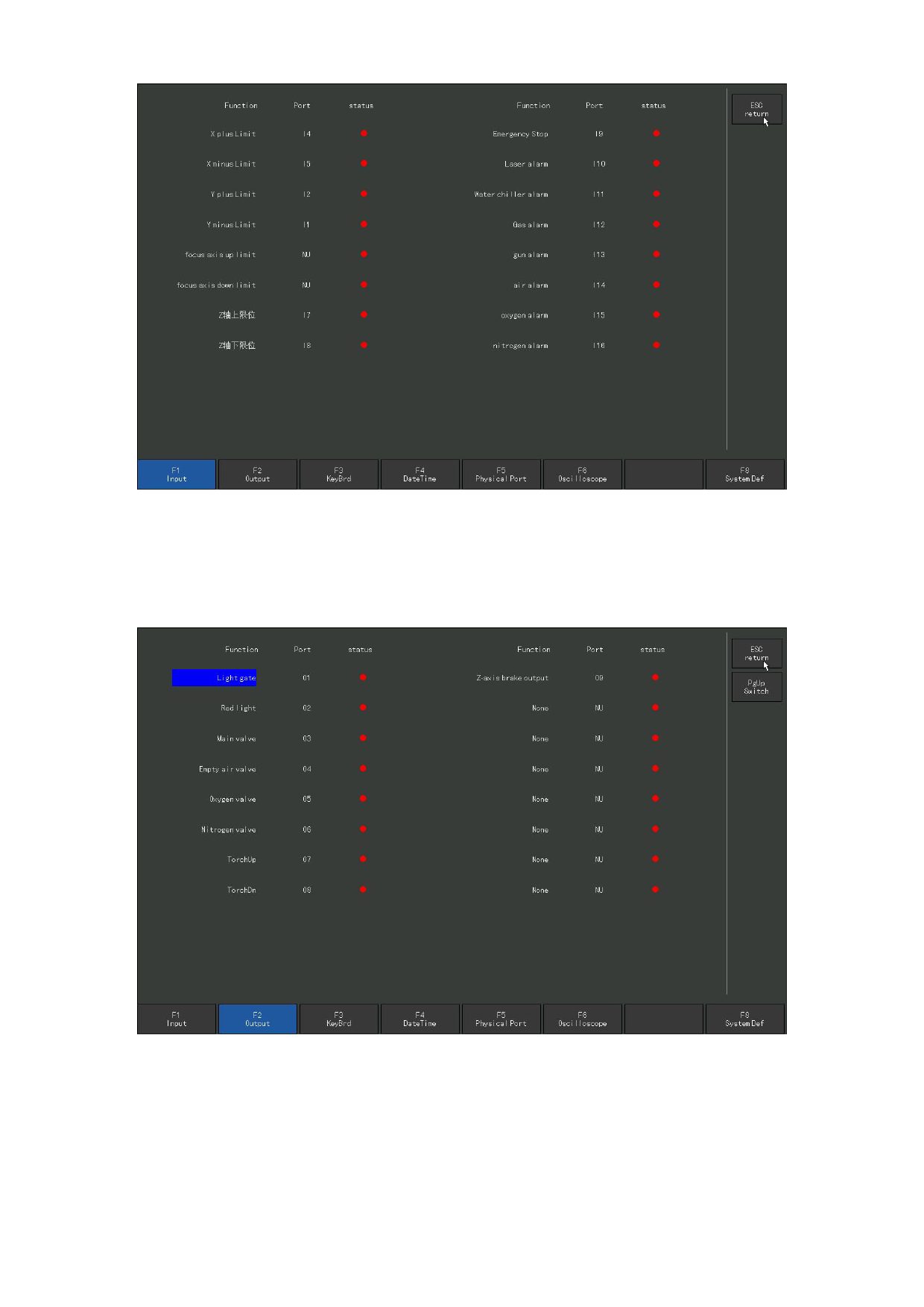
8.3 Output the diagnosis
Figure 8. 2 Input the diagnosis
Under the diagnose interface, press [F2] to enter the output diagnose interface,
as shown in Figure 8.3.
Figure 8. 3 Output diagnosis
Under the output diagnose interface, press [↑], [↓], [←] and [→] to move the cursor
to the corresponding output port. On each output signal, open and close the corresponding
110







































































































































