






**********
BIOS Version:V4.5.0
Press F 2 to run BIOS …
Auto bootafter:3
Figure 15.1, boot prompt
When the prompt in Figure 1 5. 1 appears, before the countdown to 0, if the [F2]
key is pressed, the system enters the BIOS interface. If any other keys are pressed,
the system ends the countdown and enters the system.
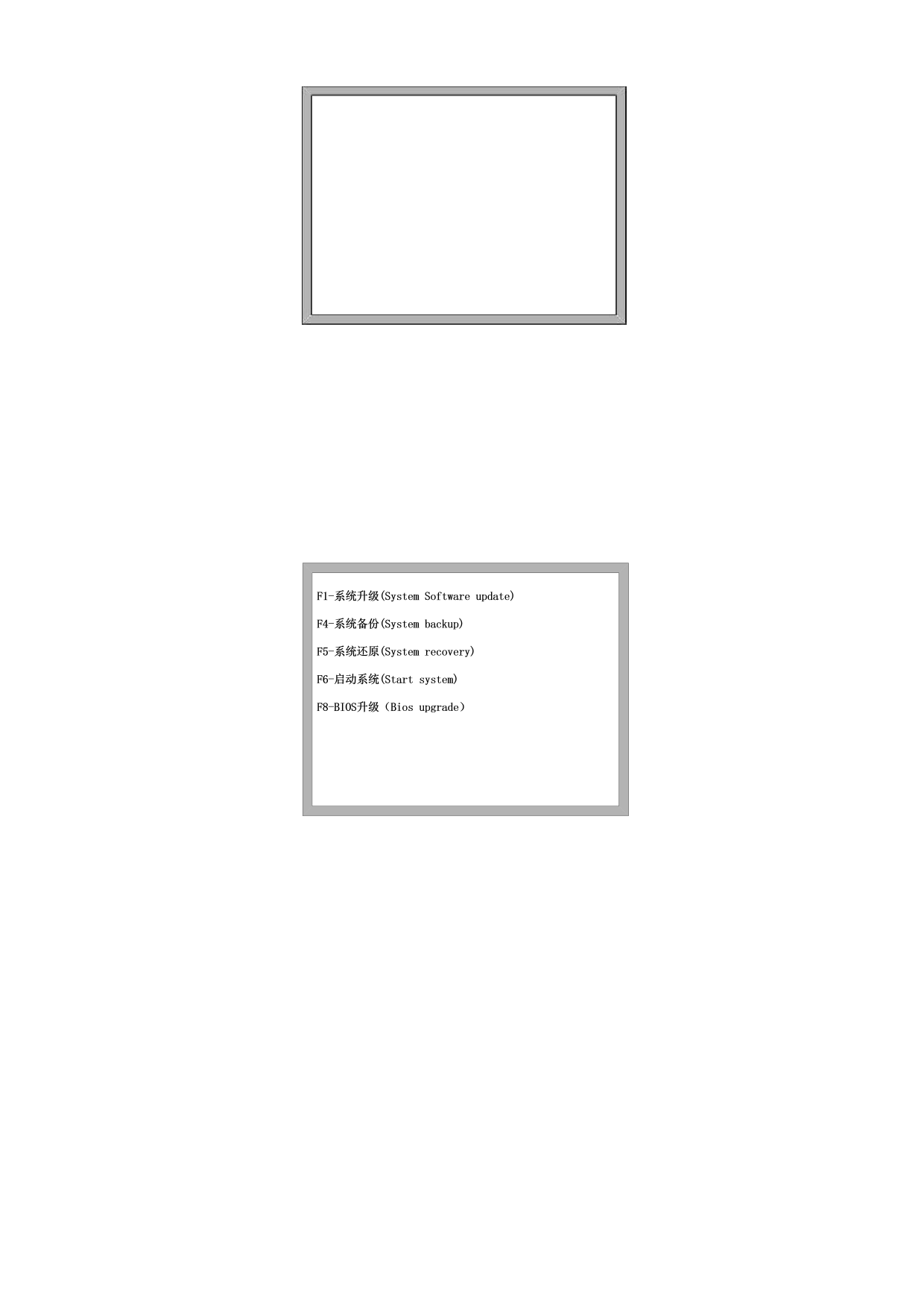
Figure 15.2 The BIOS Interface
15.1, and the system upgrade
After entering BIOS, the system can be upgraded by [F1] and the following
conditions shall be met before upgrading:
The U disk is inserted in the system USB interface
The upgrade file L5000. upg is located in the root directory of the U disk
If the above two conditions are met at the same time, the system can be upgraded
after pressing F1. After the upgrade, the system can be started by pressing [F6].
15.2, and the system backup
136







































































































































