






Press [F4 Edit file] edit the file if the current cursor is a G code file. Refer
to Section 6. 5 for editing.
Press [F5 Delfile] allowing you to delete current file or current folder and all
files in it.
Press [F6 CopytoU], if the current cursor is a G code file, copy the current file
/ folder to the external U disk, provided that the U disk is inserted in the USB interface
of the system.
Press [F8 enter], if the current cursor is a G code file, transfer the current
processing file to the system, after adding the file, the system will automatically return
to the main interface.
6.2 U disk file
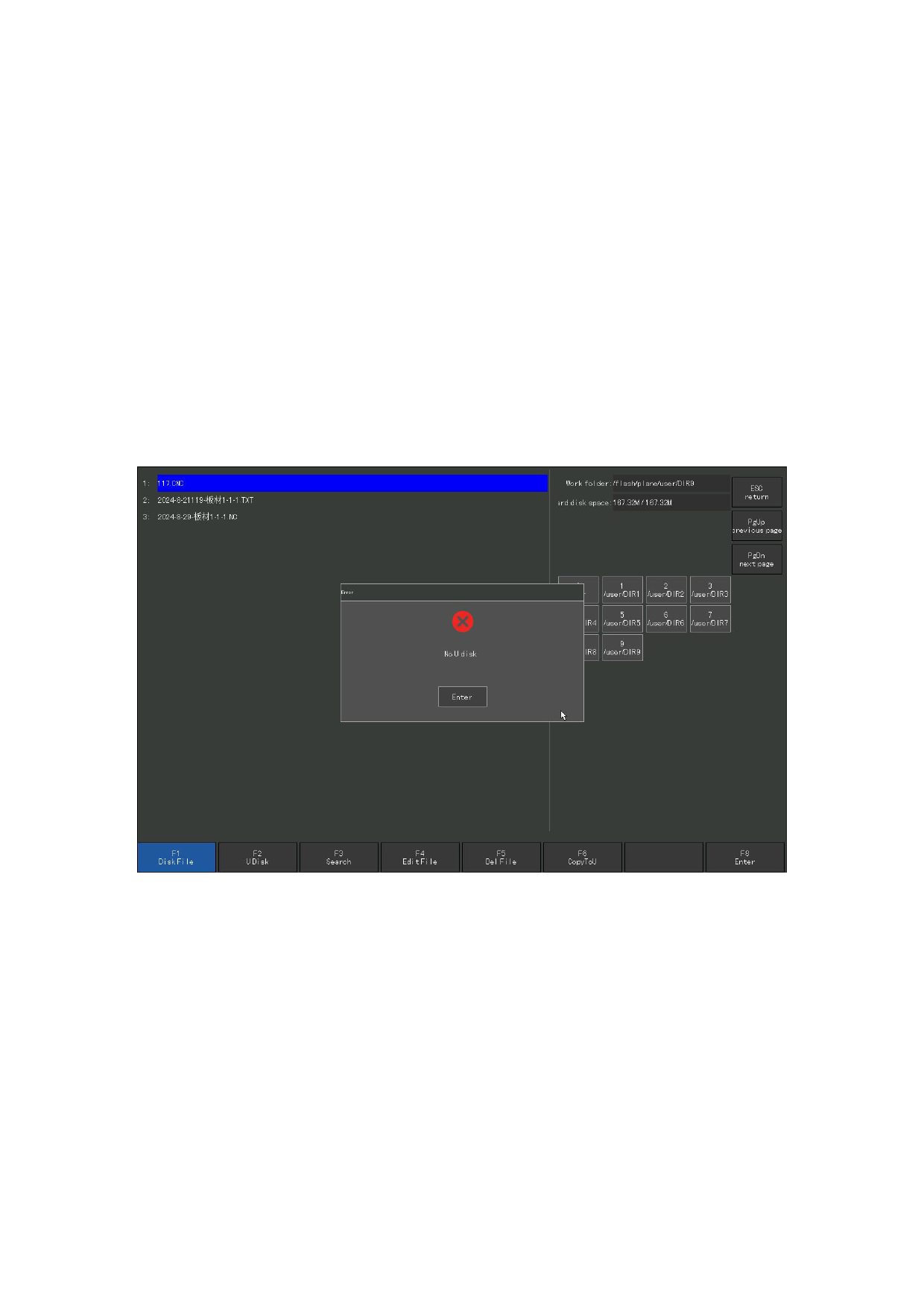
In the F2 file management interface, press [F2] to enter the U disk file interface.
Figure 6.2 U disk file
Under this interface, [F6] automatically changes from "copyToU" (copy to disk) to
"copy to hard disk" (copy to internal hard disk). After selecting the corresponding
file, press [F6], and the system will automatically save the file to the current folder
of the internal hard
110







































































































































