






Chapter 5: Manual Functions
Under the main interface, there are a variety of manual operation function buttons
to realize a variety of manual operation modes.
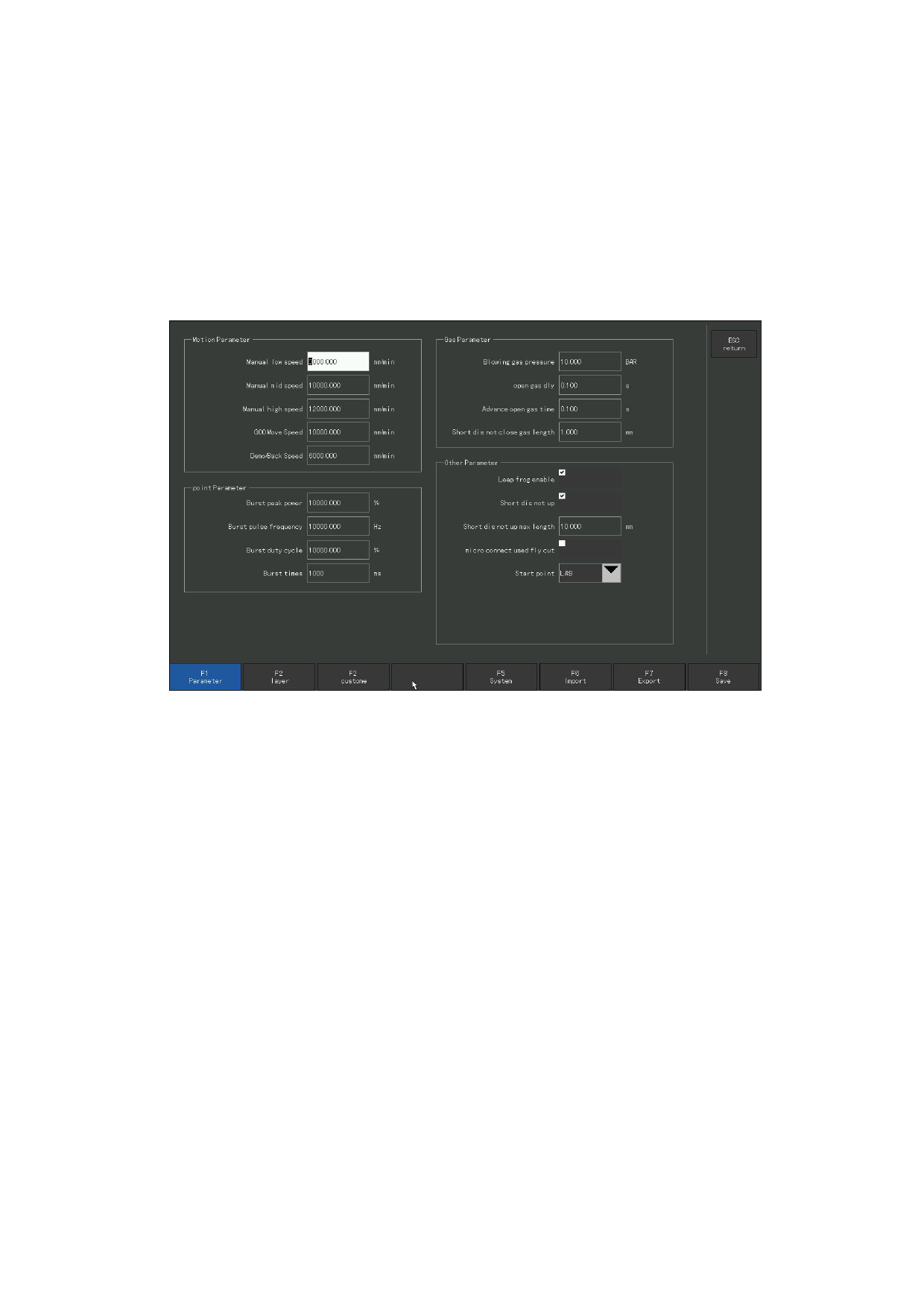
The speed in the manual state is controlled by the manual speed parameter in
the F4 parameter setting-F1 global parameter. When moving manually, the speed cannot
be adjusted. The cutting needs to be suspended and enter the parameter setting
interface for setting.
Figure 5.1 Manual moving parameters
5.1 Point function
When entering the manual interface for the first time, the system defaults to click,
or press [F] to select the click function. At this point, press either direction key and
hold it down, the system will move in that direction, release the direction key, and the
system stops moving.
110







































































































































