






成都兴多维科技有限公司
Chengdu multidimensional robotization technology company
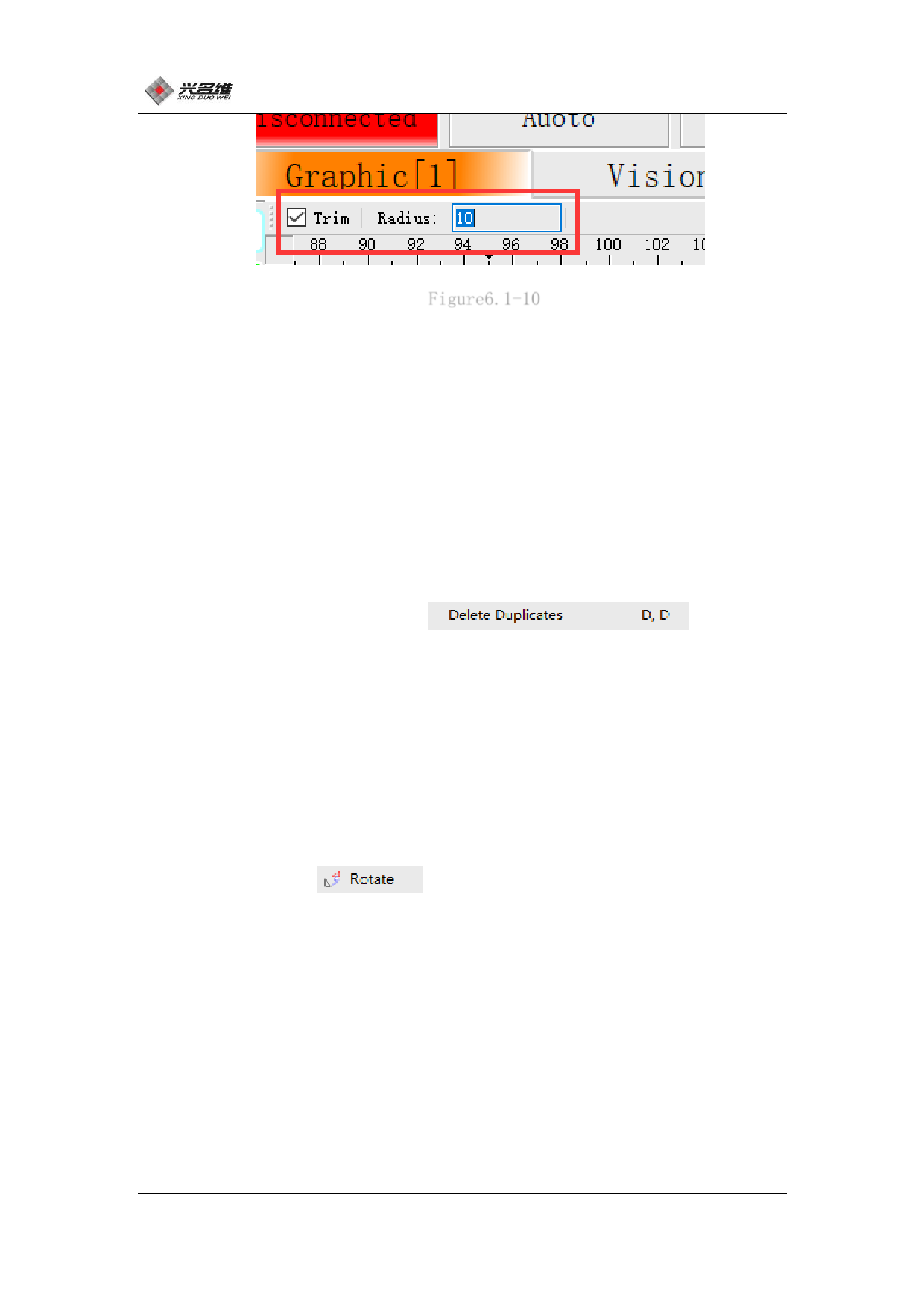
Figure6.1-10
Checking the Trim option means deleting the original corner, and
unchecking it will not delete it. The user can select according to
the requirements; the radius of the chamfered arc can be set in the
Radius option box, and the filled data is the radius of the arc.
After the chamfering is completed, click the right mouse button
to exit the chamfer function and perform another operation.
6.1.2.14 Delete repeat line
Click [Delete Repeat Line]
Enter the
delete repeat line function. When using the user, you must first
select the area where you want to perform the deduplication
operation. Click [Delete Repeat Line], and the repeat line is
deleted.
6.1.2.15 Rotate
Click [Rotate]
Enter the rotation function. The user
needs to select the graphic that needs to be rotated first, then
click the rotation of the editing menu. At this point the mouse
becomes a cross and can select a point, which is the reference point
for the rotation. Click the mouse to determine the position of the
point. After the mouse click, the rotation setting window will pop
up, as shown in Figure 6.1-11:
83
兴于思 维至精













































































































































































