






成都兴多维科技有限公司
Chengdu multidimensional robotization technology company
6.1.4.2 Reset
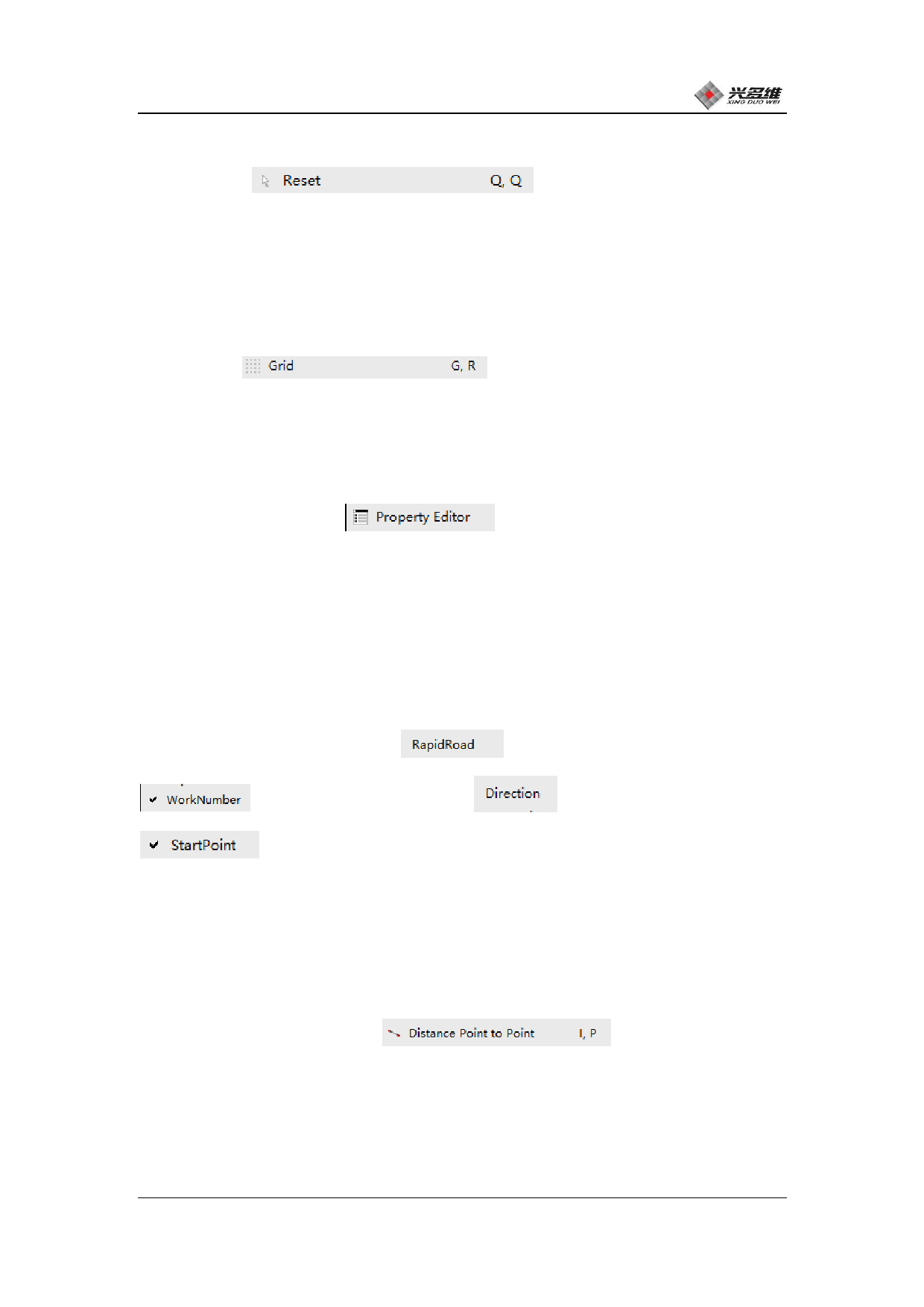
[Reset]
Used to cancel the mouse
to select the function to return to the initial cursor state. The
right mouse button and Esc can also do this.
6.1.4.3 Grid
[Grid]
display the grid, click to switch.
Used to select whether to
6.1.4.4 Attribute editor
[Property Editor]
Clicking will open the
Attribute Editor, which is located on the right side of the drawing.
In this editor, users can view graphical properties and modify some
properties.
6.1.4.5 Drawing display selection
[Processing empty path]
, [processing serial number]
, [machining direction]
, 【starting point】
Four options by clicking to check whether to display
machining empty, machining serial number, machining direction,
starting point.
6.1.4.6 Two points distance
[two points distance]
Ability to
measure the distance between two specified points. Click the mouse to
change to a cross shape, move the mouse to the point to be measured,
click, the distance between the point and the position of the mouse
兴于思 维至精
94













































































































































































