






成都兴多维科技有限公司
Chengdu multidimensional robotization technology company
this operation, the user can perform accurate arc drawing. It is
worth noting that the graph drawn using the multi-line function is a
whole.
6.1.3.5 Shape
Click [shape]
Ability to draw common
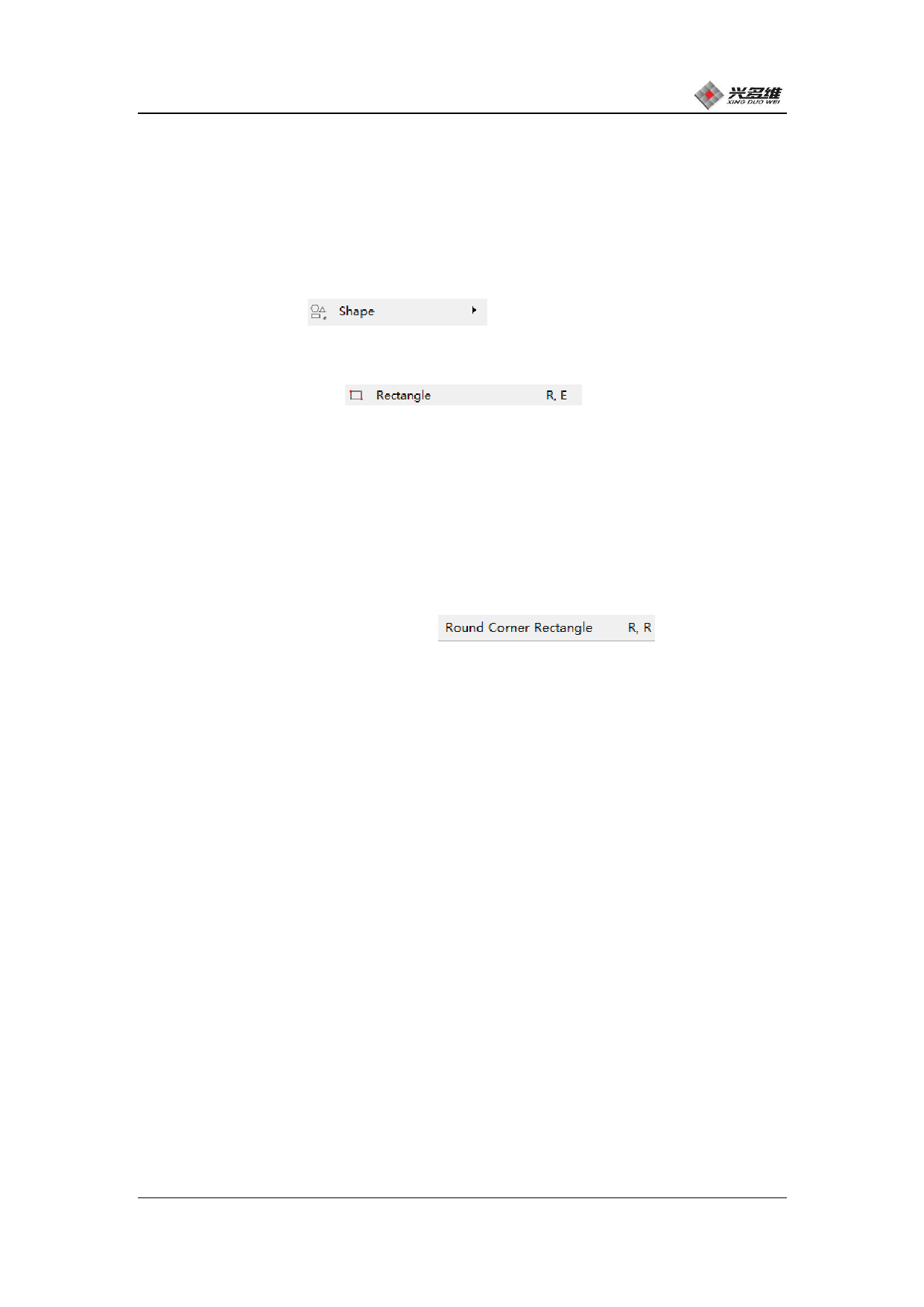
graphics, pop-up lists include [Rectangle], [Rounded Rectangle].
Click [Rectangle]
Draw a rectangle and
the mouse becomes a cross, and you can draw a rectangle at this time.
The user can check [Group] above the drawing, and the graphic drawn
by this option will be a whole; uncheck the drawn graphic is composed
of four straight lines, and can edit each straight line
independently.
Click [Rounded Rectangular]
Draw a
rounded rectangle and the mouse becomes a cross, in which case you
can draw a rounded rectangle. The mouse can be used to determine the
starting point, then the preview rectangle clicks to confirm the
diagonal point. When precise positioning is required, the coordinates
of the X and Y axes can be entered in the text box above the
illustration. When determining the second point, there will be
[Group], [Wide], [High], and [Chamfer Radius] options above the
drawing. The [Group] option works in the same way as the rectangle;
[Wide] and [High] are the width and height of the rectangle; [Chamfer
Radius] is the radius of the four corner arcs of the rounded
rectangle, and the user adjusts according to his own needs.
兴于思 维至精
90













































































































































































