






成都兴多维科技有限公司
Chengdu multidimensional robotization technology company
In this window, you can set the offset distance, offset mode,
sharp angle mode, whether to delete the original image, etc., and the
user can set according to the actual situation.
5.1.5 Turn on the camera and set
In the CCD processing mode, the user needs to set the camera.
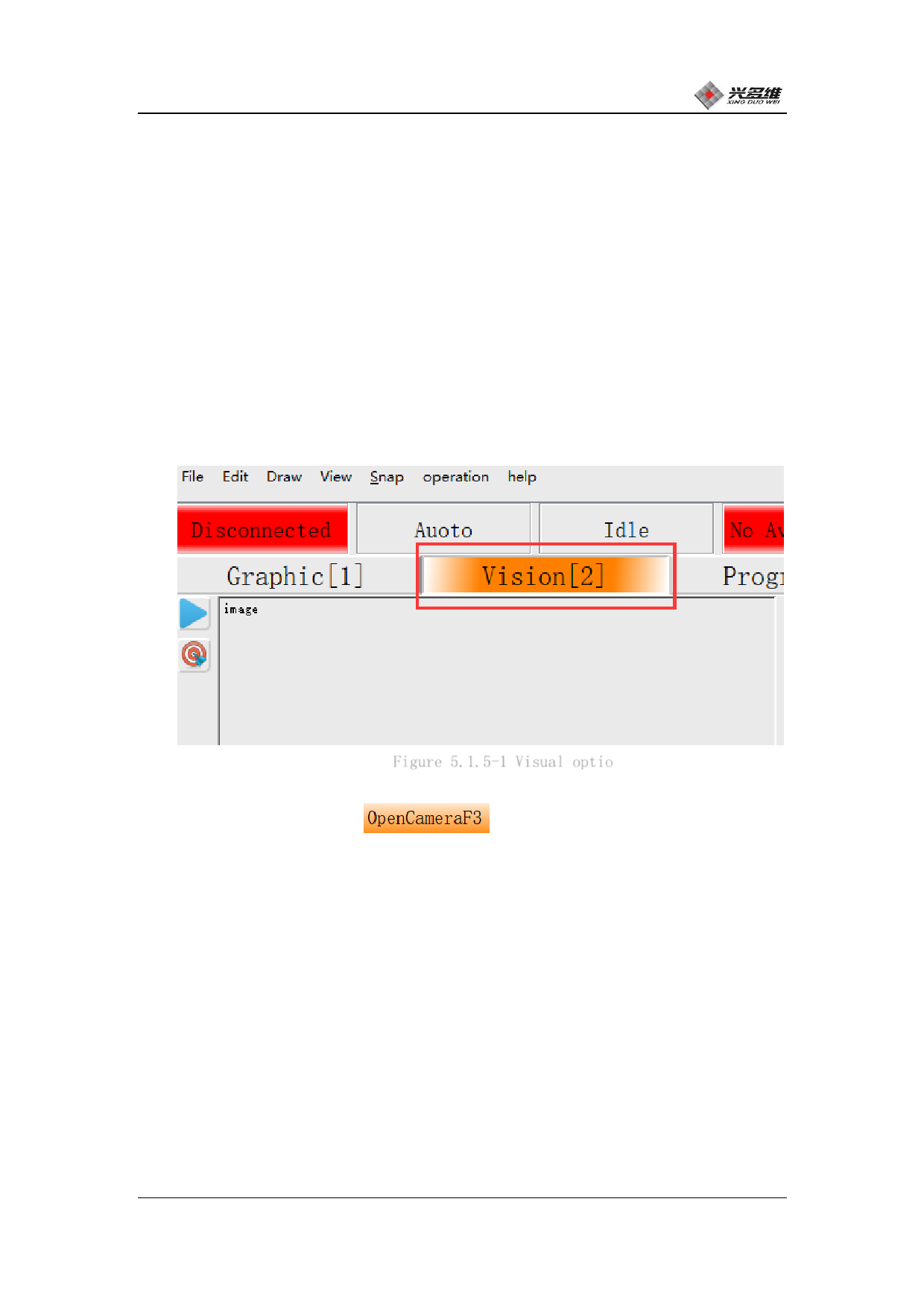
Click on the visual bar in the window selection bar. The position is
shown in Figure 5.1.5-1:
Figure 5.1.5-1 Visual optio
Click [Open Camera]
, The camera starts up and the
image will be displayed to the display window. The first use of the
camera screen may be rotated, the screen display moving direction
does not match the actual moving direction, etc., and the screen is
added to rotate and flip the screen. Click [Template Add]; as shown
in Figure 5.1.5-3:
兴于思 维至精
42













































































































































































