






成都兴多维科技有限公司
Chengdu multidimensional robotization technology company
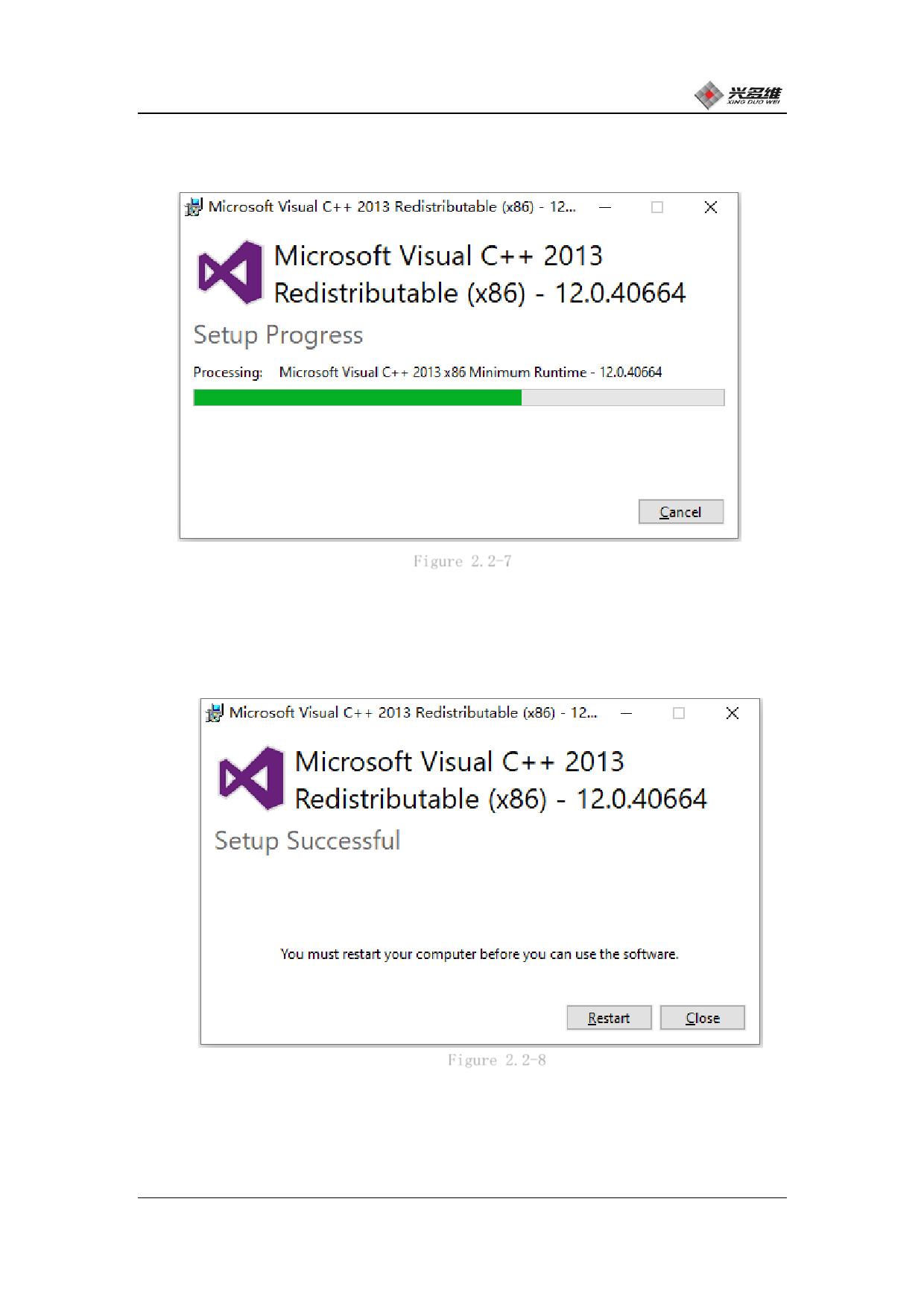
(9) Check "I agree to the license terms and conditions" and click
Install. It can be installed. As shown in Figure 2.2-7:
Figure 2.2-7
(10) When the runtime installation is complete, the dialog box
for completing the installation will pop up. Click Finish to complete
the installation of the runtime library. As shown in Figure 2.2-8:
Figure 2.2-8
(11) After that, the software automatically enters the CAD
component installation phase, and the dialog box shown in Figure 2.2-
9 pops up. Click OK to proceed to the next step.
兴于思 维至精
10













































































































































































