






成都兴多维科技有限公司
Chengdu multidimensional robotization technology company
on the element you want to process the first. At this point, the
workpiece becomes the first workpiece to be machined, and the number
in the circle next to the mouse will change to 2. At this point,
click on the next element to be processed. The processing order of
the element is the second. By analogy, the ordering of all primitive
processing sequences can be completed. During the reordering process,
the software will automatically plan the machining path according to
the rules set by the user, and indicate the machining empty travel
with white lines.
Click [Start Point Selection] in the processing selection column.
, You can customize the workpiece from that point to meet the
needs of more situations.
5.4.5 Turn on the camera and set
Ignore this step if the user does not need to perform CCD
correction during processing.
In the CCD processing mode, the user needs to set the camera.
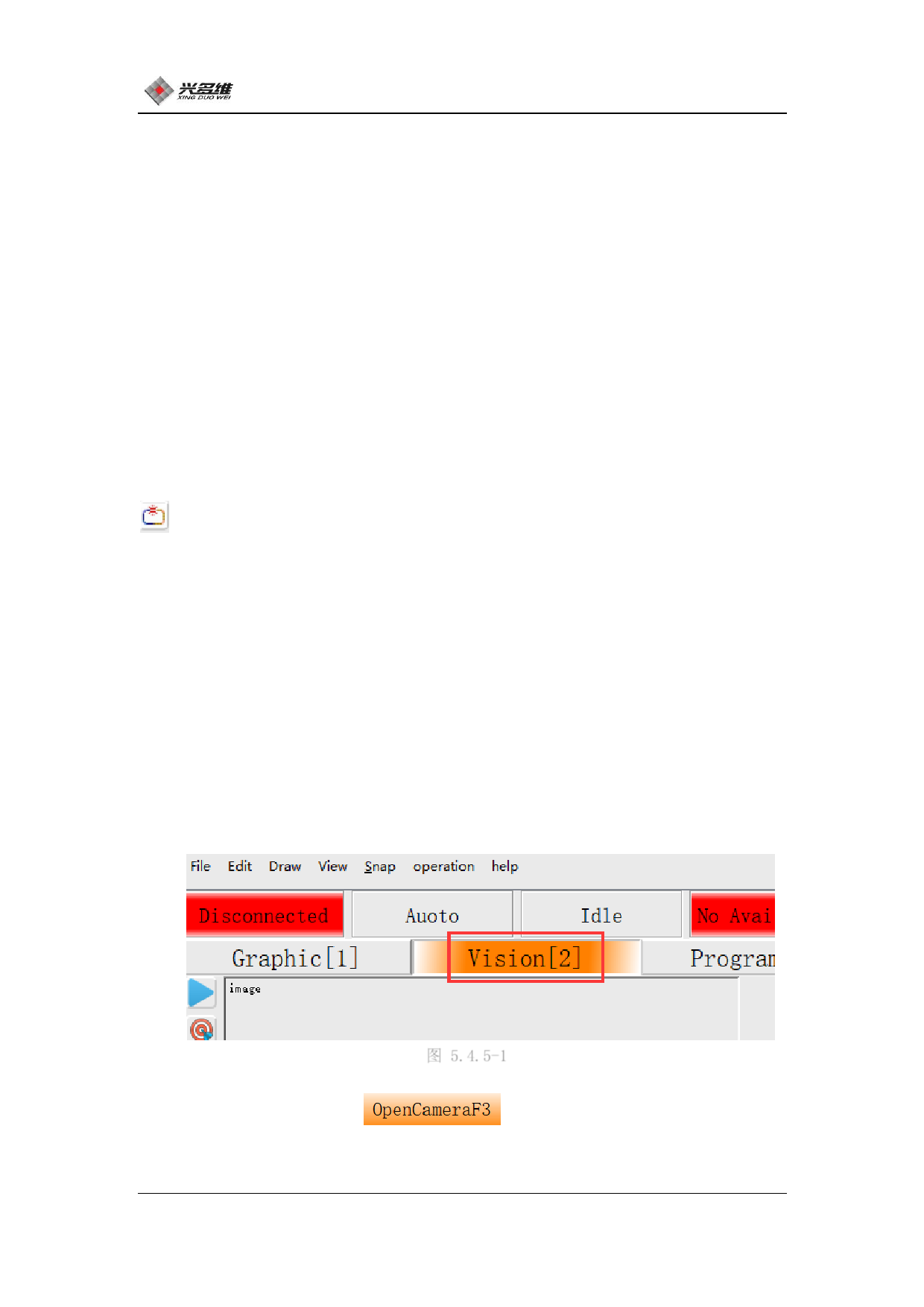
Click on the visual bar in the window selection bar. The position is
shown in Figure 5.3.5-1:
图 5.4.5-1
Click [Open Camera]
, The camera starts up and the
image will be displayed to the display window. The first use of the
63
兴于思 维至精













































































































































































