






成都兴多维科技有限公司
Chengdu multidimensional robotization technology company
file, and the software automatically recognizes the graphic outline,
that is, the processing path, and projects it in the display window.
In addition to being able to import JPG files, users can also
open edited files to improve productivity. Click [Open]
A dialog box pops up and selects a
folder. Select the file that was edited and saved in the past, and
the content of the file will be displayed in the window, and the user
will adjust it and then process it.
If the user has generated contours, the exported file is in DXF
or PLT format. You can use DXF or PLT format files for processing.
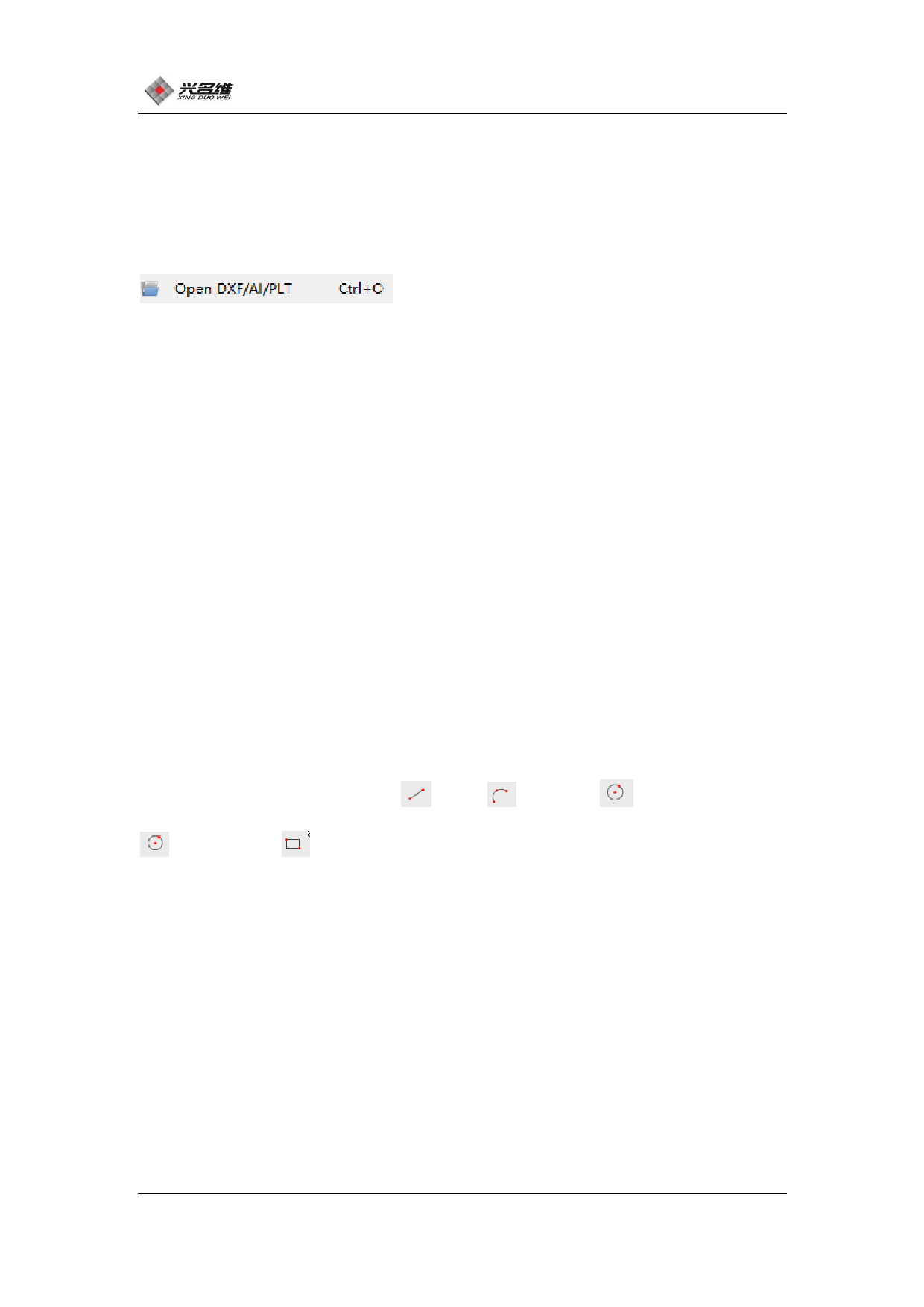
Click [Open DXF/AI/PLT] in the [File] menu bar to open this type of
file. The file can be displayed in the software by opening the file
in the pop-up dialog box, and the user can edit and process the file.
5.1.3 Check and edit files
This part mainly involves three tools: drawing tool, layer
selection interface, and processing selection. Drawing tools can be
used to draw straight lines , arc 、circle , multi-end line
、rectangle ; The layer selection interface can adjust the
processing parameters of each layer to meet the requirements of
processing multiple different parameters at one time. CNC-Couter
provides a total of 7 layers for users to choose. Mark points are
selected in the graphic display window. When using the CCD patrol
edge processing function, the user needs to mark the Mark point
before it can be processed normally. The user can select an image
outline in the display window, and then click the layer selection
39
兴于思 维至精













































































































































































