






成都兴多维科技有限公司
Chengdu multidimensional robotization technology company
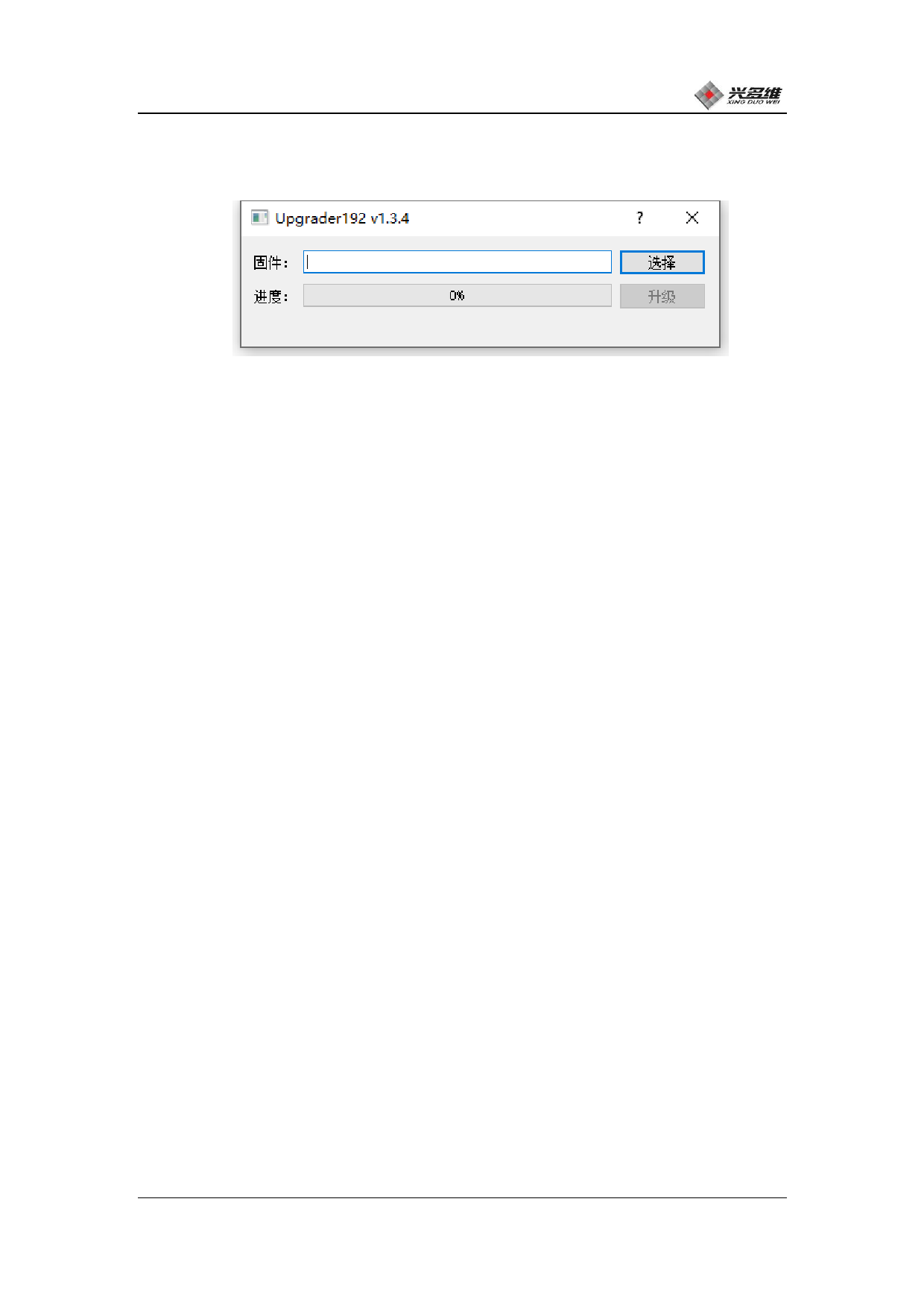
button state and re-energize the card. Open the upgrade tool as shown
below:
Click [Select] to select the file, and the file selection dialog
will pop up, and select the latest version of the sports board driver
obtained from the manufacturer. The file path and the file name will
be displayed in the front text box, and the user can check whether
the file is the target file.
After the file is selected, the [Upgrade] button below will
become interactive. At this point, click the [Upgrade] button and the
upgrade will be performed. During the upgrade process, the user
checks the upgrade progress on the left side and waits for the
upgrade to complete.
After the upgrade is complete, the tool will remind the user that
the upgrade is complete. Upgrade operation is now complete.
Re-energize the sports board to use the new version.
2.2.4 Computer and control system connection
Make sure that the power supply between the controller and the
switch is normal. Connect the computer, controller, and camera to the
switch using a network cable. Wiring is shown in Figure 2.2-20:
兴于思 维至精
20













































































































































































