






成都兴多维科技有限公司
Chengdu multidimensional robotization technology company
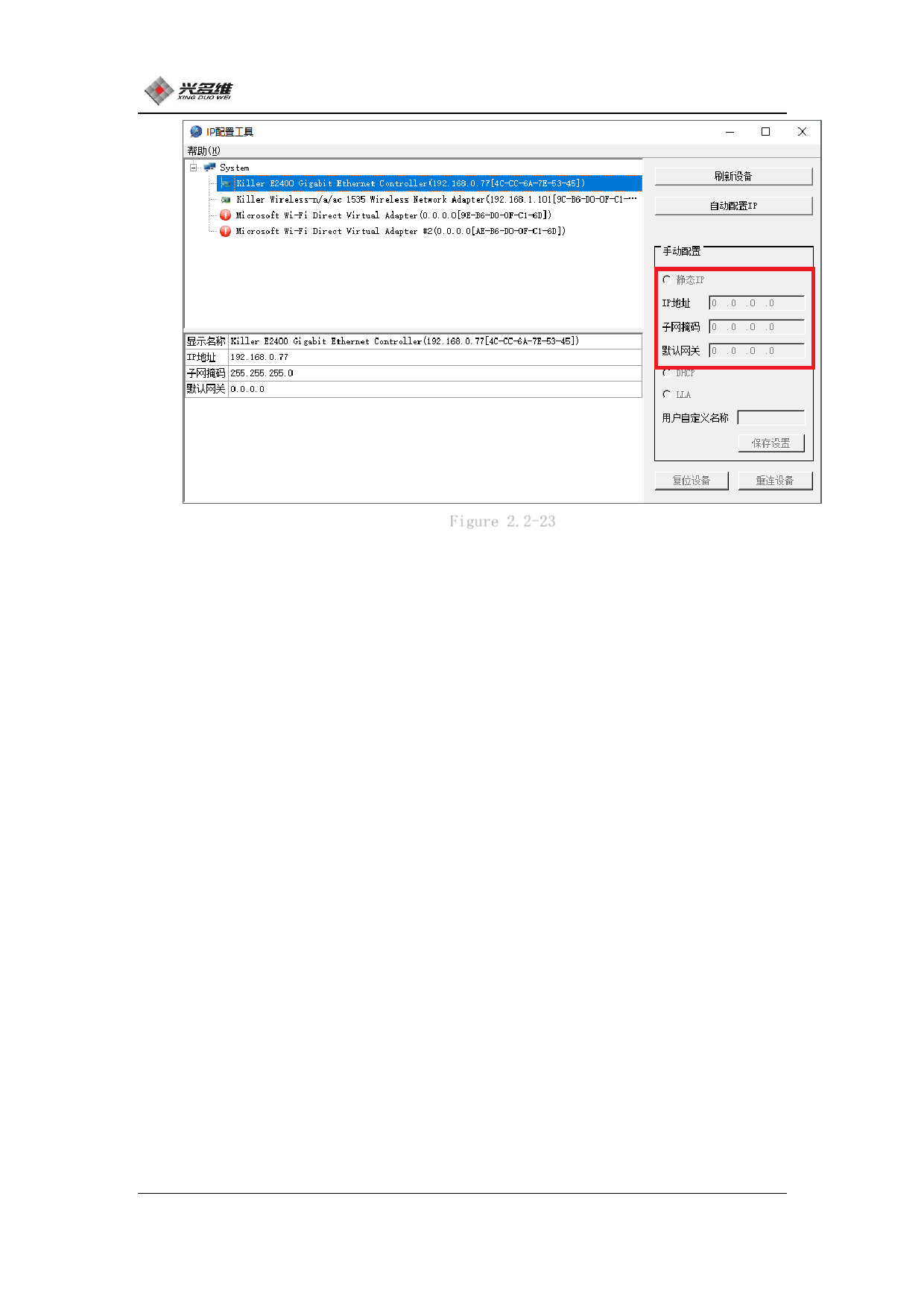
Figure 2.2-23
When the camera is powered on and the network cable is connected
properly, click [Refresh Device]. After the device is refreshed,
select the camera on the left. Then click [静态 IP] in the manual
configuration bar to set the camera IP. Set the IP address to
192.168.0.xxx, taking care not to conflict with the controller and
computer IP. Set the subnet mask to 255.255.255.0. Click Save
Settings and the camera is set up.
2.2.5 CNC-Couter Control system unloading
Open the control panel, find CNCRouter, select click to
uninstall.
23
兴于思 维至精













































































































































































