






6.1.1.7 Exit
成都兴多维科技有限公司
Chengdu multidimensional robotization technology company
【Exit】
Can exit the software and
click to launch. This can be done using the shortcut Ctrl+Q. If the
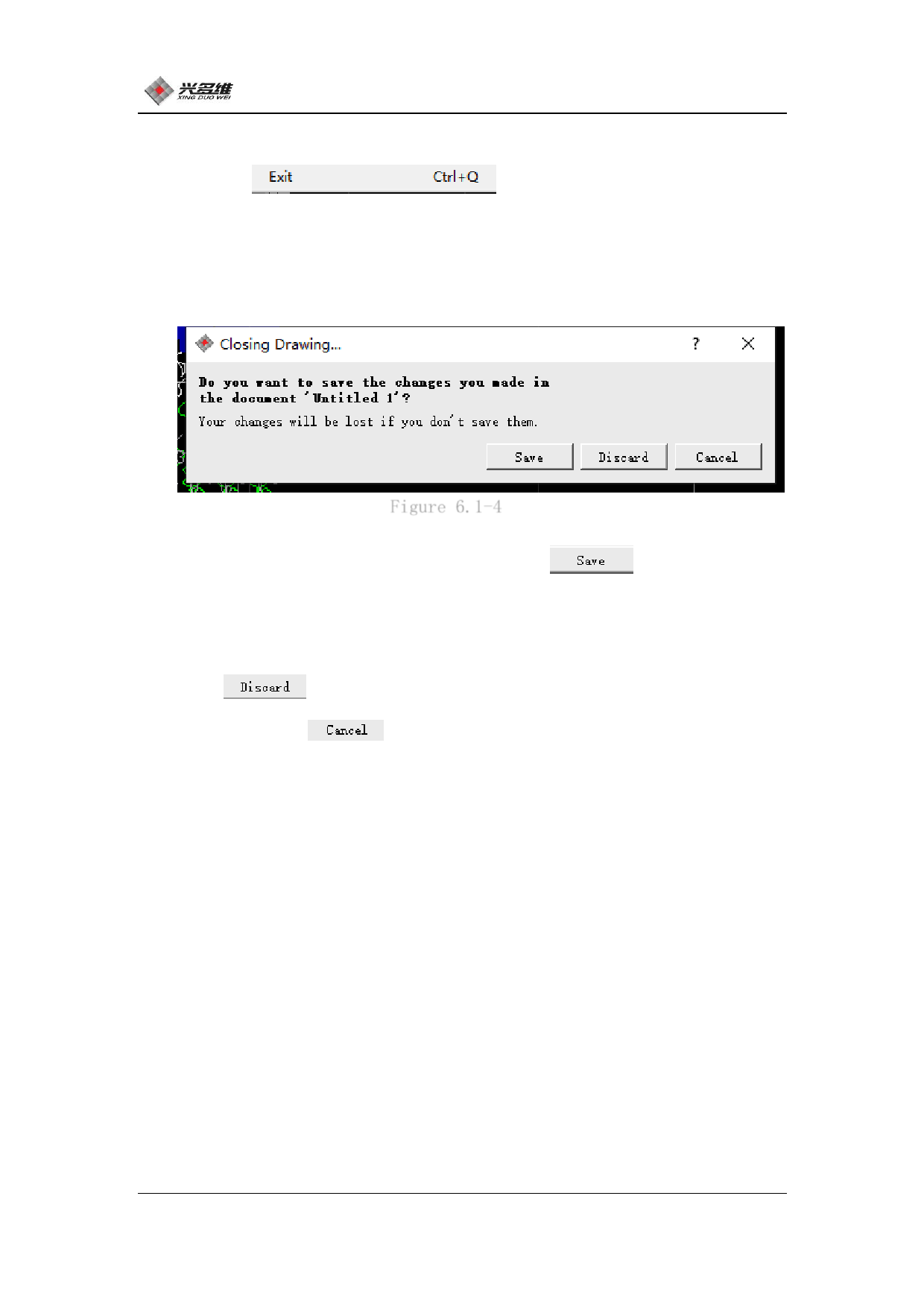
edited file is not saved, a prompt dialog will pop up asking if you
want to save it. As shown in Figure 6.1-4:
Figure 6.1-4
If you need to save, please click [Save]
, Save it. The
steps are the same as the save. The software will automatically exit
after saving. If the file does not need to be saved, please click
[Discard]
. The software will quit. If; you are delayed, you
can click [Cancel]
, Cancel the exit operation. The software
will return and proceed.
73
兴于思 维至精













































































































































































