






成都兴多维科技有限公司
Chengdu multidimensional robotization technology company
6.1.5 Snap
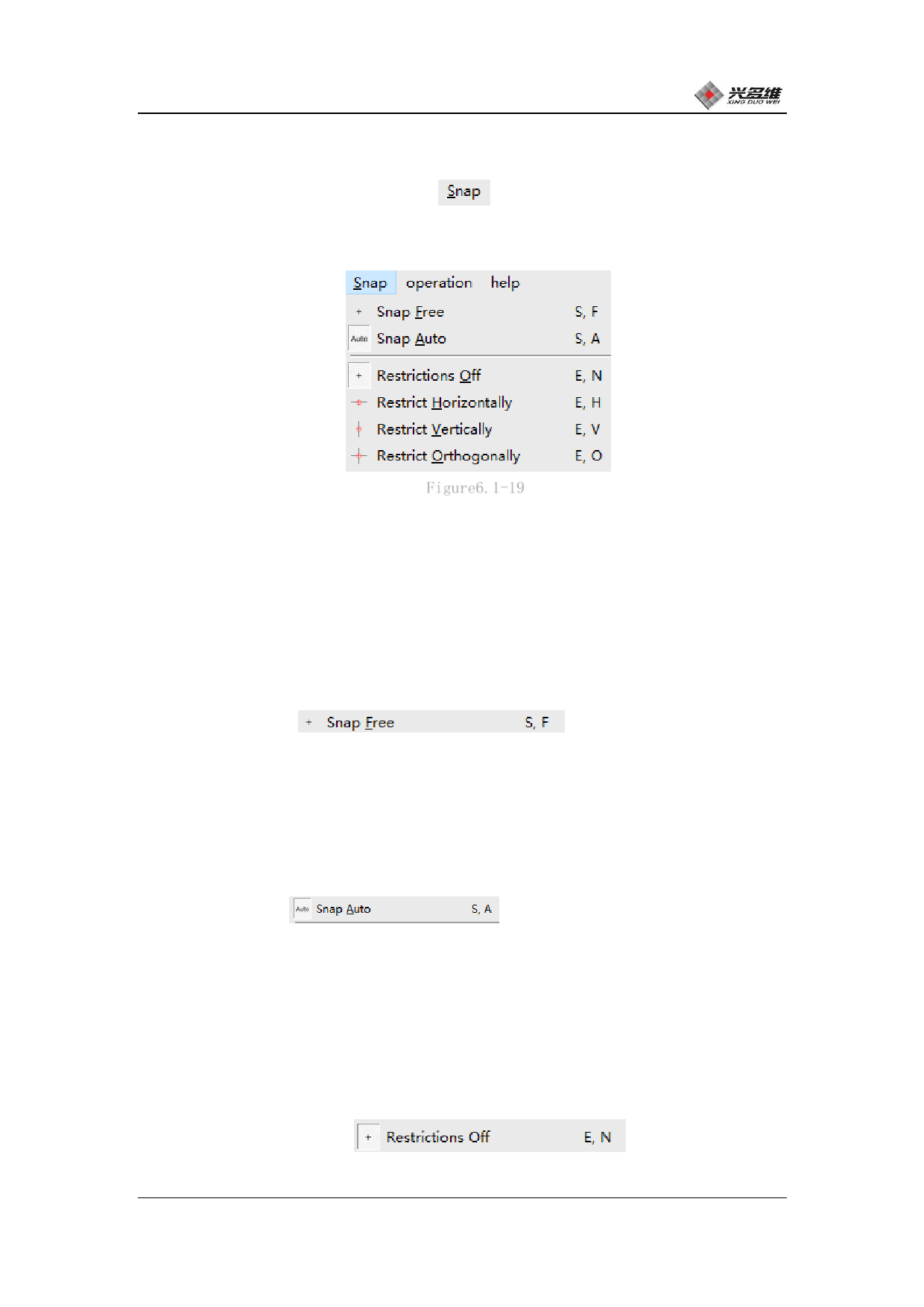
Click [Snap] on the menu bar
as shown in Figure 5.1-19:
, The capture menu will pop up,
Figure6.1-19
The user will be able to select the capture method. Capture
mouse-assisted positioning for drawing. Users can choose whether to
enable capture and capture.
6.1.5.1 Snap Freed
[Snap freed]
Click to select the
release mode. After selecting this mode, the mouse will no longer
automatically capture the anchor point.
6.1.5.2 Snap Auto
[Snap Auto]
Clicking will turn on
automatic capture, in which the capture function is turned on and the
drawing coordinates can be captured. Turn on assisted positioning for
easy positioning when drawing graphics.
6.1.5.3 Restrictions off
[Restrictions off]
Click to turn
off strict capture, this feature is used for normal movement without
兴于思 维至精
96













































































































































































