






成都兴多维科技有限公司
Chengdu multidimensional robotization technology company
There is a checkbox option: [Use current layer and attributes].
If this option is checked, the file attributes after mirroring will
use the file attributes of the layer where the original graphic is
located.
After checking the settings, click [OK]
, The mirror
operation is completed and the editing interface is returned. If you
are not satisfied with the mirror result, click [Cancel]
,
Cancel this mirroring operation and return to the editing interface.
6.1.2.9 Isometric copy
Click [Isometric Copy]
Ability to
turn on isometric copying. Ability to perform isometric copying of
direct and circular lines, etc.
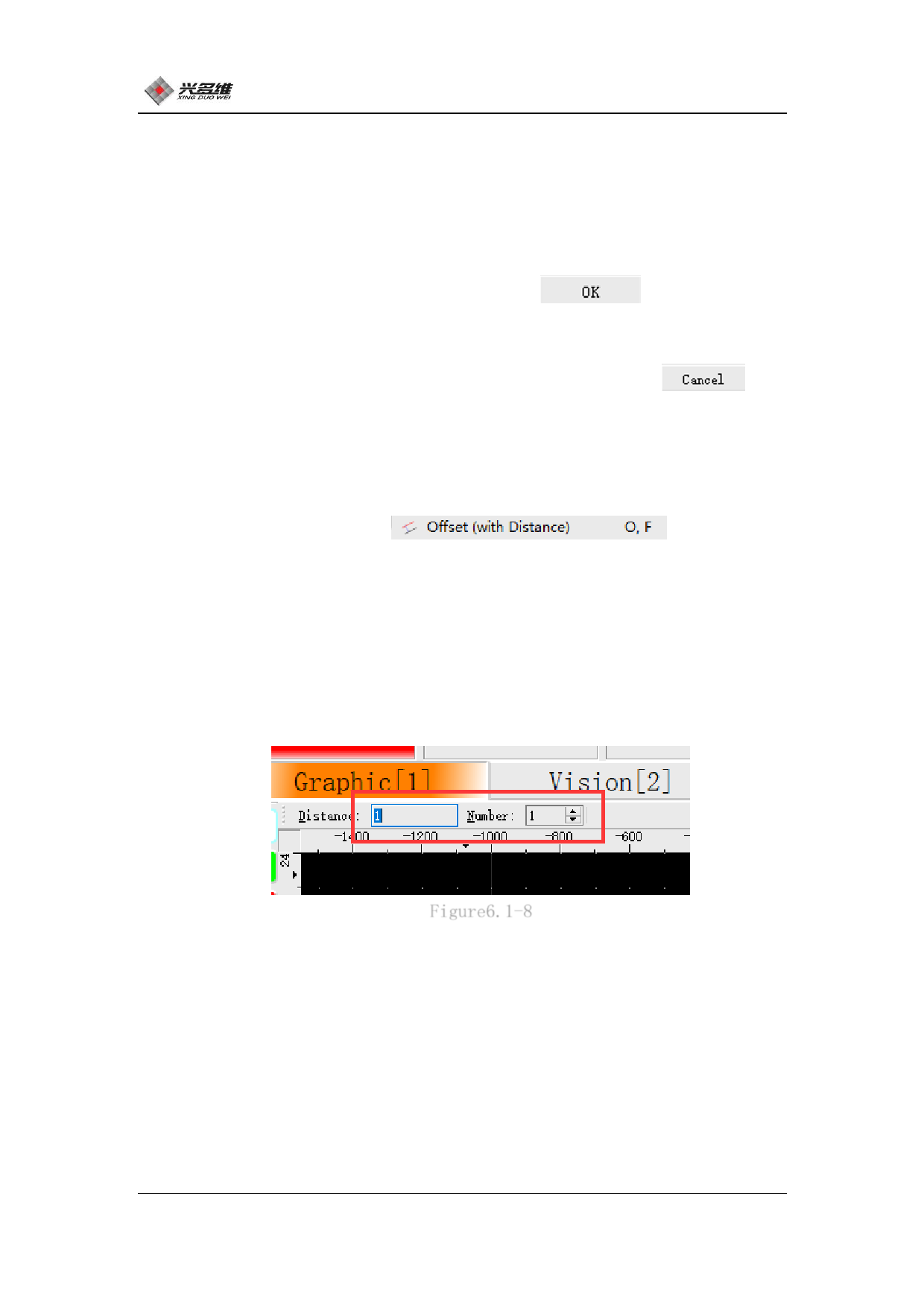
Click to enter the isometric copy function. At this time, two
data frames will be added to the upper part of the display area, as
shown in Figure 6.1-8.:
Figure6.1-8
The first data frame Distance represents the distance between the
target and the secondary target; the second data frame Number
represents the number of copies that need to be copied at a time.
Adjust these two parameters to control the distance and copy number
of the isometric copy, place the mouse on the target to be copied,
and the software will display the copied target. Click the left mouse
79
兴于思 维至精













































































































































































