






成都兴多维科技有限公司
Chengdu multidimensional robotization technology company
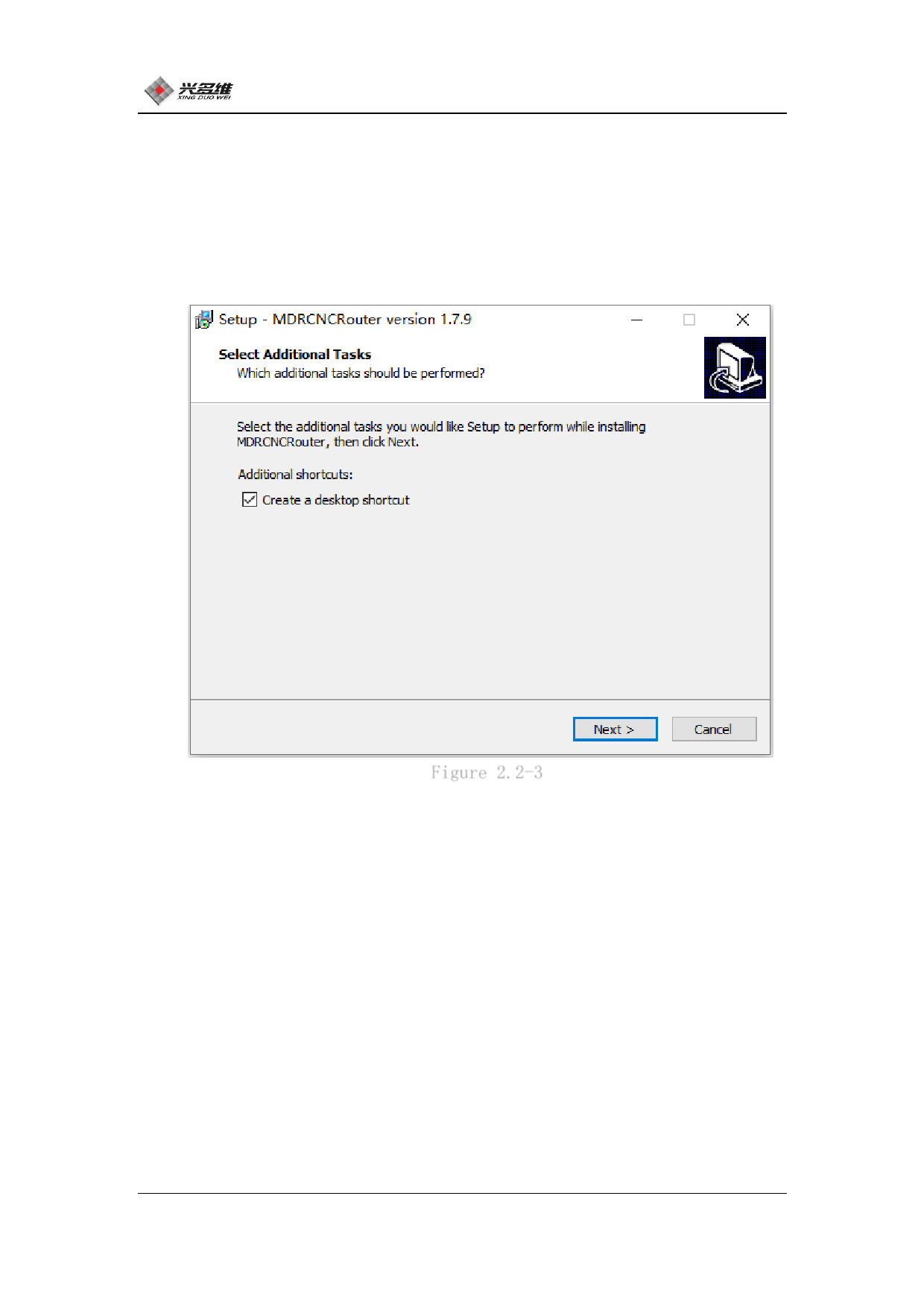
(5) Click Next. The installer enters the Select Additional Tasks
dialog box. In this dialog box, you can choose whether to create a
desktop shortcut. The installer is created by default. Users can
click to uncheck and do not create shortcuts. As shown in Figure 2.2-
3:
Figure 2.2-3
(6) Click Next, the program is ready to install, and a dialog
box pops up, as shown in Figure 2.2-4:
7
兴于思 维至精













































































































































































