






成都兴多维科技有限公司
Chengdu multidimensional robotization technology company
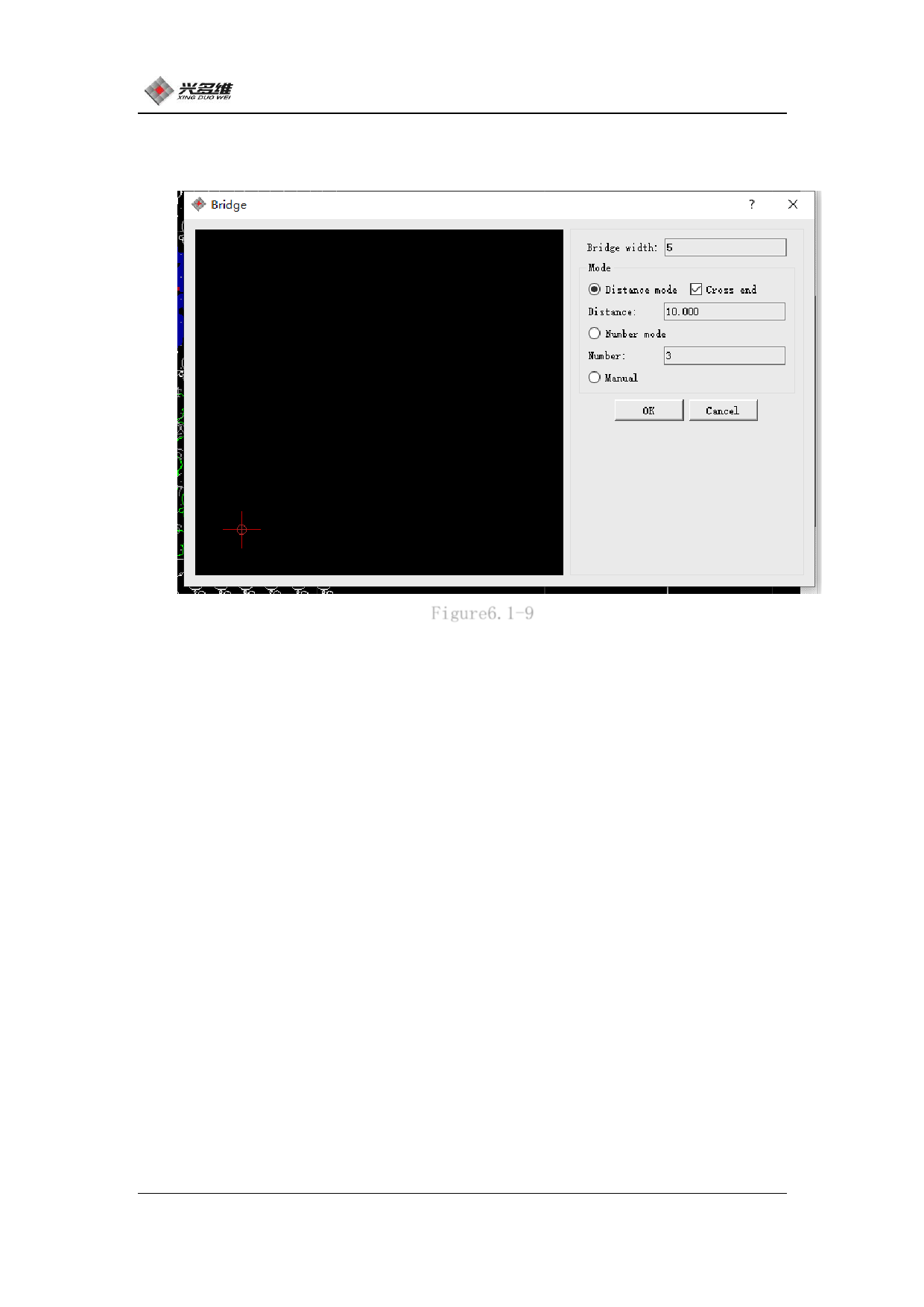
Click [Bridge] and the dialog box for the bridge setting will pop
up. As shown in Figure 6.1-9:
Figure6.1-9
The user can set the bridge position according to the parameters
of the dialog by modifying it.
The bridge width indicates the gap width after the break. After
setting the bridge width, you can select the interrupt mode. There
are 3 modes for the bridge setting to choose from: distance mode,
quantity mode, manual mode. After the setup is complete, the user can
preview the effect in the view box on the left.
Distance mode: Click the circle on the left side of the distance
mode to select the distance mode. In this mode, you can choose
whether to cross the endpoint. When selected, if there is a
breakpoint setting on the endpoint according to the distance, it will
automatically skip. On the endpoint. The user can set the distance
between two points in the distance data reading box according to the
requirements.
81
兴于思 维至精













































































































































































