






- You are here:
- AM.CO.ZABuythisCNC Utilities Homepage
- EasyRoute-CNC-Router
- EasyRoute CNC Control Panel Manufacture Manual.pdf
- Page 84 of 114
Specialized Concentrated Focused
2) Pressing combination key “Shift+Menu key” can open the help page of combination key list.
8.1.2. Tool Change Parameters
You can find “Tool Change” under “Oper Param”.
Parameter
Function
Setting Range
ATC Capacity
Capacity of tool magazine
1~20
CurrentToolNo.
Tool No. of the currently loaded tool
1~ATC Capacity
Tool Offset
Tool offset in each axis direction
X/Y/Z: -10000~10000 (mm)
ToolChangeTip
Cali Coor
Cut Up Pos
Change tool sp
Pre-TC pos
Tool positio
Calibrate Too
Back Pre_Pos
Change Delay
Whether to give a prompt when there is tool Yes: Prompt
change command in the file
No: Not prompt
Machine coordinates
(presetter)
of
tool
sensor /
Machine coordinates of upper position in
tool change
/
Tool moving speed in tool change
0.001~Max. speed of the
machine tool
Machine coordinates of pre-position in tool
change
/
Machine coordinates of currently loaded
tool
/
Whether to automatically measure the tool Yes: Measure
after tool change
No: Not measure
Whether to back to the previous position Yes: Back
before tool change after tool change
completed
No: Not back
Delay time for tool change
0~600000 (ms)
8.1.3. Cylinder Operation Method
3-cylinder 1-inverter software
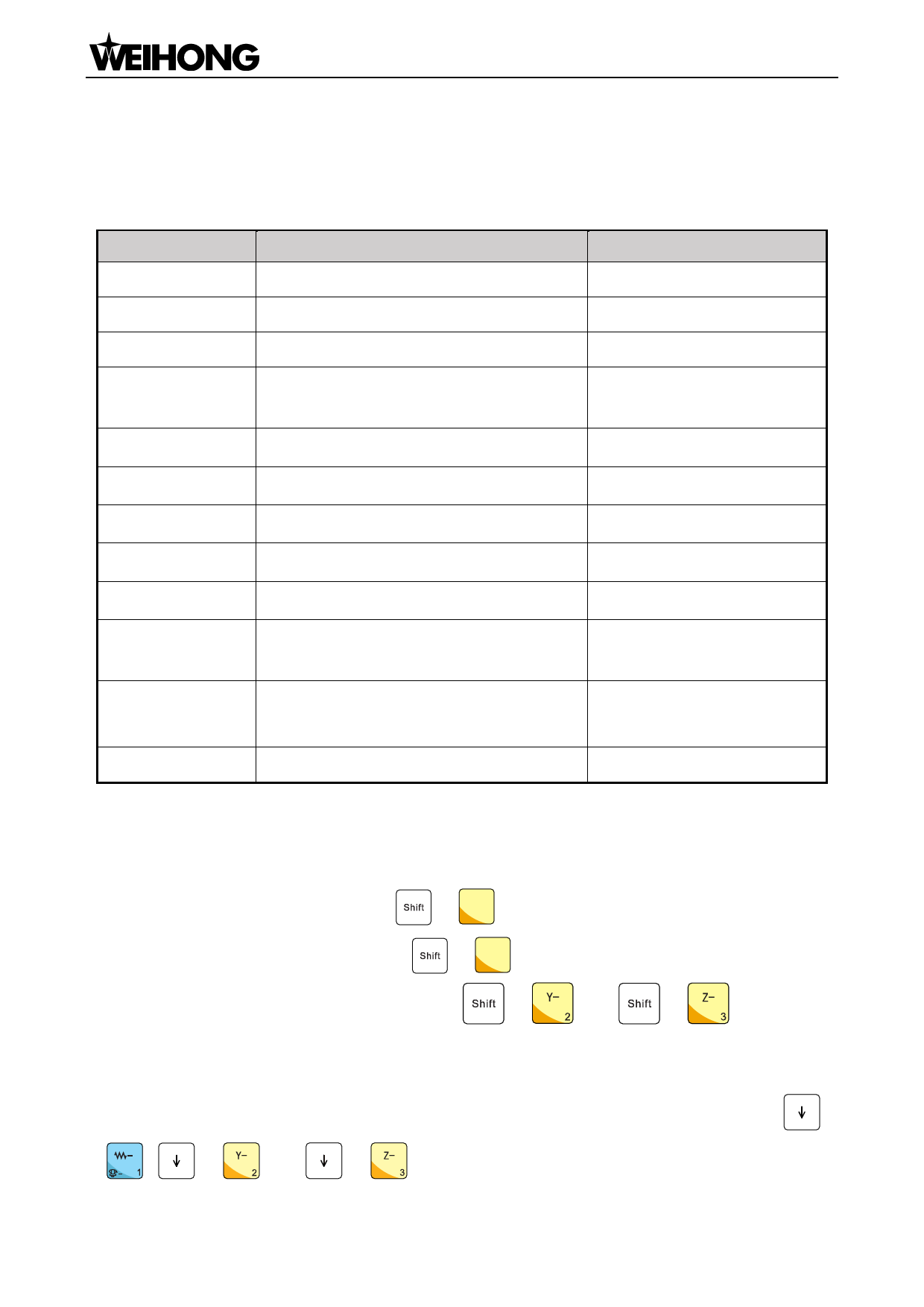
For NK105G3 CNC system: pressing
“Cut Up Pos”, and start cylinder 1; pressing
IV-
+ 1 in the jog mode will make Z axis lift up to the
IV-
+ 1 again will close cylinder 1. Cylinder 2 and
cylinder 3 can be started and closed by pressing
+
and
+
. Remember
that only one cylinder can be opened at one time. If a cylinder is opened, it will be turned off
automatically if another cylinder is turned on.
To turn on/off cylinder 1/2/3 in NK105G2 CNC system, the corresponding shortcut keys are
+
,
+
and
+
.
「72」Cylinder ATC and Linear ATC Function

















































































































