






- You are here:
- AM.CO.ZABuythisCNC Utilities Homepage
- EasyRoute-CNC-Router
- EasyRoute CNC Control Panel Manufacture Manual.pdf
- Page 65 of 114
Specialized Concentrated Focused
successful or failed, a prompt will be displayed.
6.6.2. Restore Backup
It is used to restore the backup parameters. If the parameters have not been backed up, “Backup
File Not Found!” will be displayed.
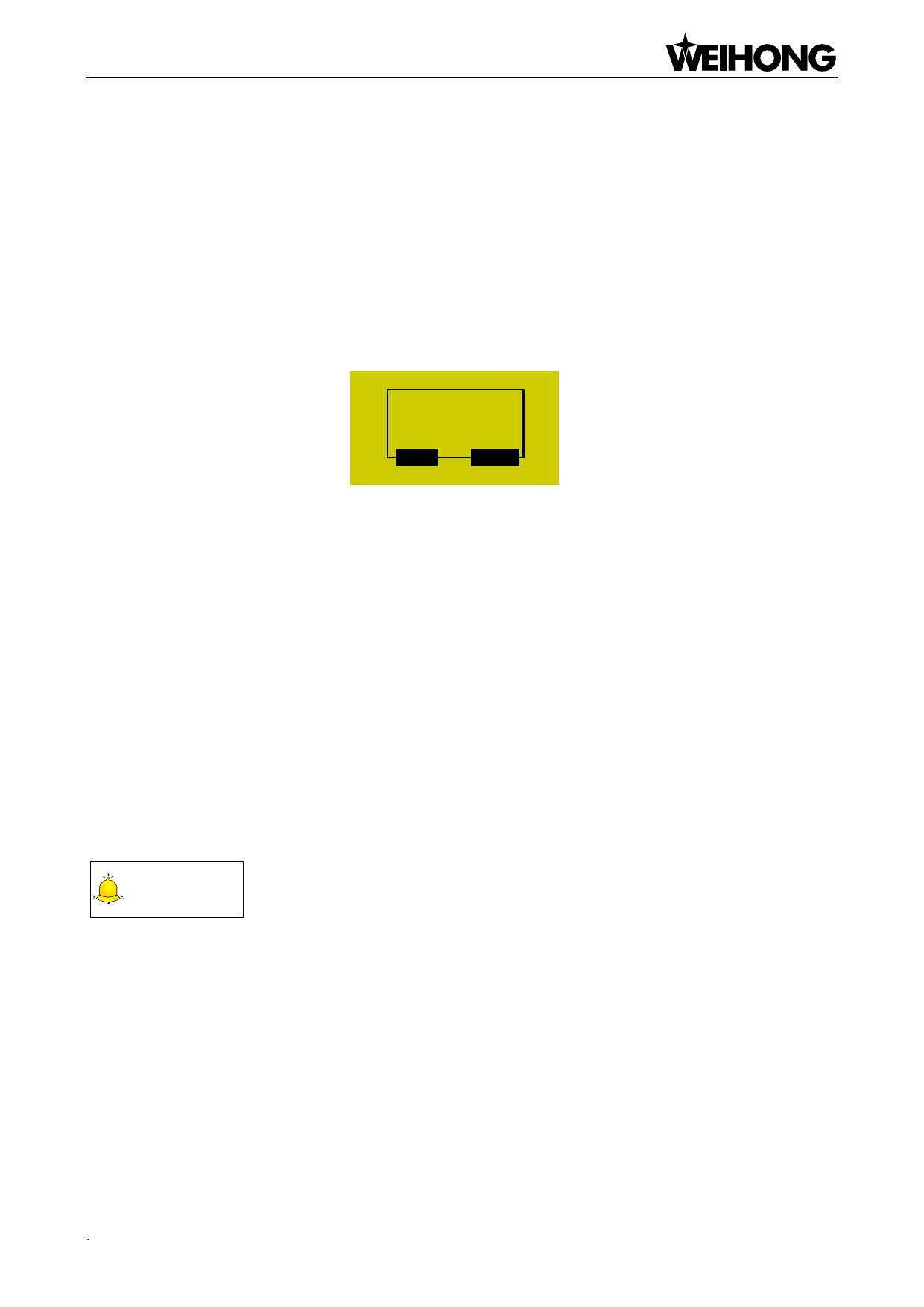
If the recovery is successful, a prompt of rebooting the system will be displayed, as shown in Fig.
6-10. At this time, you can press [OK] to reboot the system directly, or [ECS] to return to the previous
page.
Reboot
Immediately?
OK
ESC
6.6.3.
Fig. 6-10 Prompt dialog of system reboot
Factory Params
The action of ex-factory parameter recovery is to clear all the data and parameters interiorly set
stored in the system memory chip. It is necessary to perform this action when there are messy codes
in the interior file or after upgrade finishes.
Operate following the prompts displayed on the screen. After recovery is successful, a cue to
reboot the system will be displayed on the screen, as shown in Fig. 6-10. At this time, you can press
[OK] to restart the system, or [ESC] to back to the previous page.
The action of ex-factory parameter recovery won’t clear the parameters backup file. Therefore, if
this action is carried out accidentally and all the interior parameters are cleared, you can restore the
backup parameters by “Restore Backup”.
CAUTION
Modification to this item will not become effective until the system is rebooted.
6.6.4. Export Parameters
In case of software or hardware fault, you can export parameters to an USB flash drive for
backup.
6.6.5. Import Parameters
Import the parameters in the USB flash drive to the system, avoiding repeatedly setting
parameters. After import is successful, the system will display a prompt of system reboot as shown in
Menu Page「53」

















































































































