






- You are here:
- AM.CO.ZABuythisCNC Utilities Homepage
- EasyRoute-CNC-Router
- EasyRoute CNC Control Panel Manufacture Manual.pdf
- Page 69 of 114
Specialized Concentrated Focused
-570.025,
-450.020,
-330.015,
0.027,
0.025,
0.015,
0.083
0.077
0.068
-210.010,
0.000,
0.057
Example of screw error compensation file format---A certain axis only needs backlash
compensation
;unit=mm
[Y]
0.000,
1000.00,
0.000,
0.000,
0.030
0.030
Compensation Method
Generally, screw error compensation error can be measured by the gauge, laser interferometer.
Manually input the value into the compensation file as the file format introduced above after it has been
obtained.
Save the modified compensation file under the root directory of USB flash driver, and insert the
USB into NK105 control box, then import the file into the system. After the compensation file imported
successfully, the system will automatically make compensation according to the file in machining.
6.7. System Upkeep
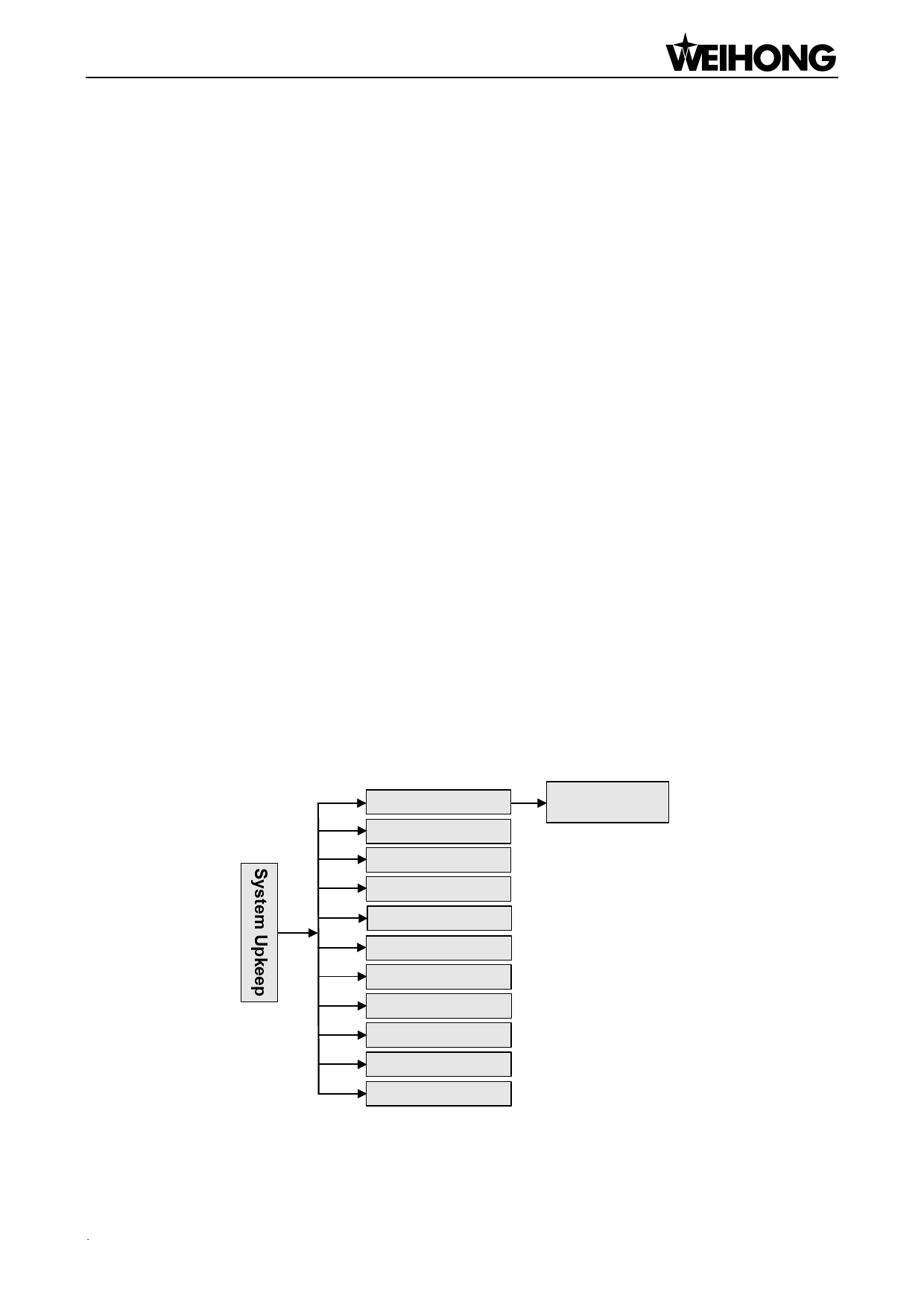
Press “Menu”→ 7. System Upkeep, and then press [OK] to enter its page, in which select a
submenu by pressing the “Up” and “Down” keys. The submenus under this page are shown in Fig.
6-14.
6.7.1.
Language
1. Language
2. Export Log
3. System Update
4. Register
5. Help
6. Reboot
7. Exit
8. Delete Log
9. Disk Space
10. Delete Info
11. Modify Code
1. Chinese
2. English
Fig. 6-14 Submenu list of system upkeep
Menu Page「57」

















































































































