






- You are here:
- AM.CO.ZABuythisCNC Utilities Homepage
- EasyRoute-CNC-Router
- EasyRoute CNC Control Panel Manufacture Manual.pdf
- Page 35 of 114
Specialized Concentrated Focused
5. Machine Tool Debugging
5.1. Adjustment of Axis Direction and Pulse Equivalent
5.1.1. Adjustment of Axis Direction
Firstly confirm the positive direction of each axis according to the coordinate system adhering to
the right-hand rule before starting machine debugging.
After fixing the positive direction of each axis following the right-hand rule, manually operate the
machine to check if the axes move correctly. If the direction is opposite, modify the parameter “Axis
OutpDir”. Take X-axis as an example, manually move the X-axis, only to find it moves oppositely. To
solve this problem, you just need to change the value of X axis in the parameter “Axis OutpDir” from
“Positive (Negative)” to “Negative (Positive)”.
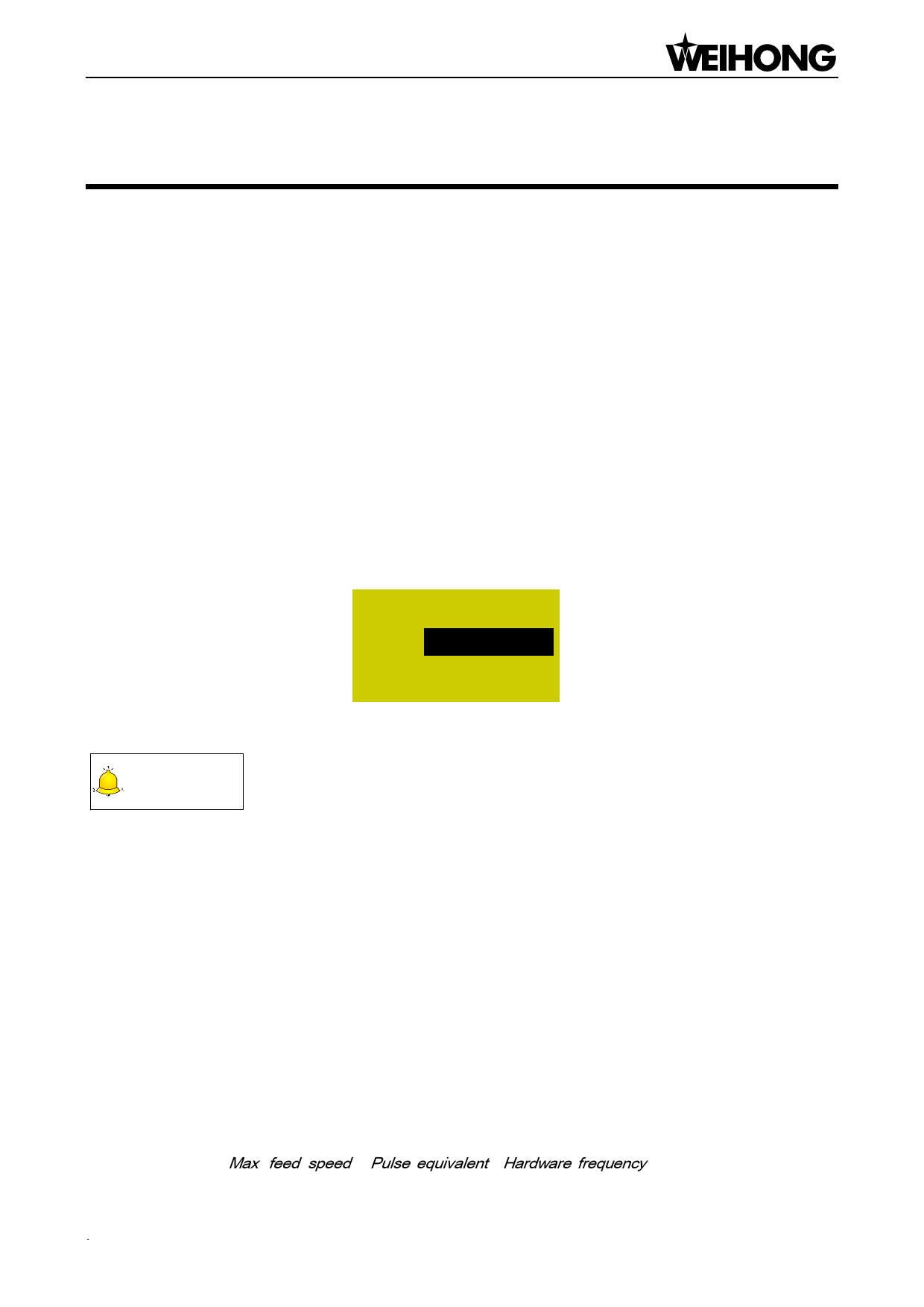
Press the “Menu” key→ 5. Mfr Param→ 2. Axis OutpDir, and then press the [OK] key to enter the
interface as shown below.
*Axis Output Dir
X Axis:
Y Axis:
Z Axis:
Negative
Positive
Positive
Fig. 5-1 Modification interface of “Axis OutputDir”
CAUTION
The mark “*” in front of a parameter indicates that the modification to this parameter becomes effective after
reboot. Modification to a parameter without the mark becomes effective immediately.
5.1.2. Adjustment of Pulse Equivalent
Pulse equivalent is the moving distance of the worktable or rotation degree of the rotary axis per
pulse sent by the CNC device, i.e. the minimum distance controlled by the CNC system. This item can
be calculated in terms of information of screw pitch, electronic gear ratio, mechanical deceleration ratio,
etc.
The smaller the pulse equivalent is, the higher the machining precision and surface quality will be.
At the meanwhile, the setting value of pulse equivalent decides the max. feed speed (feed rate), and
the relationship between pulse equivalent and max. feed speed is as shown below:
Max . feed speed Pulse equivalent Hardware frequency 60
Machine Tool Debugging「23」

















































































































