






- You are here:
- AM.CO.ZABuythisCNC Utilities Homepage
- EasyRoute-CNC-Router
- EasyRoute CNC Control Panel Manufacture Manual.pdf
- Page 50 of 114
Specialized Concentrated Focused
6. Menu Page
6.1. Summarization
After start-up, the system is in manual mode and machining page by default. The machining page
displays info like axes, coordinate value, operation state, spindle state, type of manual speed and
machining mode. See Fig. 6-1.
1X 0.000 Idle
1Y 5.994 SOff
1Z 1020.490 Slow
Jog
100%
Operation
State
Spindle
State
Type of
Manual
Speed
Machining Mode
(Feed rate)
Coordinate Coordinate
Axes
Value
Feedrate
Override
Machining Mode
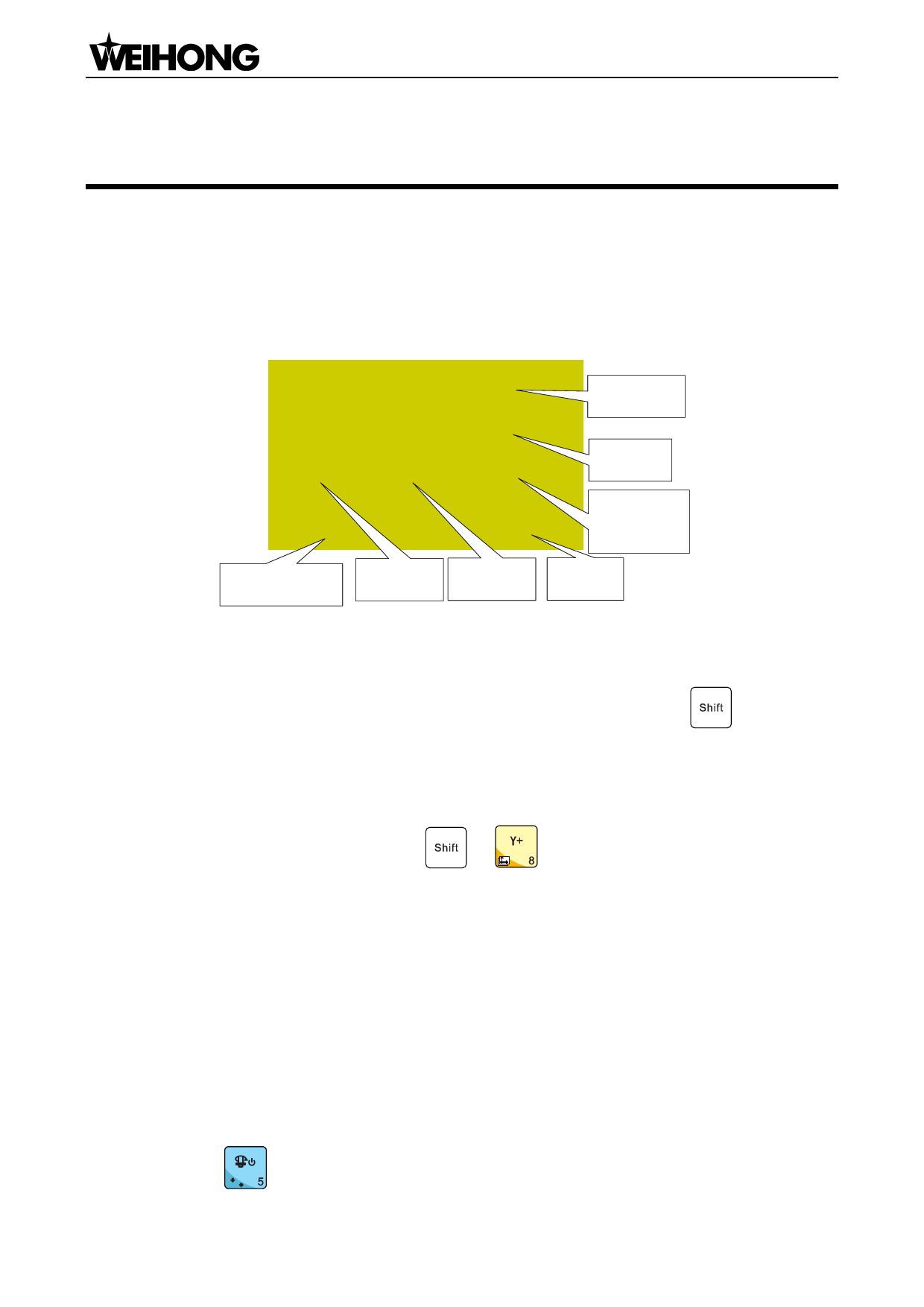
Fig. 6-1 Machining page
It is comprised of jog and stepping modes, which can be switched by pressing
.
Coordinate Axes
Machine coordinate system (MCS) and workpiece coordinate system (WCS) are included, and
are switched by pressing the combination key
+
. The system in Fig. 6-1 is in WCS, and
the number 1~6 before X/Y/Z axis indicates WCS from G54 to G59 respectively. For MCS, there is no
number before X/Y/Z axis. After homing is accomplished, a sign * will be displayed after the
corresponding axis in MCS.
Operation State
Operation state includes idle, E-stop, running, pause and lock states.
Spindle State
It indicates the current spindle gear and spindle ON/OFF. In idle state, spindle is turned ON or
OFF by pressing (0,0) . In machining state, spindle gear is increased or decreased by pressing
「38」Menu Page

















































































































