






- You are here:
- AM.CO.ZABuythisCNC Utilities Homepage
- EasyRoute-CNC-Router
- EasyRoute CNC Control Panel Manufacture Manual.pdf
- Page 64 of 114
Specialized Concentrated Focused
Other Operations
Parameter
Smoothing Time
G00 Feed 100%
Safety Height
CalibThickness
Corner Option
Corner Toler
Setting Contro
Meaning
Setting range
The larger the value is, the smoother the
workpiece surface will be, but tool large value will
affect the dimension of workpiece. 0.01 is 0.0~0.064 ms
recommended for a mold machine, and 0.03 for a
woodworking machine.
Whether to enable 100% feedrate override for G00 Yes: Valid; No: Invalid
Calculated with respect to workpiece origin. The
horizontal movement at this height is considered to
0~5000 mm
be safe, used in breakpoint resume and backing to
workpiece origin.
The thickness of the tool presetter
0~Worktable range
The type of corner smooth
0: Not disposed
1: Curve
2: Arc
For the integral smoothness of workpiece, the tool
may not arrive at the specified position accurately
at the connection of each two program segments.
When the difference between the tool position and 0.0~0.1
the specified position is equal to the value of this
parameter, the system regards the end of the
current program segment machining.
Whether to enable 1.5ms control cycle
Yes: Enable
No: Disable
6.6. Param Upkeep (Parameter Maintenance)
Press the “Menu” key→ 6. Param Upkeep, and then press [OK] to enter the page, in which select
a submenu by pressing the “Up” and “Down” keys.
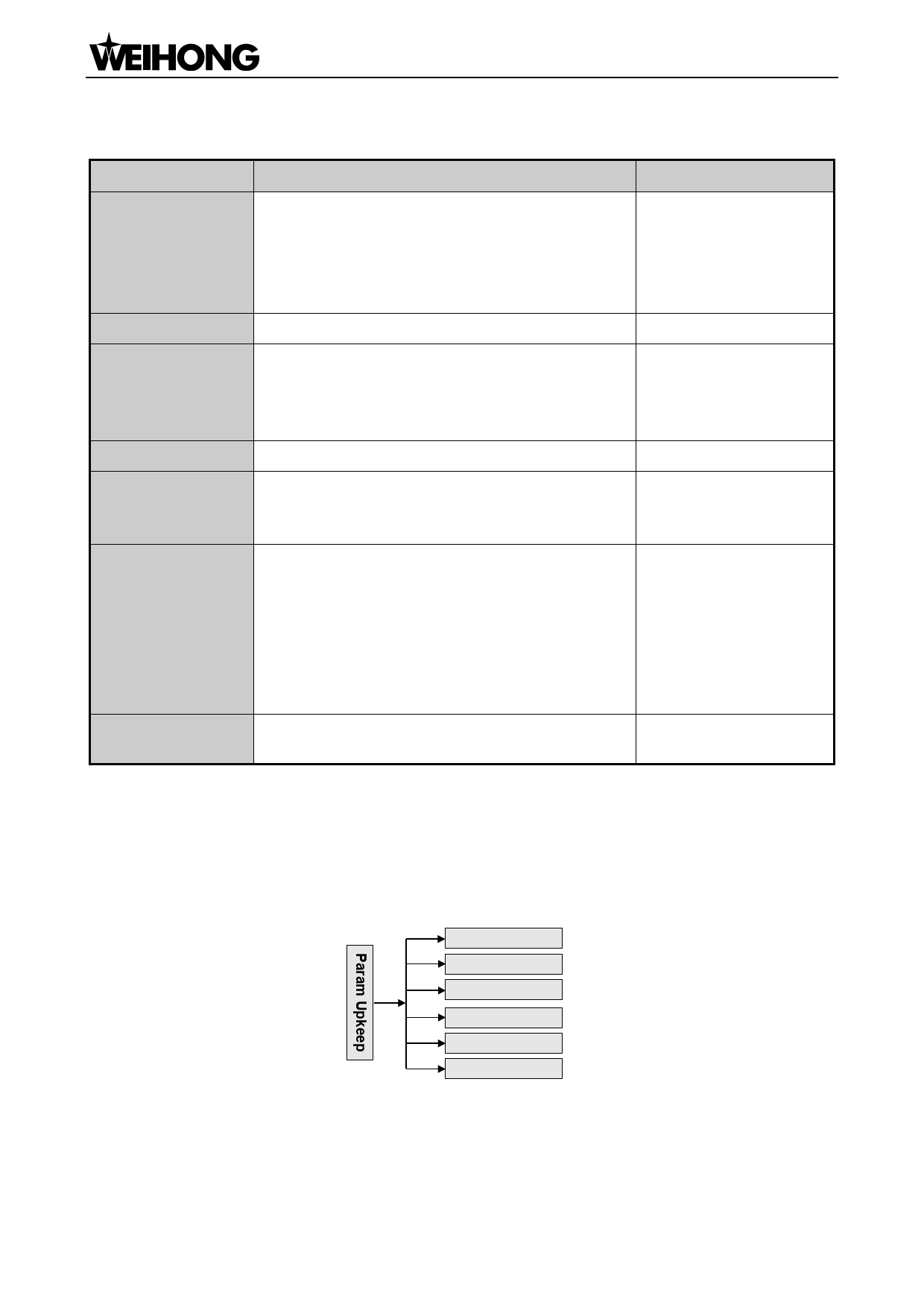
The submenus under this page are as shown in Fig. 6-9.
6.6.1.
1. Backup Params
2. Restore Backup
3. Factory Params
4. Export Params
5. Import Params
6. Import ErrData
Fig. 6-9 Submenu list of parameter upkeep
Backup Params
Press [OK] to confirm backing up the parameters. No matter whether the parameter backup is
「52」Menu Page

















































































































