






- You are here:
- AM.CO.ZABuythisCNC Utilities Homepage
- EasyRoute-CNC-Router
- EasyRoute CNC Control Panel Manufacture Manual.pdf
- Page 79 of 114
Specialized Concentrated Focused
3) Press one of “4”, “6”, “2”, “8”, “3” and “9” to execute jiggle on the desired axis in the corresponding
direction.
4) Press “Start” to resume machining after jiggle.
CAUTION
If hard limit, soft limit or E-stop occurs in jiggle, the system will stop jiggle, give a limit prompt or an alarm,
and return to the main page.
7.3.4. Soft Limit Handling
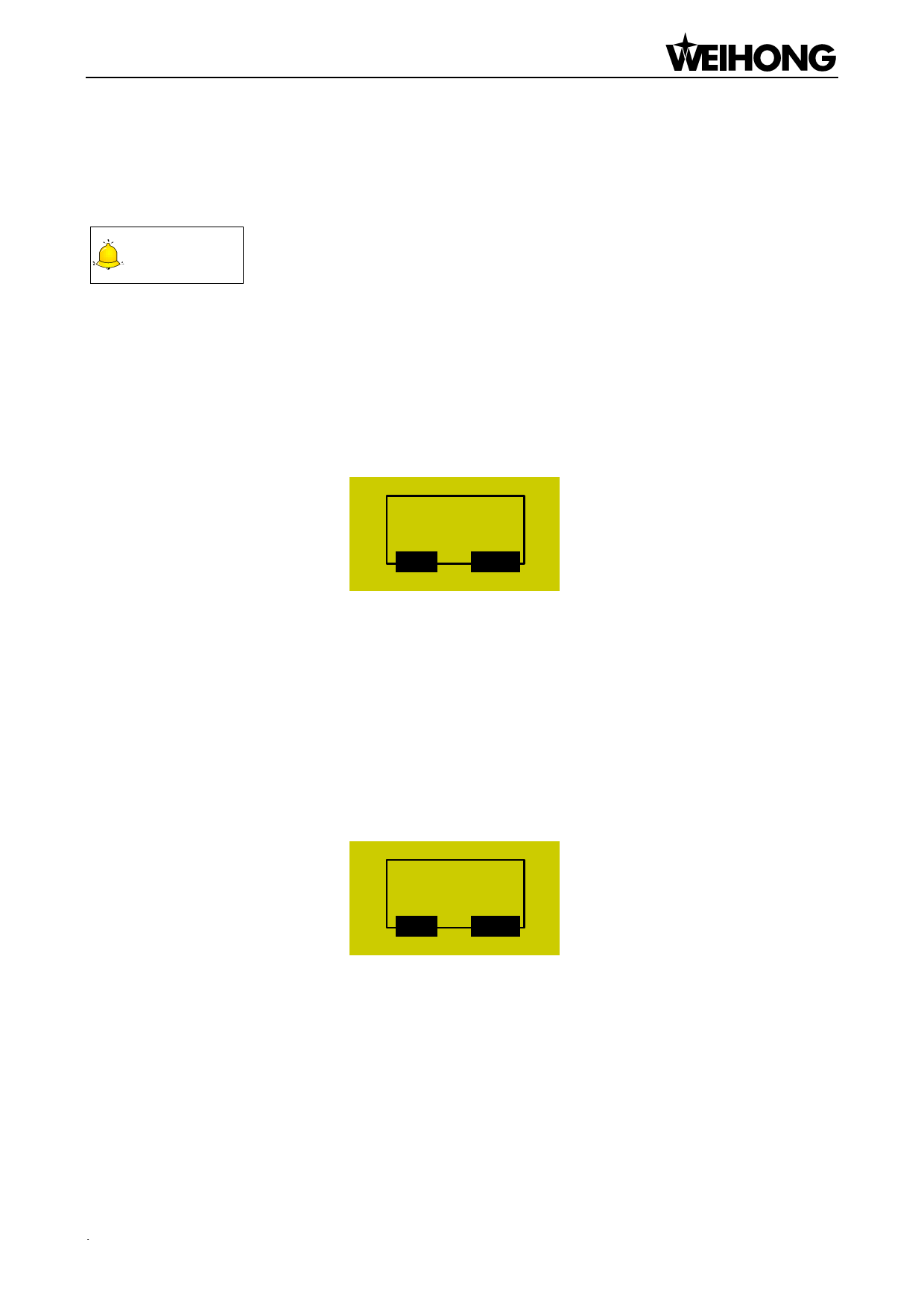
Soft limit occurs when an axis exceeds the setting range of “MachineStroke” during machining,
and the system will display a limit dialog as shown below.
X Soft Limit
OK
ESC
Fig. 7-7 Soft limit dialog
Press [OK] or [ESC] to exit from this warning dialog and return to the machining page, and then
manually move the limit axis towards the reverse direction to release limit. After soft limit occurs, the
system prohibits the limit axis from moving towards the limit direction.
7.3.5. Hard Limit Handling
The system detects hard limit periodically under the main page. When hard limit occurs, its prompt
dialog is as shown in Fig. 7-8.
Limit! Exit
Manually.
OK
ESC
Fig. 7-8 Hard limit dialog
At this time, press [OK] to return to the main page under “Jog” mode, with “Limit Rls.” displayed at
the bottom right corner of the LCD, as shown in Fig. 7-9. Or you can press [ESC] to directly back to the
main page under “Jog” mode.
Machining Operations of NK105G3「67」

















































































































