






- You are here:
- AM.CO.ZABuythisCNC Utilities Homepage
- EasyRoute-CNC-Router
- EasyRoute CNC Control Panel Manufacture Manual.pdf
- Page 44 of 114
Specialized Concentrated Focused
5.6.2. Parameter Setting of Manual Machining
Basic parameters of manual machining include: rapid jog speed (i.e. “High” shown in the
machining page), jog speed (i.e. “Slow” shown in the machining page), XY step and Z step.
Table 9 Parameters for manual machining
Parameter
Meaning
Setting range
MSpd (High)
MSpd (Slow)
Two types of speed under manual 0.06~Max. speed of machine tool
machining, deciding the axis motion speed
during manual machining.
0.06~Rapid jog speed
Step XYZ
The motion distance of the corresponding
axis each time an axis direction key of 0.001~10000mm
X/Y/Z is pressed.
The max. speed of a machine tool is related with the setting of pulse equivalent. For the concrete
expression, see Chapter 5.1.2.
Jog speed (Slow) and rapid jog speed (High) are switched by pressing
0.
The concept of stepping (also called gridding in some other systems) is introduced for the accuracy
of machining and debugging. When the system is in the stepping mode, step is the motion distance
of the corresponding axis each time an axis direction key of X/Y/Z is pressed.
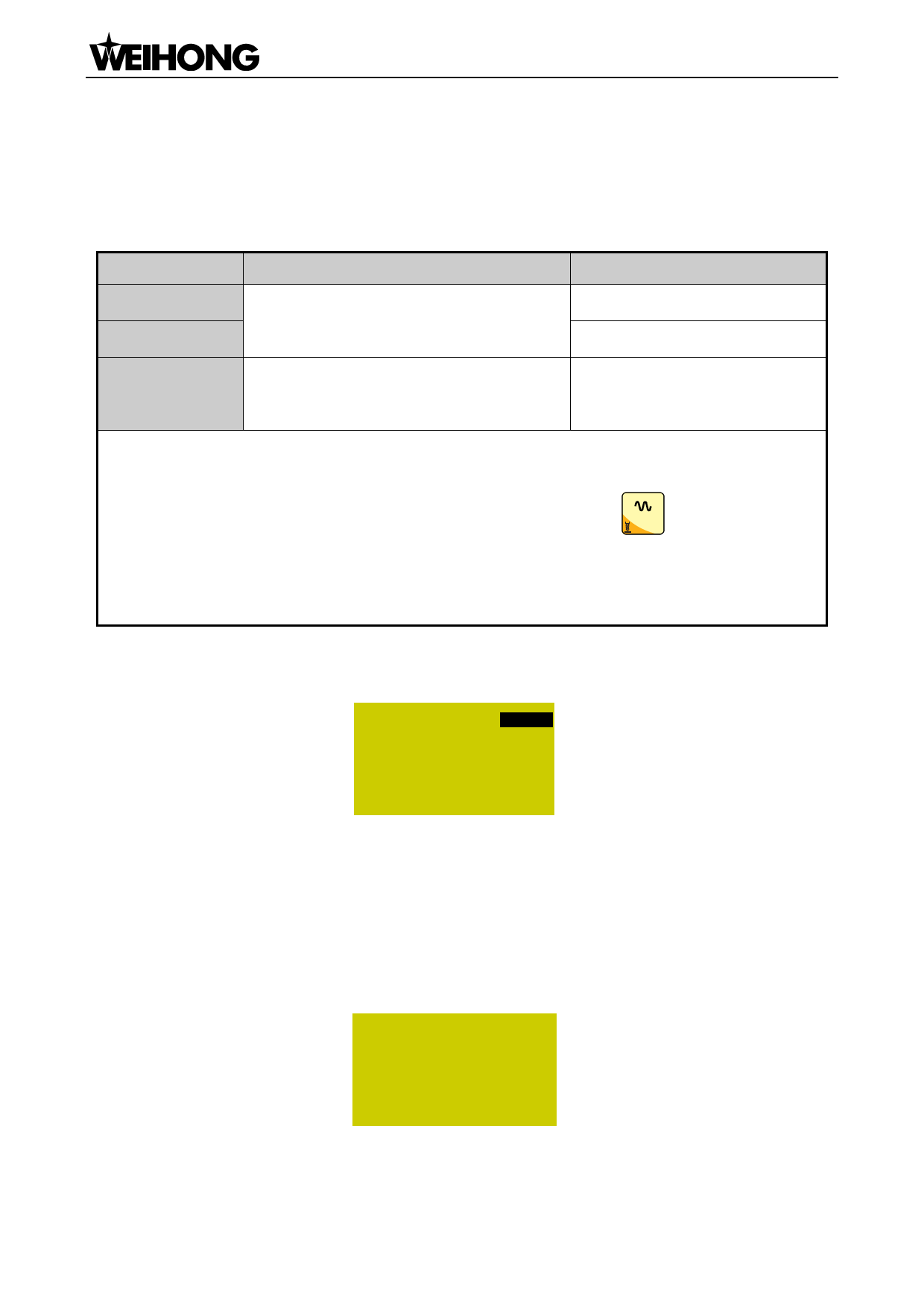
Under the main page, press the [OK] to enter the parameter setting page of manual machining, as
shown in Fig. 5-11.
MSpd
StepXY
StepZ
3000/ 1510500
10.000
1.000
File
<FLOWER.G>
Fig. 5-11 Manual parameter setting page
Press “Up” or “Down” to select the desired parameter, and then press [OK] for confirmation after
modification. Note that modification should be within the parameter range.
Current file name is displayed at the bottom of the LCD. Press “Up” or “Down” to move the cursor
to the file name, and then press [OK] to enter the file list of C disk, as shown in Fig. 5-12. You can only
load these files, unable to delete or copy them under this page.
FLOWER.G
Testing.dxf
Tool.nc
C:
[OK] Load
Fig. 5-12 File list page
If there is no file in the C disk, the prompt “File Not Found, Show USB File?” will be displayed;
「32」Machine Tool Debugging

















































































































