






- You are here:
- AM.CO.ZABuythisCNC Utilities Homepage
- EasyRoute-CNC-Router
- EasyRoute CNC Control Panel Manufacture Manual.pdf
- Page 31 of 114
Specialized Concentrated Focused
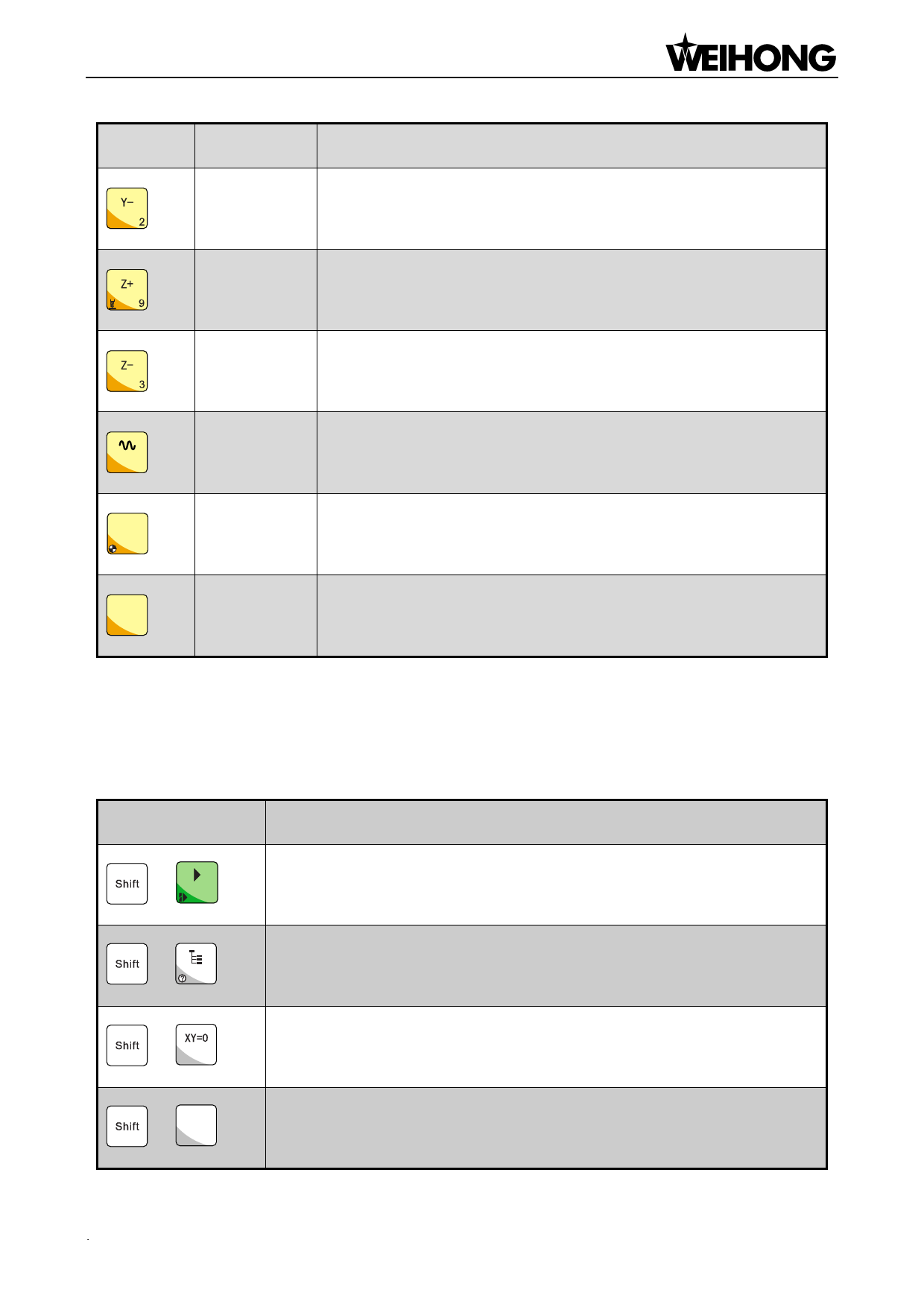
Key icon Key name
Function
Negative movement of Y axis; input of number 2; first tool
Y-
measurement with the help of the auxiliary key
Positive movement of Z axis; input of number 9; tool measurement
Z+
executed with the help of the auxiliary key
Negative movement of Z axis; input of number 3; measurement after
Z-
tool change with the help of the auxiliary key
Speed
Switchover between jog speed and rapid jog speed in jog mode;
5
switchover
input of number 5
IV+
Positive
7
Positive movement of the extended axis; input of number 7; homing
all the axes with the help of the auxiliary key
IV-
Negative
Negative movement of the extended axis; input of number 1
1
4.2.2. Function Information of Combination Key
The usage of the combination key: press the auxiliary key, and then the second; release the two
keys after the corresponding function is called.
Key icon
Table 6 Combination key function table
Function
Breakpoint resume
+
entering help page of combination key
+
+ X=0
Z=0
+ Y=0
X clearing
Y clearing
Functions & Operation Methods of Panel Keys「19」

















































































































