






- You are here:
- AM.CO.ZABuythisCNC Utilities Homepage
- EasyRoute-CNC-Router
- EasyRoute CNC Control Panel Manufacture Manual.pdf
- Page 54 of 114
Specialized Concentrated Focused
“EachDpth” is the tool machining depth each time; generally, the value of “EngrDpth” (the total depth of
several millings) is set bigger than that of “EachDpth”; if the value of “EachDpth” is equal to or bigger
than that of “EngrDpth”, only one milling will finish the machining; “NoseGap” means the distance
between two adjacent lines, whose value should be set smaller than that of “ToolDia” to avoid missing
millings.
CAUTION
1) After setting parameters and moving the cursor to “Load Now”, you still need to press [OK] to load the
machining file.
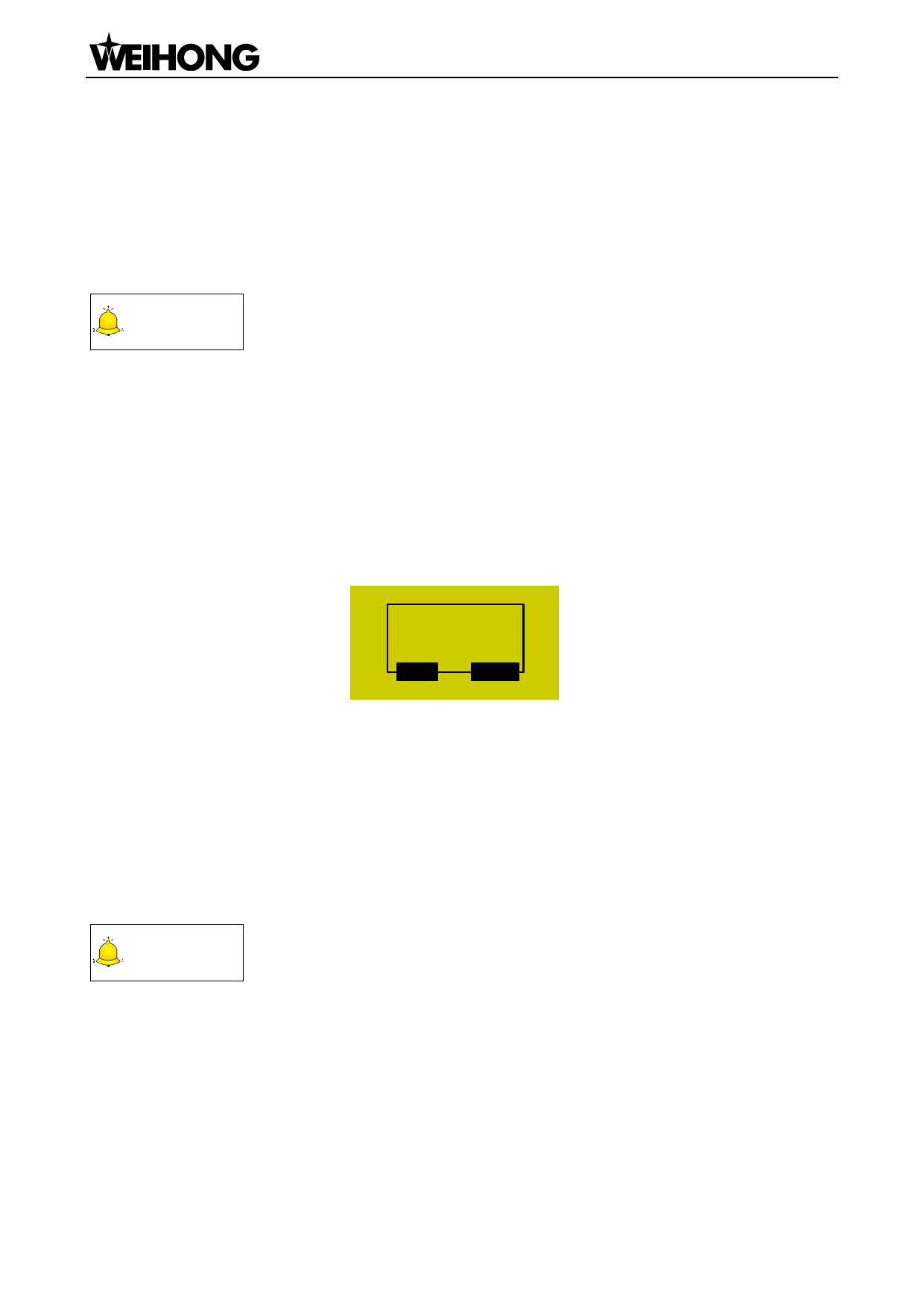
2) If the input value of “EngrDpth” is too big, the system will send the warning information “Too many file
layers generated, continue?”, as shown in Fig. 6-6. You can press [ESC] to back to modify the value; or
press [OK] to load the file anyway, the system staying in the page shown in Fig. 6-6. At this time, if you
press a key, its function will not be executed until this dialog box disappears, so it is not allowed to press
any key under this state. You can wait patiently until the file is successfully loaded, or you can power off
and re-power on the system.
Too many file
layers generated
OK
ESC
6.3.3.
Fig. 6-6 Warning dialog when parameters not properly set
Select Line No
This page shows the loaded file information, like total line No., start line No. and end line No. The
default setting of “StartLine” is the breakpoint position of the current file, and “EndLine” the last line.
With this function, you can select any blocks to be processed. After these values are set, press the
“Up” or “Down” key to select “Execute Now”, and then press [OK] to start machining instantly.
CAUTION
The default line No. of “StartLine” is the breakpoint line No. under this page.
6.3.4. Machining Info
After this item is selected and [OK] is pressed, the system will analyze the file currently loaded
automatically, like calculating the needed time for file machining and the machining range of each axis.
The page of analytic result is as shown in Fig. 6-7.
「42」Menu Page

















































































































