






- You are here:
- AM.CO.ZABuythisCNC Utilities Homepage
- EasyRoute-CNC-Router
- EasyRoute CNC Control Panel Manufacture Manual.pdf
- Page 27 of 114
Specialized Concentrated Focused
Key icon
Key name
Function
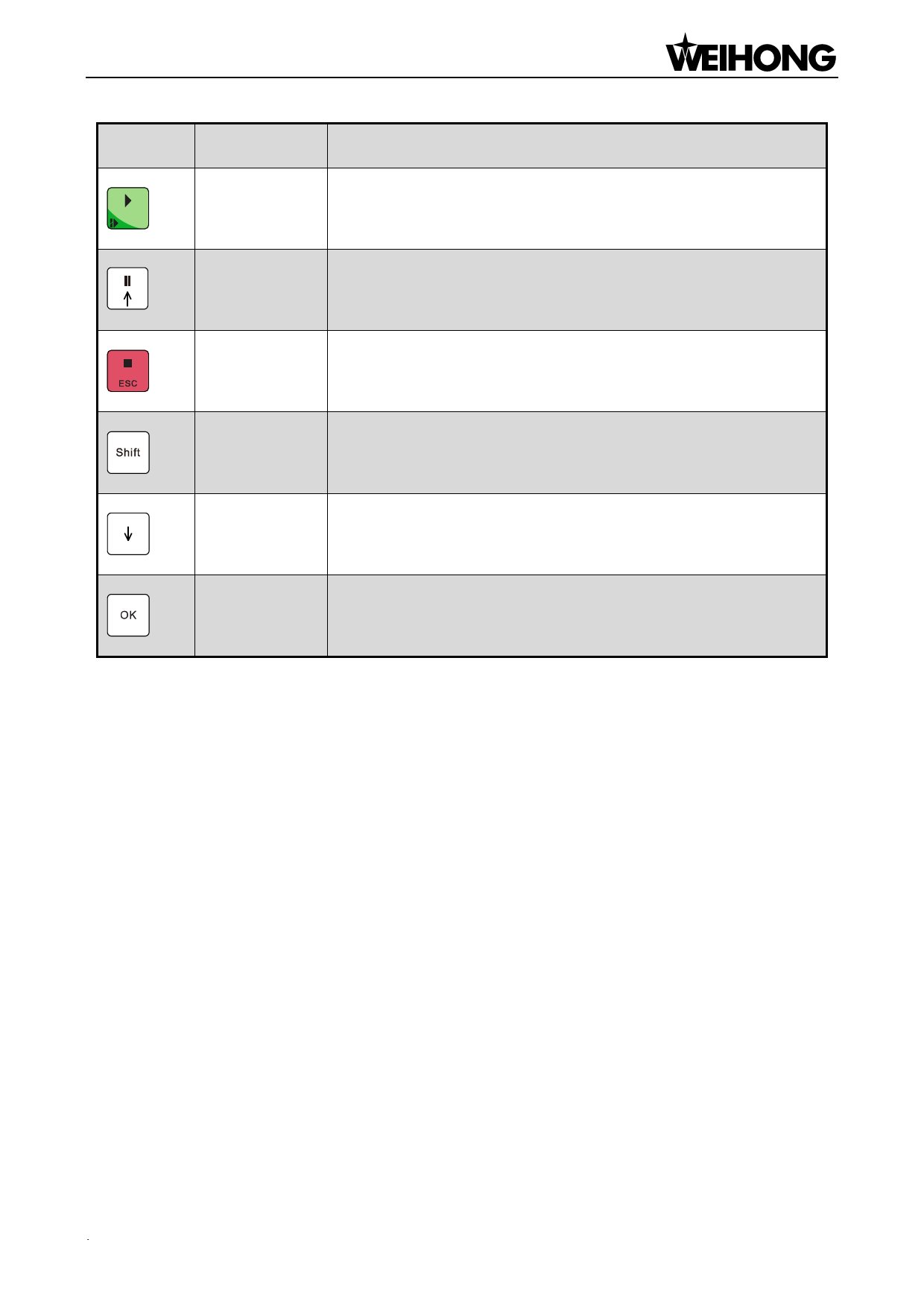
Start
Start key; breakpoint resume with the help of the auxiliary key
Up
Suspend processing; up direction key
ESC
Shift
Stop processing; cancellation of various selections, inputs and
operations
Auxiliary key; switchover between stepping mode and jog mode
under machining page
Down
Down direction key
Entering jog/rapid jog speed adjustment page under menu page;
OK
confirmation of various selections, inputs and operations
4.1.2. Function Information of Combination Key
Theoretically, functions of all keys except for “Shift” key and “Menu” key on the panel can be
self-defined according to actual situation in NK105G2/G3 system, especially the usage of combination
key. The user can find setting files under directory of Config folder, file Key18Config.xaml corresponding
to NK105G2 system, and file Key28Config.xaml to NK105G3 system. However, please note that, to
avoid the possible confusion caused by modified key function and current panel face, it is strongly
recommended not to alter the function definition and combination key arbitrarily. Please contact with
the machine tool builder or the developer if it is necessary.
The usage of the combination key: press the auxiliary key, and then the second; release the two
keys after the corresponding function is called. The user can press combination key “Shift + Menu key”
to preview the whole list of combination key. Please note that the following are combination key by
default:
.
Functions & Operation Methods of Panel Keys「15」

















































































































