






- You are here:
- AM.CO.ZABuythisCNC Utilities Homepage
- EasyRoute-CNC-Router
- EasyRoute CNC Control Panel Manufacture Manual.pdf
- Page 72 of 114
Specialized Concentrated Focused
6.7.6. Reboot
After the cursor is on this item, press [OK] to eject its dialog box asking “Sure To Reboot System”,
press [OK] to reboot the system.
6.7.7. Exit
After the cursor is on this item, pressing [OK] will eject a dialog box, in which pressing [OK] will
exit from the system. And then the LCD goes blank. If you want to enter the system again, you need to
power off and re-power the system.
6.7.8. Delete Log
After the cursor is on this item, pressing [OK] will eject a dialog box, in which pressing [OK] will
delete the system log.
6.7.9. Disk Space
The menu item is used for viewing the capacity and used space of the system disk.
6.7.10. Delete Info
This menu item is used for clearing temporary files in the system to release space.
6.7.11. Modify Code
This menu item is used for changing manufacturer password.
6.8. Diagnosis
Press “Menu”→ 8. Diagnosis, and then press [OK] to enter its page, in which select a submenu by
pressing the “Up” the “Down” keys.
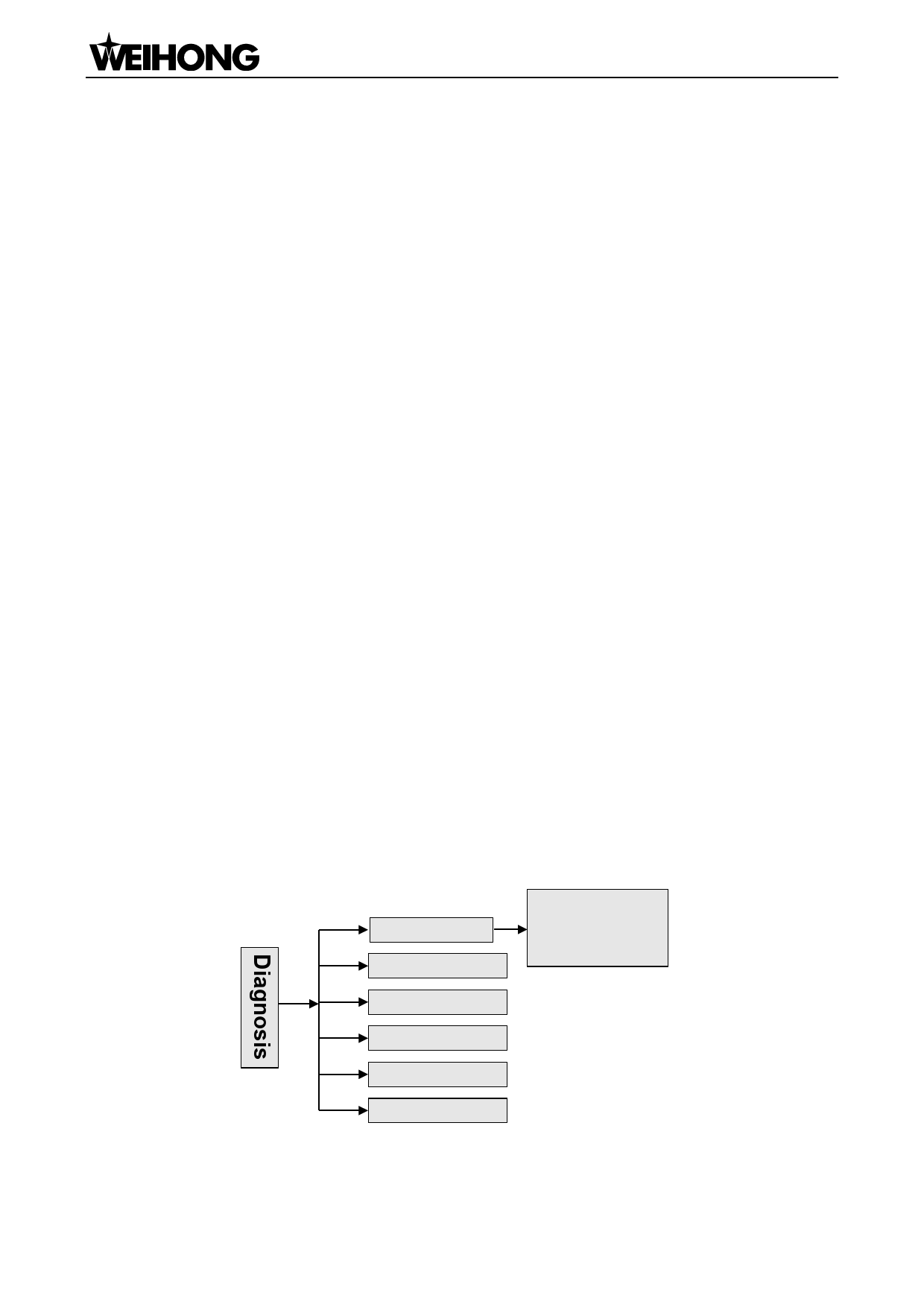
The submenus under this page are as shown in Fig. 6-20.
1. System Info
2. Port List
1. Software Ver.
2. Card No.
3. Remaining Time
4. Register Times
3. Keypress Diag
4. Inport Diag
5. Outport Diag
6. LED Diag
Fig. 6-20 Submenu list of system diagnosis
「60」Menu Page

















































































































