






Hikrobot Machine Vision Software User Manual
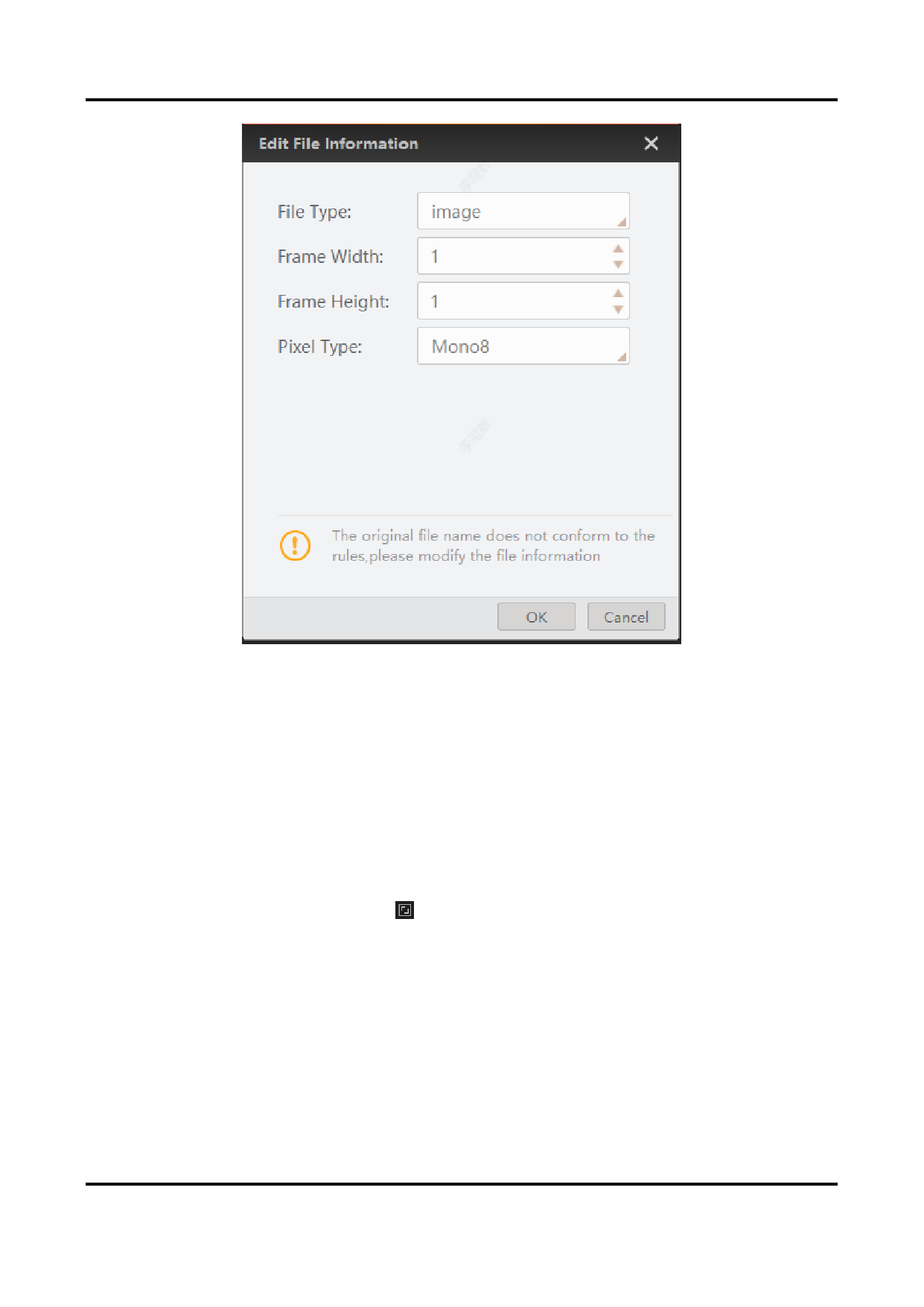
Figure 6-2 Edit File Information
2. Edit the file information, including file type, frame width, frame height, and pixel type.
3. Click OK.
The image or video will be displayed as you edited.
4. Right-click the image and then click Clear Local File to clear the local file from the
Software.
6.4 Full Screen Live View
You can view live view in full screen in both 1-window mode or multiple-window mode.
In multi-window mode, you can click or Full Screen on the right-click menu to enter the
full screen mode. And right-click the image and then click Exit Full Screen to exit full screen
mode.
In 1-window mode, you can double-click the image to enter or exit the full-screen mode.
6.5 Customize Window Division
Three default window division modes are provided in Custom Division module, i.e., 2 X 2
(4-Window), 3 X 3 (9-Window), and 4 X 4 (16-Window). You can add the three modes to the
87


























































































































































