






Hikrobot Machine Vision Software User Manual
Note
● DPC can only be imported to the same camera, while User Set can only be imported to
the cameras of the same model.
● The DPC will be imported and be effective directly. While for User Set, you should load
the User Set to make it effective (see Step 5).
5. If you select a User Set in step 3, load the User Set to make it effective.
1) Click Feature Tree.
2) Click to display the features under User Set Control.
3) Select a User Set from User Set Selector.
4) Click Execute to execute the User Set Load command to load the selected User Set.
5.8.2 Export User Set
Perform the following task to export User Set to the local PC.
Before You Start
Save the current camera settings to a specific User Set. See User Set Control for details.
Steps
1. Connect the camera to the Software.
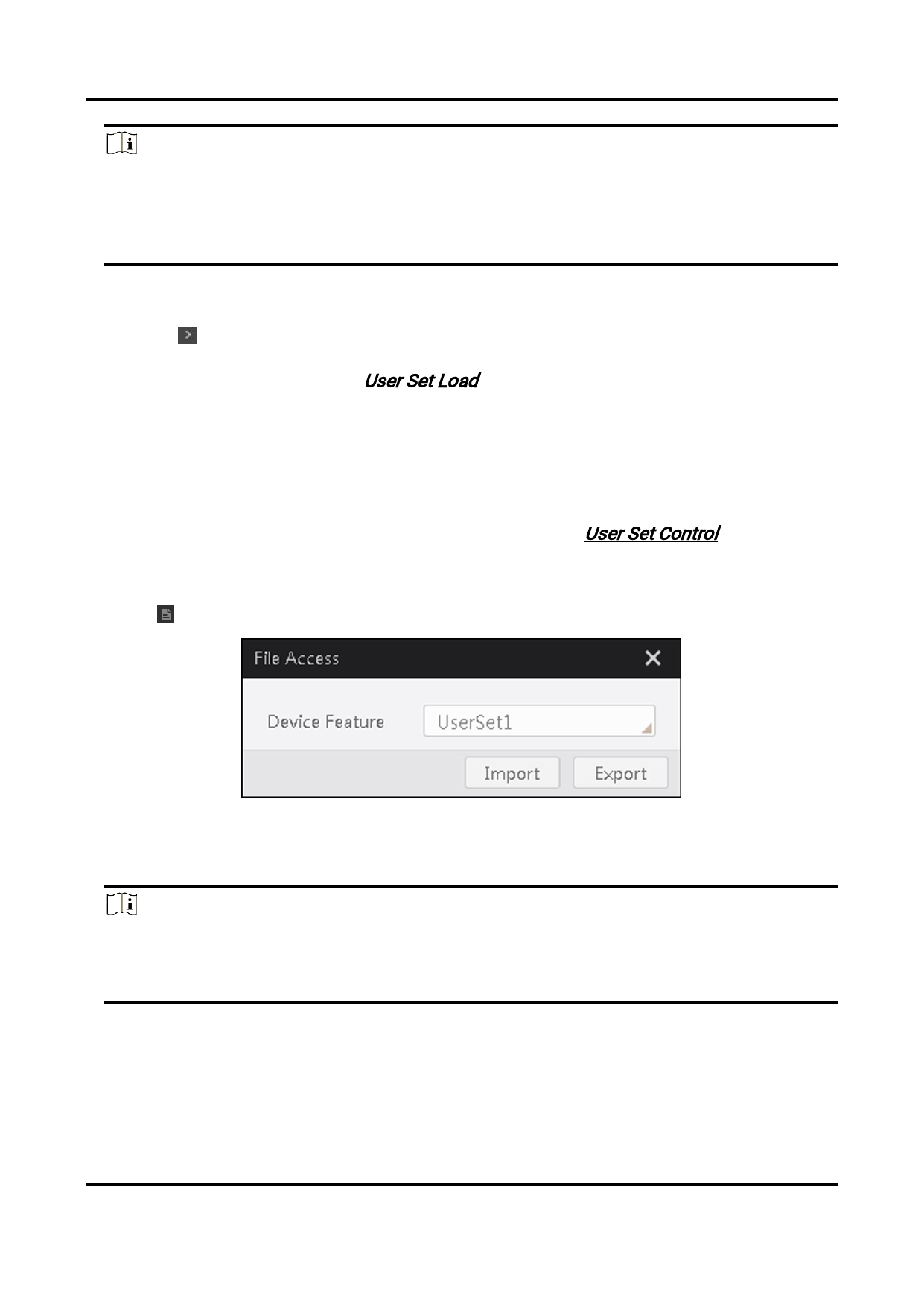
2. Click to open the File Access window.
Figure 5-10 File Access Window
3. Select a User Set or DPC from the drop-down list.
4. Click Export to export the User Set to the PC as a binary file.
Note
● The file format is mfa by default.
● The name of the exported file is "Camera Model_Camera Serial Number_User Set
Name" by default. Example: MV-CA023-10GC_00682345470_UserSet2.mfa
A prompt will appear when the Use Set is exported.
5. Optional: Click View to go to the directory of the exported file.
80


























































































































































