






Hikrobot Machine Vision Software User Manual
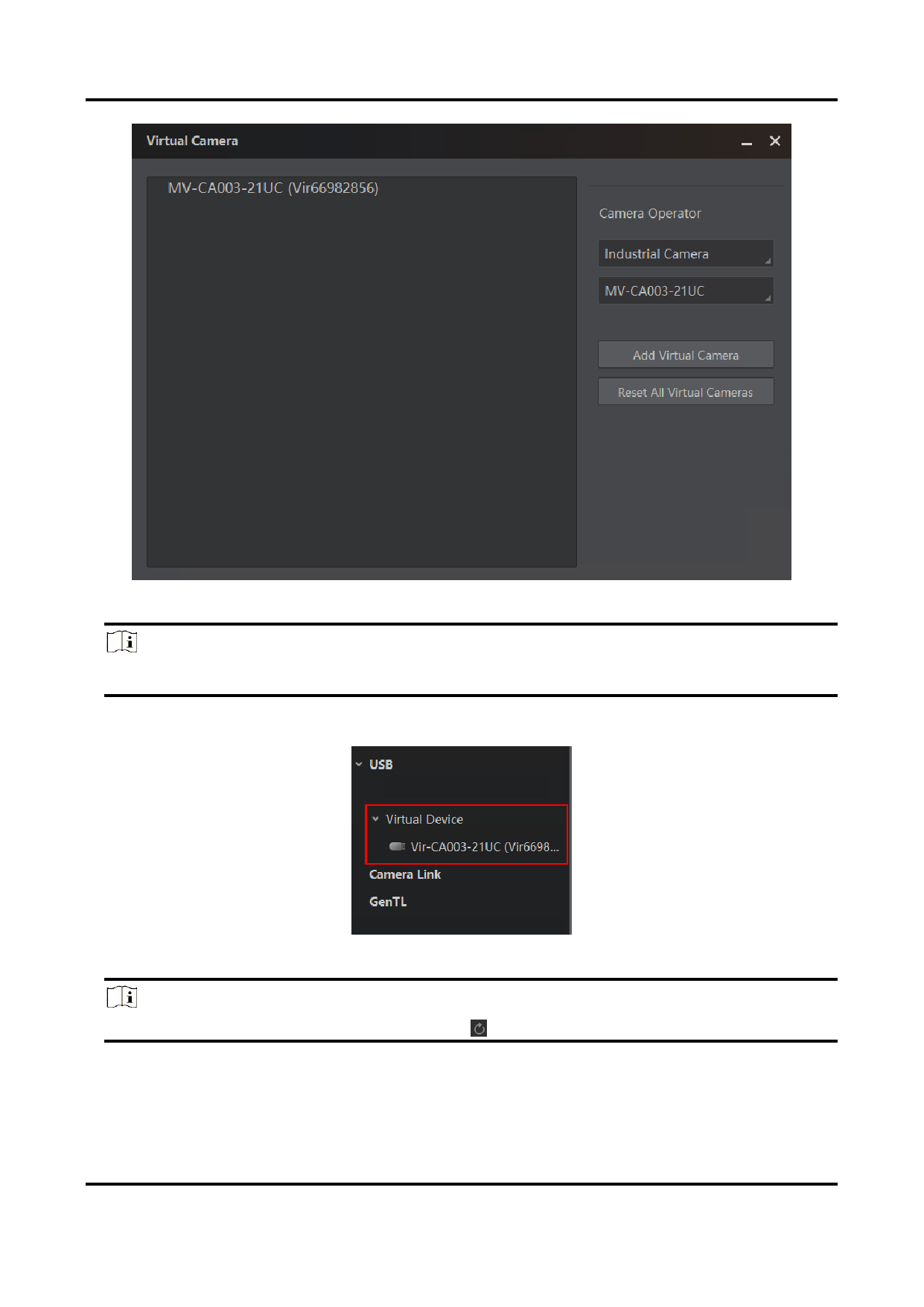
Figure 4-10 Virtual Camera
Note
The supported virtual camera models are subject to the displayed options.
The added virtual cameras will be displayed on the Device List.
Figure 4-11 Virtual Camera List
Note
If there is no virtual camera displayed, click
to refresh.
3. Optional: You can also add virtual cameras via GenTL. Right-click GenTL and click Select
cti File. Select and open MvProducerVIR.cti file to display virtual cameras.
4. Double-click a virtual camera to show the feature tree of the camera.
47


























































































































































