






Hikrobot Machine Vision Software User Manual
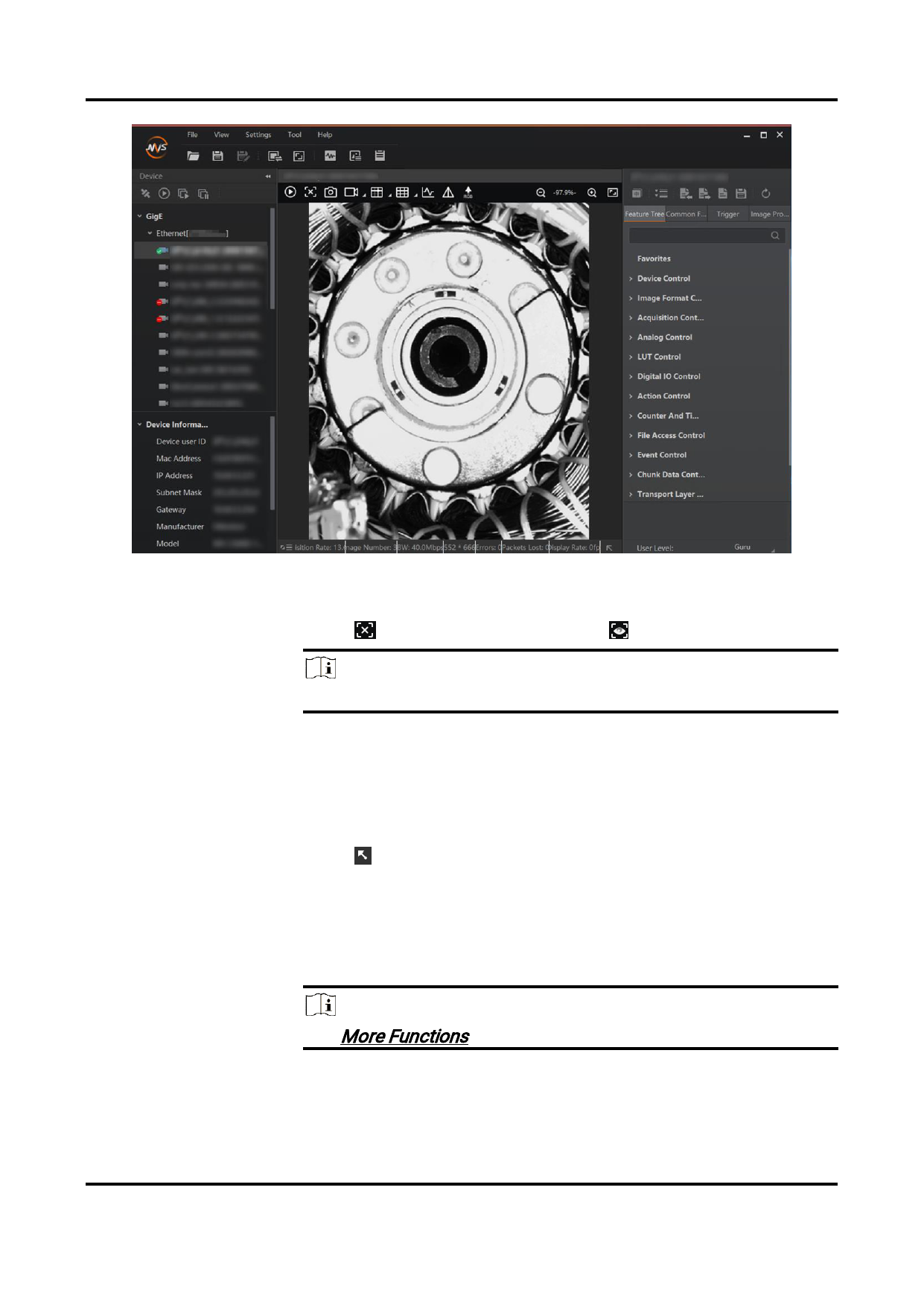
Figure 6-1 1-Window Mode Live View
3. Optional: Perform the following operations if required.
Stop/Resume Live
View
Click to stop live view, and click
Note
to resume live view
After live view being stopped, acquisition still goes on.
Switch Camera for
Live View
Display Thumbnail
View
If you are acquiring image data from multiple cameras, you can
double-click the connected camera on the device list to switch
camera for live view.
Click at the lower-right of the image to display the thumbnail
view.
When you zoom in the live view image, an orange rectangle,
which represents the zoomed-in part of the original image, will
display on the thumbnail view. You can drag the rectangle to
view details of different parts of the original image.
Note
See More Functions for details about image zoom.
4. Stop acquisition.
84


























































































































































