






Hikrobot Machine Vision Software User Manual
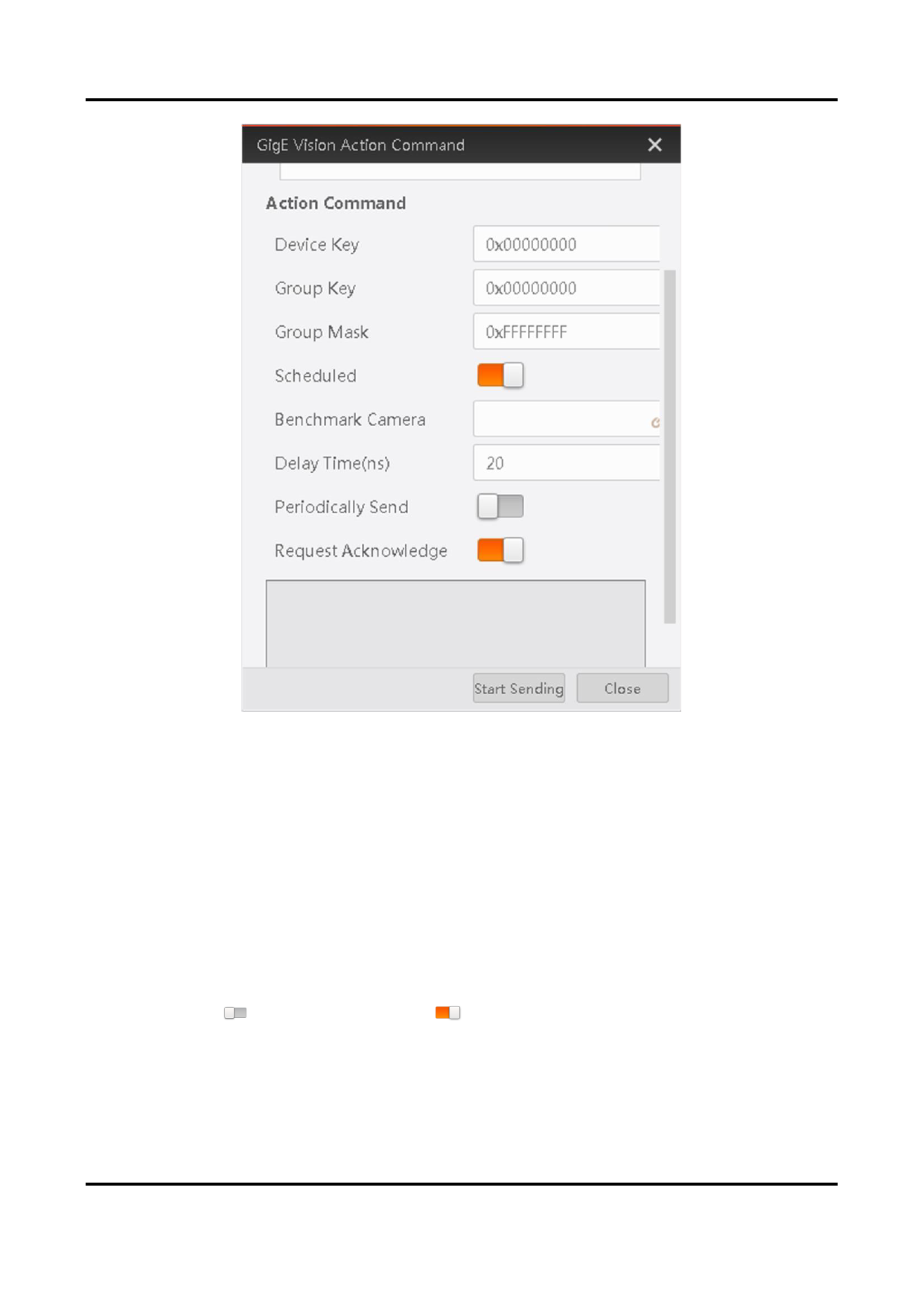
Figure 7-6 GigE Vision Action Command Window
2. Select network interface(s) to set the subnet(s) that the command to be sent to.
3. Enter the device key, group key, and group mask.
Parameter
Requirement
Device Key
Its value should be the same with the value of the
ActionDeviceKey feature.
Group Key
Its value should be the same with the ActionGroupKey feature.
Group Mask
The bitwise AND operation of the Group Mask against the
ActionGroupMask feature should results in non-zero.
4. Optional: Set in Scheduled field to
to enable scheduled action command.
Benchmark Camera
The value of the GevTimestampValue feature of the selected camera will be
automatically acquired and be used as the start time point for the delay.
123


























































































































































