






Hikrobot Machine Vision Software User Manual
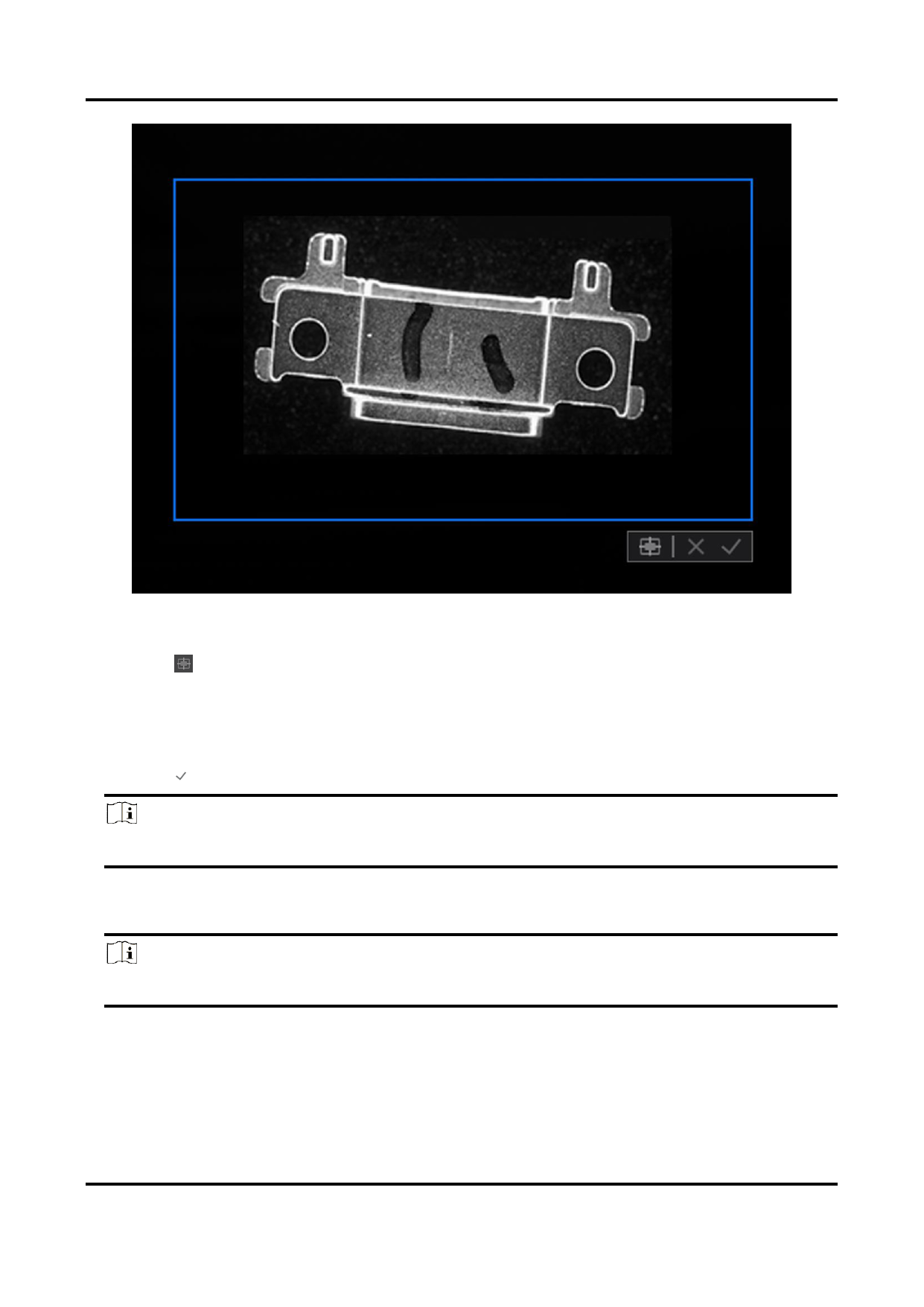
Figure 5-4 ROI
9. Optional: Adjust the position of the ROI.
– Click to move the ROI to the center of the Live View window.
– Hover the cursor onto the ROI until the cursor turns into a hand icon and then drag the
ROI to adjust its position.
10. Finnish drawing.
– Right-click the image and then click Finish.
– Click .
Note
The image resolution will be lower after setting ROI.
Only the selected ROI will be displayed.
11. Optional: Click Restore Max. ROI to restore the image to the original size.
Note
The image resolution will also be restored to the original state.
5.4.2 Configure AOI
AOI, which is short for Auto Function ROI, is the ROI that provides certain automatic
68


























































































































































