






Hikrobot Machine Vision Software User Manual
Version
Date
Changes
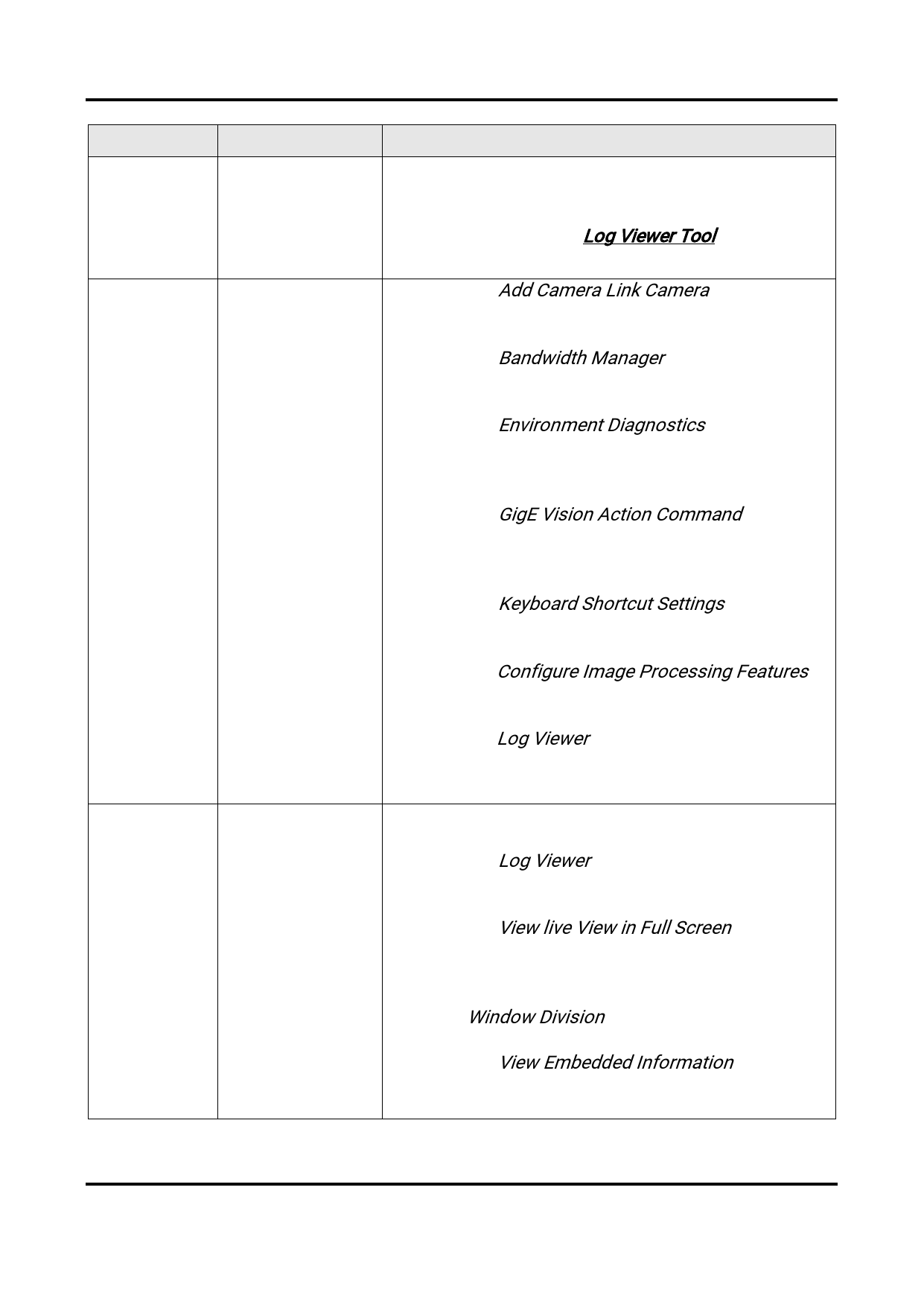
● Supports manually refreshing logs on Log Viewer,
viewing process name and process ID in the log
information, and adding DLL(s) to display their
logs. For details, see Log Viewer Tool.
3.1.0
11th Oct. 2018
● Added the Add Camera Link Camera chapter to
introduce how to add Camera Link cameras to the
client and the camera status.
● Added the Bandwidth Manager chapter to
introduce how to optimize bandwidth of the
connected cameras via Bandwidth Manager.
● Added the Environment Diagnostics chapter to
introduce how to diagnose and optimize the
running environment and the secondary
development environment.
● Added the GigE Vision Action Command chapter
to introduce GigE Vision action command, which
can be used to trigger actions in multiple cameras
in a network simultaneously.
● Added the Keyboard Shortcut Settings chapter to
introduce how to configure keyboard shortcuts for
some frequently-used operations.
● Edited the Configure Image Processing Features
to introduce changes in the operations of drawing
ROI.
● Edited the Log Viewer chapter to introduce how to
configure SDK log service.
3.0.0
6th Jul. 2018
● Restructured the whole user manual due to UI
changes.
● Added the Log Viewer chapter to introduce the
tool in which you can view and filter logs from
different DLLs.
● Added the View live View in Full Screen chapter to
introduce how to view live view in full screen mode
when the window division is set to 1-window mode
and multiple-window mode.
● Added Window Division to introduce how to set
window division and customize window division.
● Added the View Embedded Information chapter to
introduce how to view the embedded image
information of multiple cameras simultaneously.
6


























































































































































